
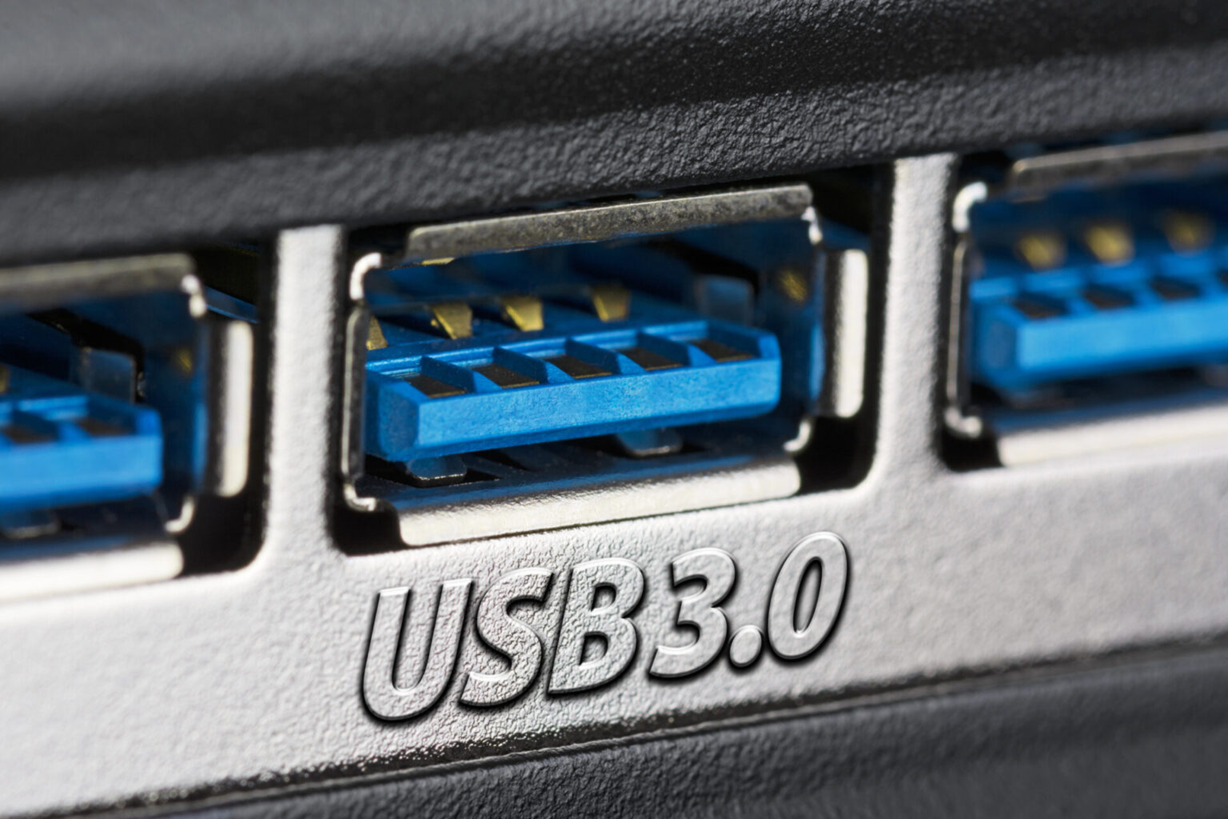
USB 2.0 VS 3.0: USB, i.e., Universal Serial Bus, is a standard with the help of which computers and other electronic devices are connected to each other.
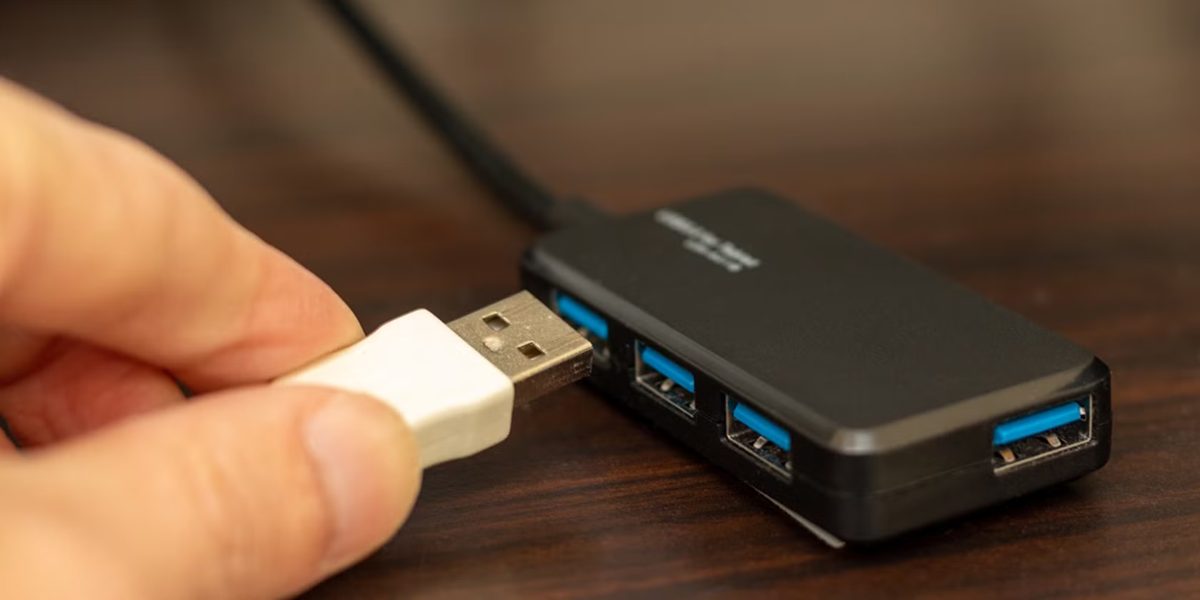
(USB 2.0 Vs USB 3.0)
USB 2.0 VS 3.0: Data has become increasingly important in the digital world. People use a variety of devices to store their data. It's worth noting that many devices, such as pen drives, external hard drives, keyboards, mice, and printers, connect to computers or laptops via USB. However, people often overlook certain considerations when purchasing a new USB drive. There's a lot of confusion surrounding USB 2.0 and USB 3.0 . Therefore, today we're going to explain the differences between the two and which one is best for you.
What is USB
According to information, USB, or Universal Serial Bus, is a standard used to connect computers and other electronic devices. It not only transfers data but also provides power to various devices. USB technology has evolved over time, and now several generations are available on the market.
What is the difference between USB 2.0 and USB 3.0
The biggest difference between these two USBs is their data transfer speed. USB 2.0 has a theoretical maximum speed of 480 Mbps (approximately 60 MB/s), while USB 3.0 reaches a maximum speed of 5 Gbps (approximately 625 MB/s).
This means that USB 3.0 is capable of transferring data many times faster than USB 2.0. So, if you need to transfer large video files, high-resolution photos, or games, USB 3.0 may be a better option for you.
There is also a difference in the power supply.
For your information, USB 3.0 is considered superior not only in speed but also in power delivery. USB 2.0 provides up to 500mA of power, while USB 3.0 is capable of delivering up to 900mA. This allows many devices to charge much faster and accessories like external hard drives to function better.
How to identify the two
It's also easy to distinguish between USB 2.0 and USB 3.0. The plastic inside a USB 3.0 port or connector is often blue. Meanwhile, the inside of a USB 2.0 port is usually black or white. Many companies also mark USB 3.0 with "SuperSpeed." However, not every company uses the same color, so be sure to read the packaging before purchasing.
Will USB 3.0 work in older ports?
Yes, the most important thing about USB 3.0 is that it's backward compatible. This means that a USB 3.0 pen drive can be plugged into a USB 2.0 port, and a USB 2.0 device can also be used in a USB 3.0 port. However, if you plug a USB 3.0 device into a USB 2.0 port, you'll still get the same speed as a 2.0 device.
Who benefits from buying it?
Which USB port you should buy depends entirely on your needs. If you only need to transfer documents, PDFs, or small files, you should consider a USB 2.0 port. However, if you frequently copy large files, edit videos, play games, or require high-speed data transfer, a USB 3.0 port will be the best option.
Keep these things in mind
Let us tell you that before buying a USB port, you should always keep some important things in mind.
- Buy a USB drive or cable from a good and reliable company.
- Don't buy any USB port just because of its low price.
- If you want to use it in the future, it would be better for you to choose USB 3.0 or a newer version.
- High-speed USB is most useful for large files.





