NEWS
New WhatsApp Malware Scam Targets PC Users Through Fake Business Files, Cybersecurity Firm Issues Warning
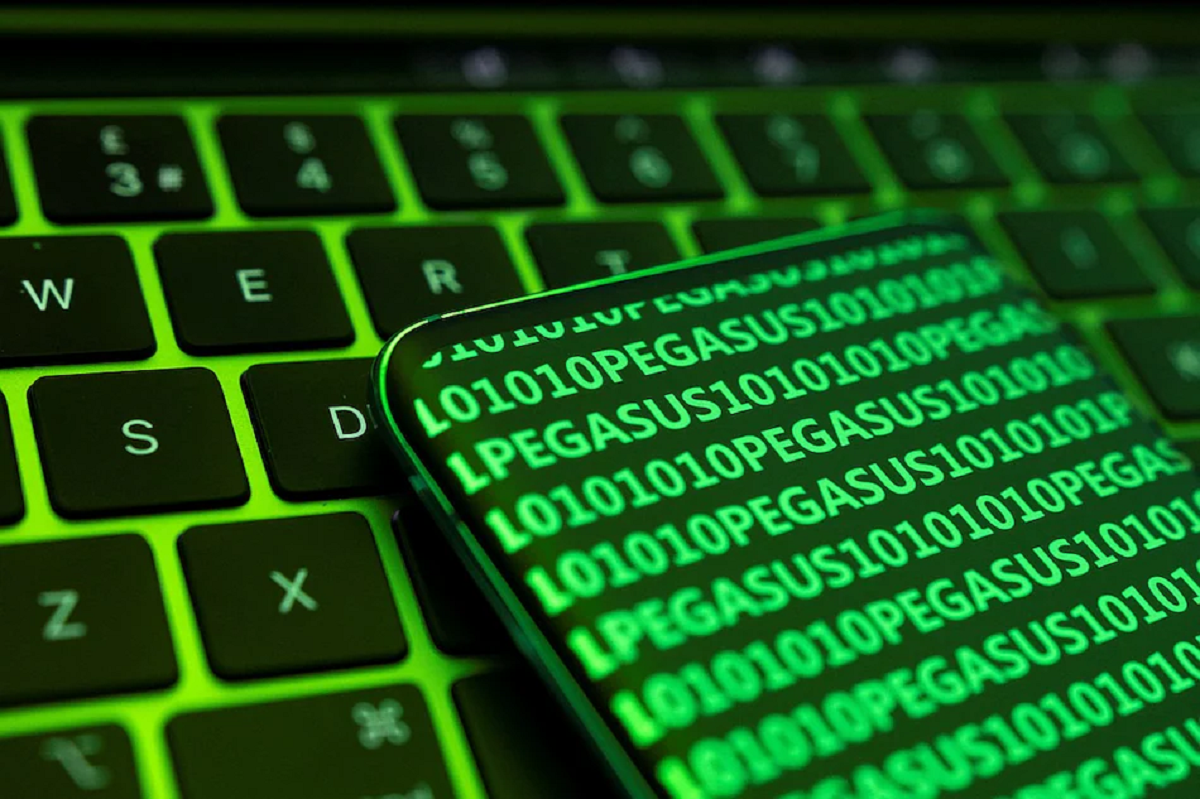
WhatsApp users who access the platform through WhatsApp Desktop or WhatsApp Web are being urged to stay alert after cybersecurity researchers uncovered a malware campaign that spreads through fake document attachments. According to security experts, cybercriminals are using compromised WhatsApp accounts to send files that appear to be legitimate business documents, with the goal of infecting victims' computers.
The campaign was identified by cybersecurity company Kaspersky, which warned that opening these malicious files could allow attackers to gain remote access to a user's PC.
Hacked WhatsApp Accounts Being Used to Spread Malware
Researchers from Kaspersky's Global Research and Analysis Team (GReAT) reported that attackers are distributing malware by first taking control of existing WhatsApp accounts.
Once an account has been compromised, the attackers send infected attachments to the victim's contacts. Because the files arrive from someone the recipient already knows, users are more likely to trust the message and open the attachment without verifying its authenticity.
Security researchers say this tactic exploits the trust people place in familiar contacts, making the attack more effective than traditional phishing attempts.
Fake Business Documents Used as Bait
The malicious files are disguised as routine business or financial documents to encourage recipients to open them.
Some of the filenames reportedly include:
- Invoice
- Bank Statement
- Payment Record
- Account Statement
- Debt Notice
Researchers also found that these file names appear in multiple languages, including English, Portuguese, French, German, and Malay, suggesting that the campaign is targeting users across several regions.
To make the files appear even more convincing, the attackers reportedly include comments and metadata that imitate legitimate Microsoft Windows Update files.
Countries Where the Campaign Has Been Observed
According to Kaspersky, the malware campaign has been detected in several countries, including:
- Malaysia
- Brazil
- Singapore
- Taiwan
- Vietnam
While these are the locations where activity has been identified, cybersecurity experts advise users everywhere to remain cautious, as similar campaigns can spread quickly across regions.
How the Malware Infects a Computer
The attack reportedly begins when a victim opens a malicious VBScript (.vbs) file received through WhatsApp.
Once executed, the script initiates a multi-stage infection process.
According to the researchers, the initial script creates a working directory on the computer before downloading additional scripts from external servers. These scripts are then executed through Windows Script Host, enabling further malware components to be installed.
The infection may eventually download remote monitoring and management software, allowing attackers to control the infected computer remotely.
Such access could potentially expose sensitive information stored on the device or enable additional malicious activities.
Why This Attack Is Effective
Cybersecurity experts say one of the biggest reasons this campaign succeeds is that victims receive the files from trusted contacts rather than unknown senders.
Since the WhatsApp accounts have already been compromised, recipients often assume the attachment is legitimate and may not hesitate before opening it.
Researchers warn that cybercriminals are increasingly relying on compromised messaging accounts to bypass traditional security awareness.
How to Protect Yourself
Kaspersky recommends exercising caution before opening any unexpected attachment received through WhatsApp, even if it appears to come from a friend, colleague, or family member.
Users should avoid opening the following file types unless they have independently confirmed that the sender intentionally shared them:
- .vbs
- .vbe
- .exe
- .bat
- .cmd
- .js
- .ps1
If an attachment seems unusual, it is advisable to contact the sender through another trusted communication method to verify whether they actually sent the file.
Additional Safety Tips
Cybersecurity professionals also recommend the following precautions:
- Keep your operating system and software updated with the latest security patches.
- Install a trusted antivirus or endpoint security solution on your computer.
- Enable two-factor authentication wherever available.
- Avoid downloading or running files from unexpected messages.
- Be cautious of urgent requests involving invoices, payments, or financial documents.
Final Takeaway
The latest malware campaign highlights how cybercriminals continue to exploit trusted messaging platforms to spread malicious software. By disguising harmful files as routine business documents and sending them from compromised WhatsApp accounts, attackers increase the likelihood that recipients will open the attachments.
Users of WhatsApp Desktop and WhatsApp Web should remain vigilant, verify unexpected files before opening them, and avoid executing script or executable files received through chat. Taking a few extra moments to confirm the authenticity of an attachment can significantly reduce the risk of malware infection and unauthorized access to personal computers.