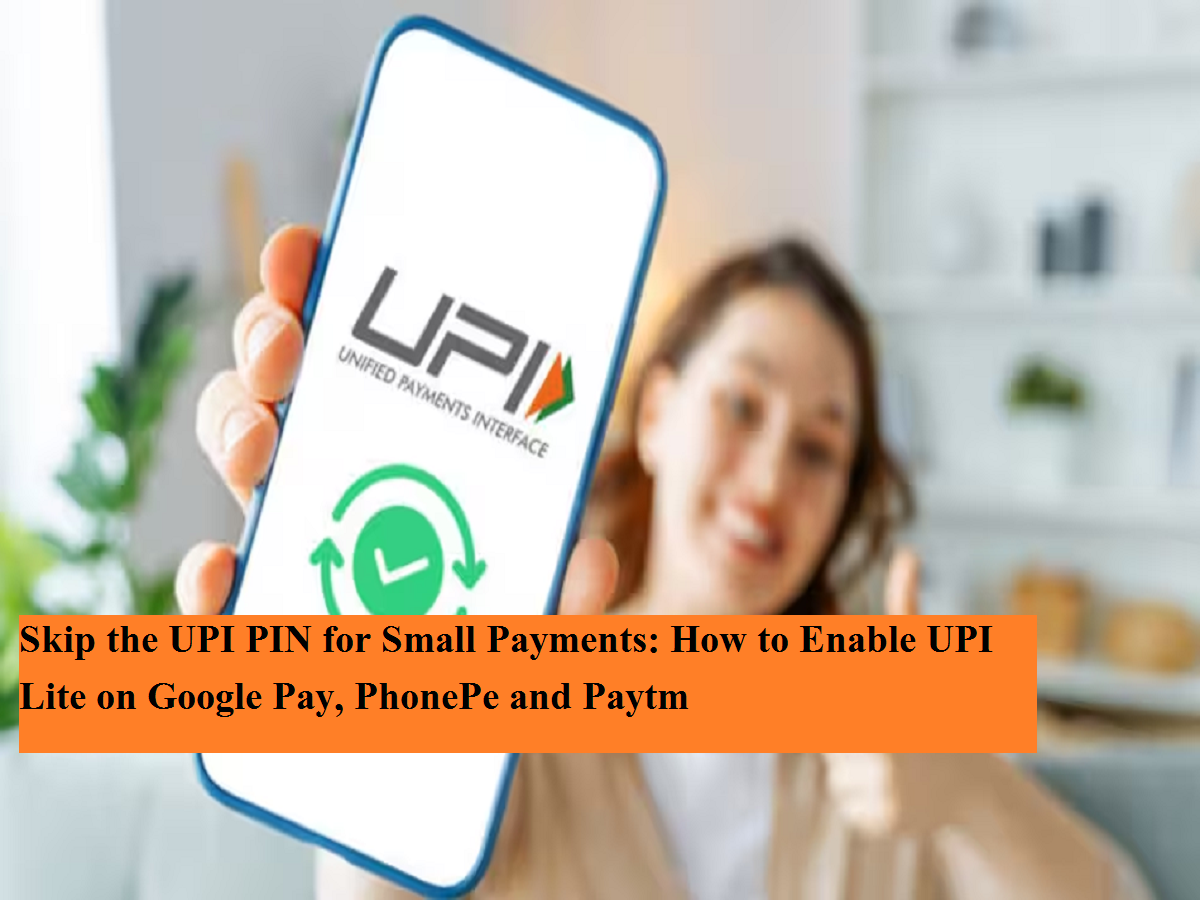
Making small digital payments can become much faster with UPI Lite, a feature developed by the National Payments Corporation of India (NPCI) to simplify low-value UPI transactions. Instead of entering your UPI PIN every time you make a small payment, UPI Lite allows you to pay directly from a prepaid balance stored within your UPI app.
The feature is available on popular payment platforms, including Google Pay, PhonePe, Paytm, and several banking applications. Once activated, it can make everyday transactions such as paying for groceries, tea, public transport, or local shopping quicker and more convenient.
Here's everything you need to know about UPI Lite, how it works, and the steps to activate it.
What Is UPI Lite?
UPI Lite functions like a lightweight digital wallet linked to your bank account.
Instead of processing every small payment directly through your bank account, users first transfer a limited amount of money into their UPI Lite balance. Future eligible transactions are then completed using this stored balance, eliminating the need to enter the UPI PIN for every low-value payment.
The feature is designed to improve payment speed while reducing the load on banking systems during high transaction volumes.
How to Activate UPI Lite
Although the exact menu may differ slightly across apps, the activation process is generally similar on most supported platforms.
Step 1: Open Your UPI App
Launch Google Pay, PhonePe, Paytm, or any banking application that supports UPI Lite.
Step 2: Go to UPI Lite Settings
Open your profile or account settings and look for the UPI Lite option. In some apps, it may also appear under the payments or UPI settings menu.
Step 3: Select Your Bank Account
Choose the bank account that you want to connect with UPI Lite.
Step 4: Add Funds
Enter the amount you wish to load into your UPI Lite balance.
Step 5: Verify Using Your UPI PIN
Complete the one-time fund transfer by entering your UPI PIN.
Once the money is added successfully, UPI Lite becomes active and can be used for eligible low-value transactions without requiring a PIN each time.
Benefits of Using UPI Lite
UPI Lite offers several advantages for users who frequently make smaller digital payments.
Faster Payments
Since eligible transactions do not require repeated PIN authentication, payments can be completed much more quickly.
Greater Convenience
It simplifies routine purchases such as snacks, coffee, groceries, parking charges, taxis, or local transport fares by reducing the number of steps involved.
Cleaner Bank Statements
Because payments are made from the UPI Lite balance instead of directly from the linked bank account, your bank statement is not cluttered with numerous small-value transactions, making it easier to review larger expenses.
Reduced Banking Load
UPI Lite also helps improve the efficiency of the UPI ecosystem by handling small transactions separately from regular bank account processing.
Things to Remember Before Using UPI Lite
Before enabling the feature, users should keep a few important points in mind.
- Your bank must support UPI Lite.
- The UPI application you use should also offer the feature.
- Only a limited balance can be stored in UPI Lite, according to NPCI guidelines.
- Once the balance is exhausted, you will need to add funds again before making additional PIN-free payments.
- Always keep your payment app updated to the latest version to ensure access to new features and security improvements.
Who Should Use UPI Lite?
UPI Lite is particularly useful for people who make several low-value digital payments throughout the day.
Whether you regularly pay for tea, snacks, local shopping, public transport, fuel, or small retail purchases, UPI Lite can significantly reduce the time spent entering your UPI PIN repeatedly.
For users who rely heavily on UPI for daily spending, the feature provides a smoother and more efficient payment experience while maintaining the convenience of digital transactions.
Final Takeaway
UPI Lite is designed to make everyday digital payments quicker and more seamless by removing the need to enter your UPI PIN for every eligible low-value transaction. With support available on leading payment apps such as Google Pay, PhonePe, and Paytm, activating the feature takes only a few minutes.
If your bank and payment app support UPI Lite, enabling it can make routine purchases faster while helping keep your primary bank statement free from numerous small-value entries. Before using the feature, ensure your app is updated and familiarize yourself with the applicable balance and transaction limits.