NEWS
Manage Your Card Security: How to Turn ATM, Online and International Transactions On or Off for Bank Cards
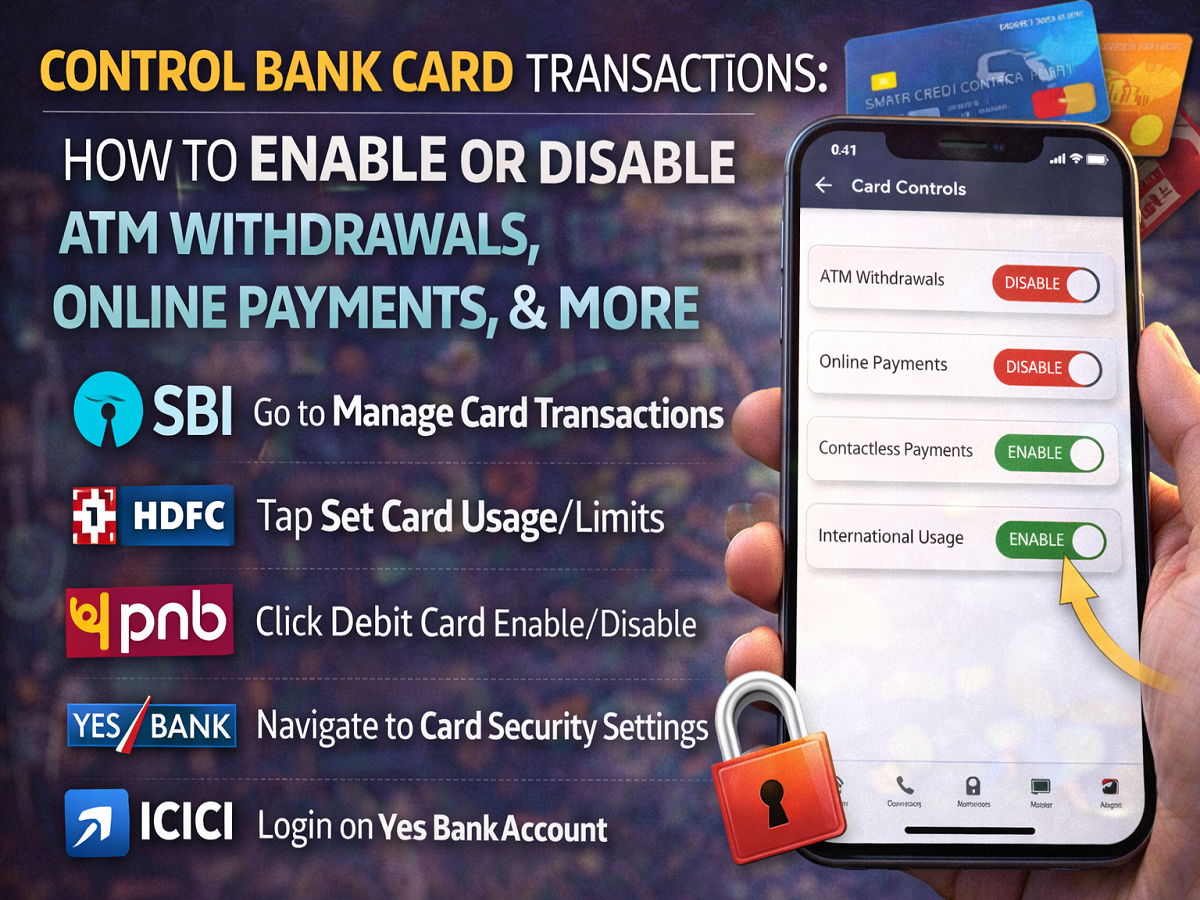
Step-by-Step Guide to Enable or Disable ATM Withdrawals, Online Payments and Other Card Transactions
With the growing number of digital payments, banks in India have introduced several security features to protect customers from fraud. One such important feature allows users to control how their debit or credit cards are used by enabling or disabling ATM withdrawals, online transactions, contactless payments, and international usage.
Following guidelines from the Reserve Bank of India, most banks now allow customers to manage these settings through internet banking, mobile banking apps, or card management portals. This feature helps prevent unauthorized transactions and gives users more control over their financial security.
If you want to manage these settings for your card, here is a bank-wise guide explaining how to enable or disable transaction options.
Why Banks Allow Transaction Controls
Card transaction controls are designed to improve customer safety. Earlier, many card features were automatically active, which increased the risk of misuse if a card was lost or stolen.
Now, banks usually keep ATM withdrawals and POS transactions enabled by default, while online or international transactions may remain disabled until users activate them.
These controls allow customers to:
- Block online payments if they rarely shop online
- Disable international transactions when not travelling
- Turn off contactless payments for additional security
- Temporarily disable card usage when not needed
State Bank of India (SBI)
Customers of State Bank of India can manage card transactions using both the SBI Card app and internet banking.
For Credit Cards
Using SBI Card App
- Log in to the SBI Card mobile app.
- Tap Manage Card Usage.
- Select Manage Card Transactions.
- Choose the transaction type you want to enable or disable.
Using SBI Card Website
- Log in to the SBI Card website.
- Click Manage Card Usage from the menu.
- Select Manage Card Transactions.
- Modify the required transaction settings.
For Debit Cards
- Log in to the Online SBI portal.
- Enter your user ID and password and verify with OTP.
- Go to Menu → E-Services → ATM Card Services.
- Choose ATM Card Limit / Channel / Usage Change.
- Select your account and card number.
- Enable or disable ATM, POS, or Online transactions.
HDFC Bank
Customers of HDFC Bank can control card usage through net banking.
Debit Card
- Log in to HDFC NetBanking.
- Go to the Cards section.
- Select Set Card Usage / Limits.
- Choose your debit card.
- Toggle ATM, POS, contactless, or online usage.
- Set limits and confirm with OTP.
Credit Card
- Log in to NetBanking.
- Select the Cards tab.
- Click Set Card Usage / Limits.
- Enable or disable domestic or international transactions.
- Confirm using OTP.
Punjab National Bank (PNB)
Customers of Punjab National Bank can change debit card settings through internet banking.
Steps
- Visit the PNB internet banking portal.
- Click Retail Internet Banking.
- Select Debit Card Enable/Disable.
- Enter your account number.
- Verify with OTP.
- Provide card details and PIN for authentication.
- Choose transaction options such as ATM, POS, E-commerce, or contactless.
YES Bank
Customers of YES Bank can adjust card security settings through net banking.
Debit Card
- Log in to Yes Bank net banking.
- Open the Debit Card Dashboard.
- Select Debit Card Security Settings.
- Choose Edit Limit and set transaction controls.
Credit Card
- Log in to net banking.
- Select your credit card.
- Open Transaction Control.
- Set limits for domestic or international payments.
ICICI Bank
Customers of ICICI Bank can manage card settings using mobile banking or net banking.
Debit Card (Using iMobile App)
- Install and open the iMobile app.
- Log in using net banking credentials.
- Tap My Savings Account.
- Select Debit Card.
- Adjust transaction settings using the toggle options.
Credit Card
- Log in to ICICI net banking.
- Go to Cards & Loans.
- Select Credit Card.
- Click Manage Credit Card Usage.
- Edit and save changes after OTP verification.
Final Thoughts
Managing card transaction settings is one of the easiest ways to protect yourself from banking fraud. By disabling features that you do not regularly use—such as international payments or online transactions—you can significantly reduce the risk of unauthorized usage.
Most banks now offer simple toggle-based controls through mobile apps and internet banking, making it easier than ever to customize your card security. Reviewing these settings periodically ensures that your cards remain both convenient and secure for everyday transactions.