
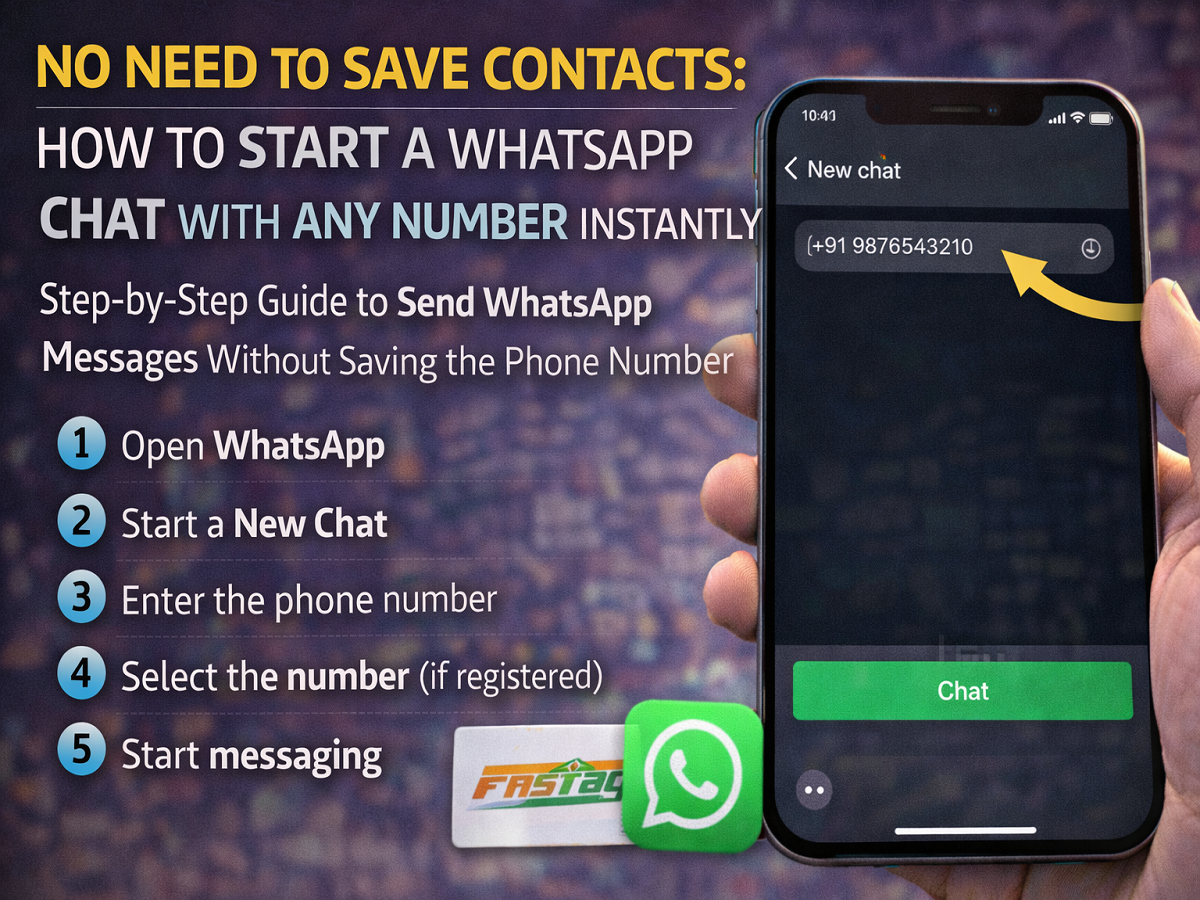
Step-by-Step Guide to Send WhatsApp Messages Without Saving the Phone Number
WhatsApp has introduced a convenient feature that allows users to start conversations with any phone number without saving it to their contacts. This update makes chatting easier, especially when you need to message someone for a one-time conversation.
Earlier, users had to save a number in their phonebook before starting a chat on WhatsApp. Many people relied on third-party tools or special links to send messages to unsaved numbers. However, with this new feature, WhatsApp now allows users to search and message unknown numbers directly within the app.
The feature works on both Android and iOS devices, simplifying communication and eliminating the need to clutter your contacts list with temporary numbers.
Why This Feature Is Useful
The ability to message someone without saving their number can be helpful in several situations.
For example:
- Contacting a delivery person or service provider
- Messaging a new client or customer
- Sending a quick message for temporary communication
- Avoiding unnecessary contacts in your phonebook
This feature improves user convenience and makes WhatsApp more flexible for everyday use.
How the Feature Works
When you type a phone number in the WhatsApp search bar or new chat section, the app automatically checks whether the number is registered on WhatsApp—even if it is not saved in your contacts.
If the number is linked to a WhatsApp account, the app will display the option to start a chat instantly.
This means users no longer need to save the number first.
Steps to Chat on WhatsApp Without Saving the Number
Follow these simple steps to start a conversation with an unsaved number.
Step 1: Open WhatsApp
Launch the WhatsApp application on your smartphone.
Step 2: Start a New Chat
Tap the New Chat icon located in the bottom-right corner of the screen.
Step 3: Enter the Phone Number
Type the mobile number you want to contact in the search bar.
WhatsApp will search both your contacts and numbers outside your phonebook.
Step 4: Select the Number
If the number is registered on WhatsApp, it will appear in the search results.
Tap on the number to open the chat window.
Step 5: Start Messaging
Once the chat window opens, you can send messages directly without saving the number in your contacts.
Benefits of the New WhatsApp Feature
This update offers several advantages for users:
- Faster communication with unknown contacts
- No need to save temporary numbers
- Cleaner and more organized contact lists
- Easy messaging for business or service-related conversations
The feature reflects WhatsApp’s efforts to improve the overall messaging experience for its global user base.
WhatsApp continues to add new features that make communication simpler and more efficient. The ability to chat with a phone number without saving it is a practical update that saves time and reduces unnecessary contacts in your phonebook.
Whether you are messaging a service provider, client, or someone for a short conversation, this feature makes it easier to start a chat instantly within the app.




