
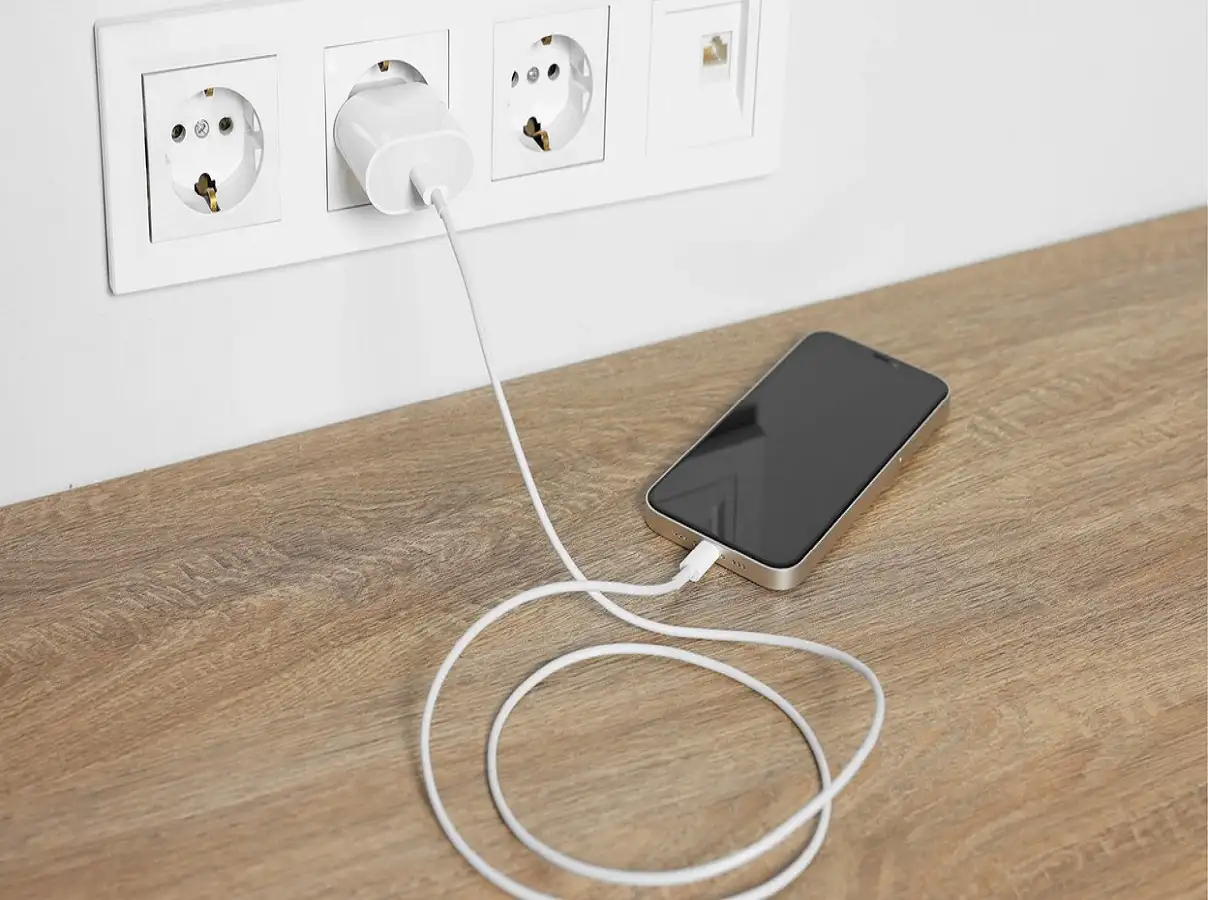
An iPhone's battery is designed to last for years, but everyday charging habits can have a significant impact on its long-term health. While modern iPhones include advanced battery management features, certain practices—such as excessive heat, low-quality chargers, and heavy usage during charging—can accelerate battery wear over time.
By following a few simple charging habits, you can help maintain better battery performance and extend your iPhone's lifespan.
Note: Apple uses lithium-ion batteries in iPhones. These batteries naturally lose capacity as they age, but proper charging habits can help slow the process.
1. Avoid Charging to 100% Every Time
Many users believe that charging their iPhone to 100% after every use is ideal. However, for day-to-day use, repeatedly keeping the battery at its maximum charge for extended periods may contribute to faster battery ageing.
Battery experts generally suggest:
- Keeping the battery between 20% and 80% for regular use when practical.
- Avoiding frequent deep discharges to 0%.
- Using Optimized Battery Charging, a feature available on iPhones that reduces the time the battery spends fully charged.
Occasionally charging to 100% is perfectly normal, especially when you need maximum battery life for the day.
2. Avoid Leaving Your Phone Plugged In Overnight Regularly
Leaving an iPhone connected to a charger overnight has become a common habit.
Modern iPhones are designed to stop charging once the battery reaches full capacity, and Optimized Battery Charging helps reduce long-term battery wear by delaying the final stage of charging until just before you typically unplug the device.
Even so, if overnight charging isn't necessary, unplugging the phone after it has charged can help minimize unnecessary heat and charging cycles over time.
3. Use Original or Certified Chargers
The quality of your charging accessories plays an important role in both battery performance and safety.
For the best results:
- Use Apple's original charger and cable whenever possible.
- Choose MFi (Made for iPhone) certified accessories from reputable manufacturers.
- Avoid low-quality or counterfeit chargers.
Certified charging accessories are designed to meet Apple's safety and performance standards, reducing the risk of unstable power delivery.
4. Avoid Charging in Very Hot Environments
Heat is one of the biggest factors that can affect the long-term health of lithium-ion batteries.
Try not to charge your iPhone:
- In direct sunlight.
- Inside a parked car on a hot day.
- Near heaters or other heat-producing appliances.
- In poorly ventilated locations.
Instead, charge your device in a cool, well-ventilated area whenever possible.
5. Let Your Phone Cool Down if It Becomes Too Hot
It's normal for an iPhone to become slightly warm during charging, particularly when using fast charging.
However, excessive heat should be avoided.
To reduce overheating:
- Avoid playing graphics-intensive games while charging.
- Close demanding applications if the phone becomes unusually warm.
- Remove a thick protective case if it traps heat.
- Allow the device to cool naturally before continuing heavy use.
If the iPhone becomes too hot, it may temporarily slow or pause charging to protect the battery.
Additional Tips to Maintain Battery Health
Along with good charging habits, you can help preserve battery performance by:
- Keeping iOS updated to the latest version.
- Enabling Optimized Battery Charging in Settings > Battery > Battery Health & Charging.
- Reducing screen brightness when appropriate.
- Turning off unnecessary background activity.
- Using Low Power Mode when the battery is running low.
Common Battery Myths
There are several misconceptions about smartphone batteries. Here are a few facts:
- Myth: You must fully discharge the battery before charging.
Fact: Lithium-ion batteries do not require complete discharge cycles. - Myth: Fast charging always damages the battery.
Fact: Apple's fast charging system is designed to manage heat and charging speed safely. - Myth: Charging to 100% occasionally will ruin the battery.
Fact: Occasional full charges are normal. The concern is keeping the battery at 100% for extended periods on a regular basis.
Final Thoughts
Your iPhone's battery naturally ages over time, but healthy charging habits can help slow that process. Avoid excessive heat, use Apple or MFi-certified chargers, enable Optimized Battery Charging, and avoid unnecessary strain on the battery during charging.
Making these small adjustments can help maintain better battery health, improve long-term performance, and reduce the need for premature battery replacement.





