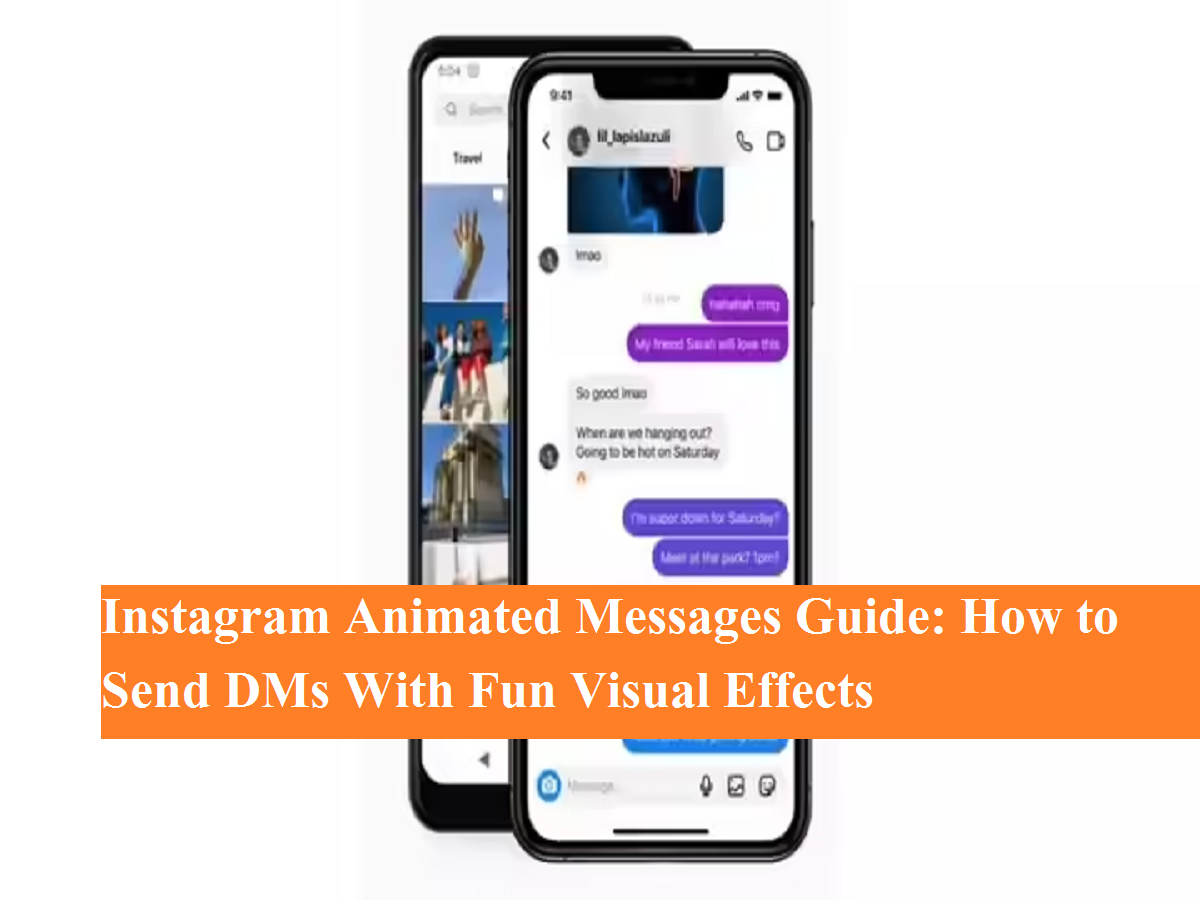
Instagram continues to upgrade its messaging experience, turning simple text chats into engaging and expressive conversations. In recent updates, Instagram Direct Messages (DMs) have received several interactive features that allow users to personalize chats like never before. One such feature is animated message effects, which add visual flair to your messages and make conversations more lively.
These animated effects are designed to enhance everyday chats by adding motion, emotion, and creativity. Whether you’re sending wishes, celebrating a moment, or expressing love, Instagram’s message effects help your words stand out.
What Are Instagram Message Effects?
Instagram message effects—also known as animated messages—are special visual animations that appear when a message is sent. Instead of plain text, your message is wrapped in an animation that reflects a specific mood or emotion.
Currently, Instagram offers four built-in animated message effects:
- Gift Box Effect – Perfect for surprises and special announcements
- Celebration Effect – Ideal for birthdays, achievements, or happy news
- Fire Effect – Adds energy and excitement to your message
- Flying Hearts Effect – Best for love, affection, or emotional messages
These effects are available directly within Instagram DMs and do not require any third-party apps.
How to Add Special Effects to Instagram Messages
Using animated effects in Instagram messages is simple and takes just a few seconds. Follow this step-by-step guide:
Step-by-Step Method
- Open the Instagram app on your smartphone.
- Go to the Direct Messages (DMs) section.
- Open the chat where you want to send an animated message.
- Type your message in the text box.
- Tap the search or magnifying glass icon next to the message field.
- A list of available animated effects will appear on the screen.
- Select the effect you want by tapping on it.
- Press the Send button.
Your message will be delivered with the selected animation, making the chat more engaging and visually appealing.
Why Use Animated Messages on Instagram?
Instagram message effects are more than just visual fun. They help users:
- Express emotions better than plain text
- Make conversations more interactive
- Highlight important or special messages
- Add creativity to everyday chats
These features are especially popular among younger users and content creators who enjoy adding personality to their online interactions.
Instagram DMs: More Than Just Text
Apart from animated messages, Instagram Direct Messages also offer:
- Custom chat themes
- Vanish mode for disappearing messages
- Personalized emoji reactions
- Avatar-based reactions
- Shortcut text replies
All these tools are designed to make Instagram messaging more dynamic and user-friendly.
Final Words
Instagram’s animated message effects are a small but powerful addition to DMs. They allow users to communicate with emotion, creativity, and style—without needing extra apps or complicated settings.
If you enjoy personalizing your chats and making conversations fun, try using these special effects in your Instagram messages today.