
If you regularly post Reels on Instagram, scheduling them in advance can be very beneficial. This eliminates the need to be online at the right time each time, and your content automatically publishes at the scheduled time. This feature is especially useful for creators, business accounts, and social media managers.
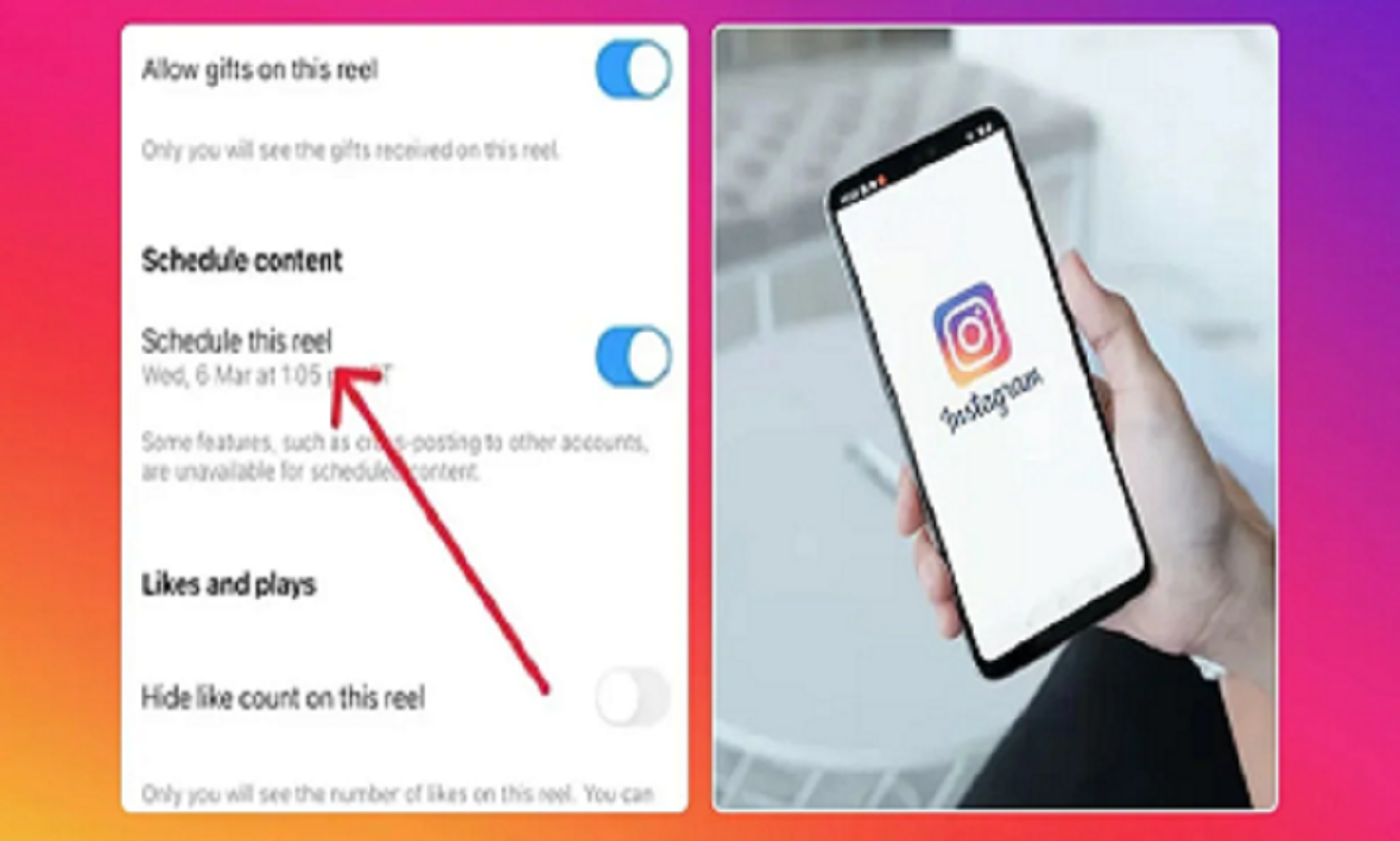
To schedule a Reel on Instagram, first update your app and make sure you have a Professional Account (Creator or Business ). Then, open Instagram and begin creating a new Reel. After editing the video, writing a caption, and adding hashtags, tap More Options.
Here, you'll see the option to Schedule this Reel or Schedule. Turn this option on and select your desired date and time. Once all the information is correct, tap the Schedule button. Your Reel will automatically be posted at the specified time.
If you've already scheduled a Reel and want to make changes to it, go to your profile and open the Scheduled Content section. From here, you can view any scheduled Reel, reschedule it, or cancel it if necessary.
The biggest advantage of scheduling Reels is that you can plan multiple posts in advance. This ensures regular content releases, ensuring your followers are constantly exposed to new Reels. Furthermore, posting at the right time is more likely to increase your Reel's reach and engagement.
If you want to grow your Instagram audience and manage your content more systematically, consider using the Reels Scheduling feature. It can save time and make your social media strategy more effective.
PC: Herzindagi





