
WhatsApp has become one of the most widely used communication apps, making it easy to send messages, make calls, share documents and stay connected with friends, family and colleagues. However, its popularity also means users can occasionally receive unwanted calls and messages from unknown accounts.
Spam on WhatsApp can take many forms. You might receive repeated calls from unfamiliar numbers, messages claiming that you have won a prize, fake job offers, investment schemes or links pretending to be from banks and other well-known organisations.
Some messages are simply annoying, but others can pose a genuine security risk. Scammers may attempt to trick users into sharing OTPs, passwords, financial information or other sensitive details.
Fortunately, WhatsApp provides several privacy and security controls that can help reduce unwanted interactions. From blocking suspicious accounts to silencing calls from unknown numbers, a few changes can make your account more secure.
Here are six useful steps you can take to deal with spam calls and messages on WhatsApp.
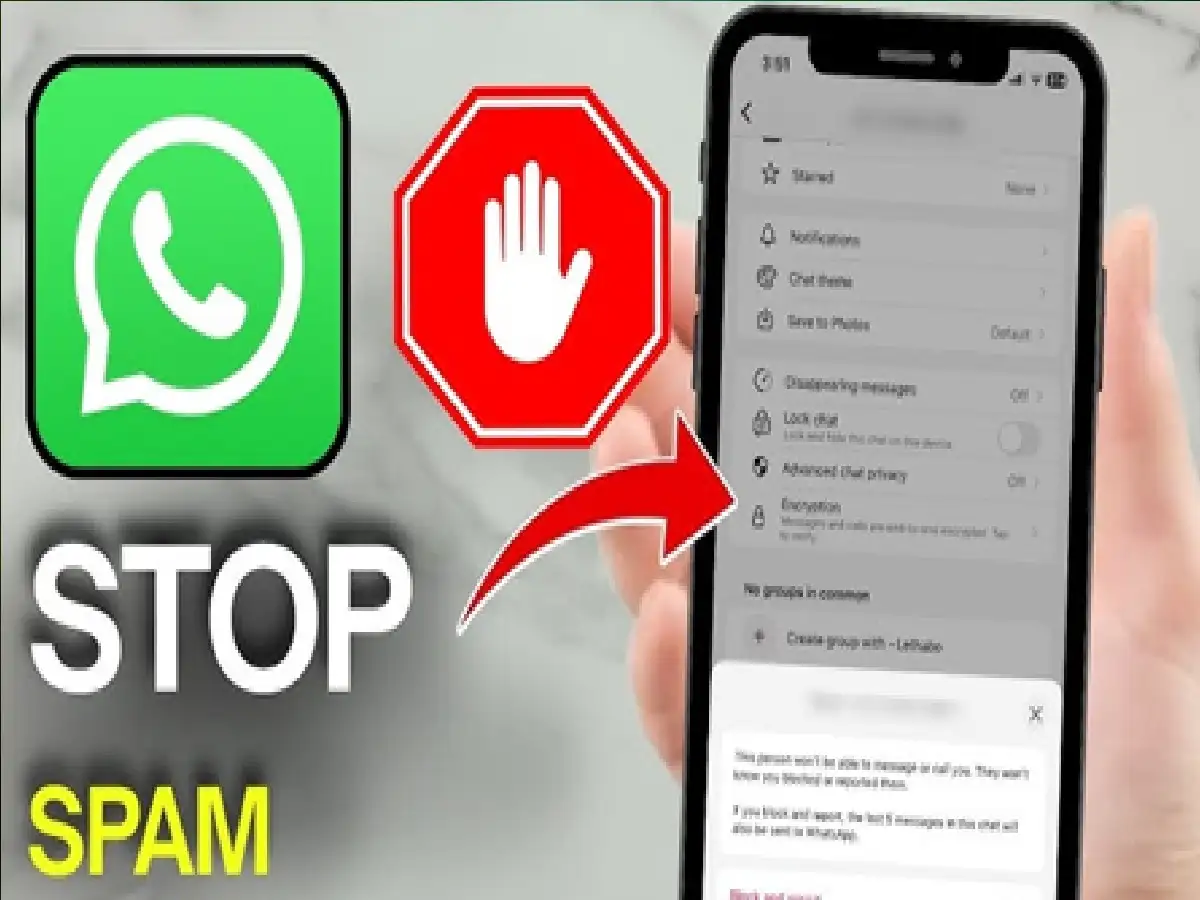
1. Block Numbers That Keep Contacting You
If an unfamiliar account repeatedly sends unwanted messages or calls you, blocking it is one of the quickest ways to stop further communication.
Open the conversation with the account and access its contact or profile information. Look for the Block option and confirm your choice.
Once blocked, that account will no longer be able to send you WhatsApp messages or call you through the app.
Blocking is particularly useful when an unknown person continues contacting you even after you have ignored their messages.
Don't engage in lengthy conversations with suspicious accounts simply to find out who they are. If the communication looks fraudulent or unwanted, blocking the account may be the safer option.
2. Report Suspicious Accounts to WhatsApp
Blocking prevents an account from contacting you, but reporting can also help flag potentially abusive or fraudulent activity to WhatsApp.
If someone is sending scam messages, fake offers, suspicious investment proposals, abusive content or phishing links, consider using the Report feature.
Depending on the current version of WhatsApp, reporting options may be available through the chat or contact information screen.
When an account is reported, WhatsApp can review relevant information in accordance with its policies and take action where appropriate.
For obvious spam or suspected scams, using both Block and Report can be more useful than simply deleting the conversation.
3. Turn On 'Silence Unknown Callers'
Repeated calls from unknown numbers can be particularly frustrating. WhatsApp's Silence Unknown Callers feature is designed to reduce this disruption.
When enabled, calls from qualifying unknown numbers won't ring normally on your phone. However, information about those calls can still appear in WhatsApp's call list, allowing you to review them later.
To find the feature, open WhatsApp and go to:
Settings > Privacy > Calls > Silence Unknown Callers
Turn the feature on.
The precise location or wording of the setting can change depending on your operating system and WhatsApp version, so check the Privacy section if the menus look slightly different.
This setting can be especially useful for people who frequently receive unwanted international or unfamiliar WhatsApp calls.
4. Never Open Suspicious Links Without Checking Them
A common scam technique involves sending a link accompanied by an urgent or tempting message.
For example, a message may claim that your bank account will be blocked, that you have won a lottery, that a parcel is waiting for you or that you have been selected for a high-paying job.
The sender then asks you to open a link and provide personal information.
Treat unexpected links with caution, even if the message uses the name or logo of a familiar company.
Don't provide your UPI PIN, banking password, card PIN, OTP or WhatsApp verification code through a link received in an unsolicited message.
If a message claims to be from your bank, government department or another organisation, independently open its official app or website rather than relying on the link sent through WhatsApp.
5. Tighten Your WhatsApp Privacy Settings
Your privacy settings determine how much information other WhatsApp users can see about you.
Open Settings > Privacy and review options related to your Last Seen and Online status, Profile Photo, About, Status, Groups and other available controls.
For example, you may decide that your profile picture or personal updates shouldn't be visible to every person who has your phone number.
Limiting visibility can reduce the amount of personal information available to unfamiliar accounts.
Also review your group privacy settings. Restricting who can directly add you to groups can help reduce unwanted additions to promotional, investment or suspicious groups.
6. Enable Two-Step Verification for Extra Security
Blocking spam protects you from unwanted communication, but securing the WhatsApp account itself is equally important.
WhatsApp offers two-step verification, which adds an additional PIN-based security layer to your account.
You can typically find it under:
Settings > Account > Two-step verification
Follow the on-screen instructions to enable the feature and create a PIN that you can remember but others cannot easily guess.
Never share this PIN with another person.
You should also never share the registration or verification code WhatsApp sends when your number is being registered. Scammers sometimes impersonate friends, customer-support representatives or company employees in an attempt to obtain this code.
What Should You Do If Someone Asks for an OTP?
Treat an unsolicited request for an OTP or verification code as a major warning sign.
Legitimate support representatives should not need your WhatsApp registration code, UPI PIN or banking OTP through a chat conversation.
If someone asks for this information, don't provide it. End the conversation, block the account and report it if you believe it is attempting fraud.
The same caution applies when someone claiming to be a friend or relative suddenly asks for money. If the request seems unusual, verify the person's identity through another trusted communication method before sending anything.
A Few Settings Can Make WhatsApp Safer
You may not be able to prevent every unknown account from attempting to contact you, but WhatsApp's built-in tools can significantly reduce the disruption caused by spam.
Block persistent unknown contacts, report suspicious accounts, enable Silence Unknown Callers, tighten your privacy settings and activate two-step verification.
Most importantly, remain cautious when messages create urgency around money, prizes, jobs, bank accounts or OTPs.
A few seconds spent checking the sender and verifying a suspicious message can help protect your WhatsApp account, personal information and money from common online scams.





