NEWS
Beat the Traffic Smartly: How Google Maps Helps You Choose the Perfect Time to Start Your Journey
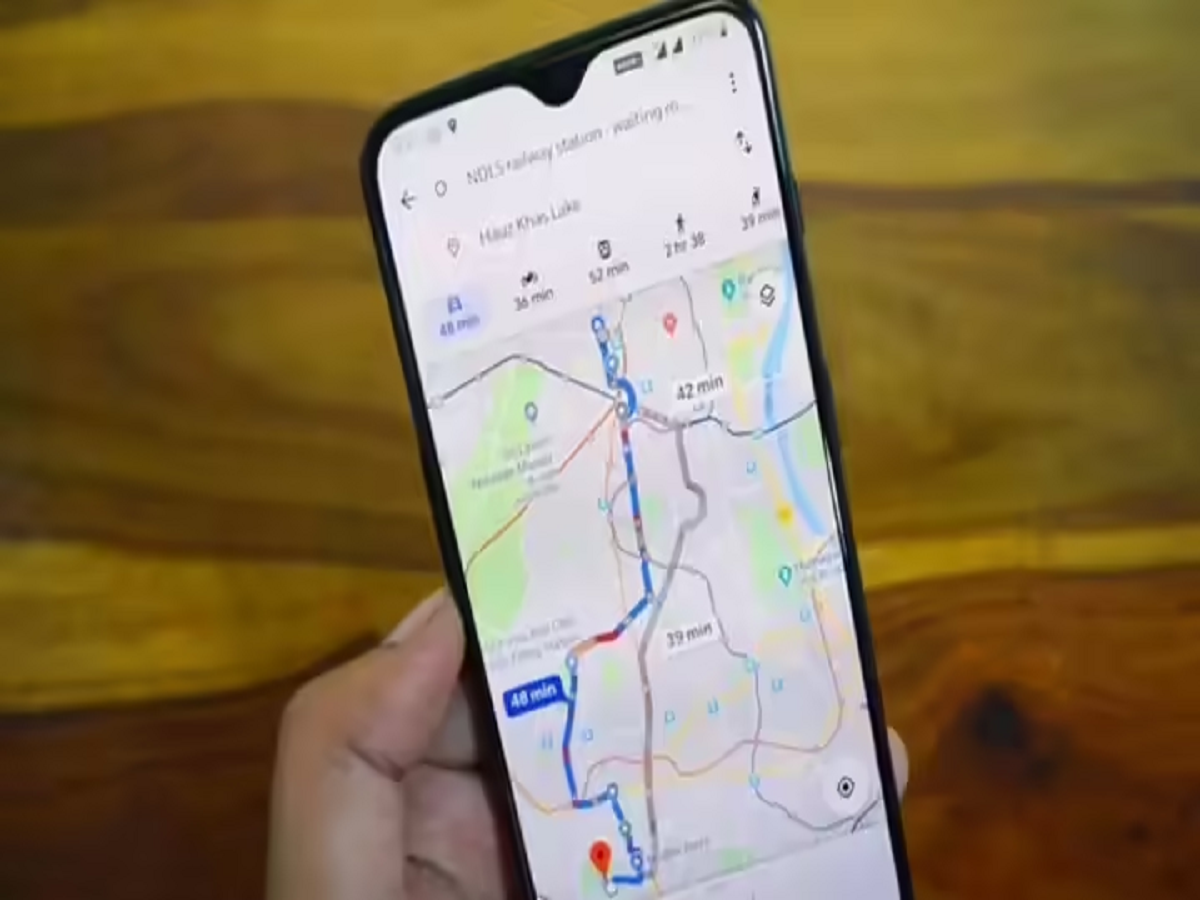
In today’s fast-paced world, timing can make all the difference—especially when it comes to travel. Whether you’re heading to the office, catching a flight, or planning a weekend road trip, unexpected traffic can easily disrupt your schedule. To tackle this everyday problem, Google Maps offers a powerful feature that helps users decide the best time to leave for their destination, based on traffic patterns and real-world data.
Unlike basic navigation tools that only show routes, Google Maps goes a step further by analysing both real-time and historical traffic data. This allows the app to suggest departure or arrival times that can help users avoid congestion and reach their destination more efficiently.
What Is the “Best Time to Leave” Feature on Google Maps?
The “Set depart or arrive time” option in Google Maps helps users plan journeys by predicting traffic conditions for different times of the day. Instead of guessing when to leave, users can rely on data-driven insights that consider:
- Usual traffic patterns
- Day of the week
- Time of day
- Real-time road conditions
By combining millions of data points collected from users worldwide, Google Maps estimates how long a trip will take if started at a specific time.
Why This Feature Is Useful for Everyday Travel
Many commuters struggle with one common question: Should I leave now or wait a little longer? Google Maps answers this by showing how travel time changes depending on departure time. For office-goers, this can mean avoiding peak-hour traffic. For travellers with time-sensitive plans, it helps calculate how early they should leave.
The feature turns Google Maps into more than just a navigation app—it becomes a complete travel planning assistant.
How to Check the Best Time to Leave Using Google Maps
You can use this feature on both Android and iPhone devices. Follow these steps:
Step 1:
Open the Google Maps app on your smartphone.
Step 2:
Enter your destination in the search bar.
Step 3:
Tap on Directions to see available routes.
Step 4:
Choose your mode of transport—driving, public transport, walking, or cycling.
Step 5:
Once routes appear, tap the three-dot menu in the top-right corner.
Step 6:
Select “Set depart or arrive time.”
Step 7:
Choose your preferred departure or arrival time and date.
Google Maps will then display estimated travel times and expected traffic conditions for that selected period.
How Google Maps Predicts Traffic Conditions
Google Maps relies on a combination of:
- Live traffic updates from users
- Historical travel data
- Patterns observed over time
For example, traffic on weekday mornings usually differs from weekend afternoons. The app understands these variations and adjusts predictions accordingly.
Additionally, Google Maps accounts for special situations such as:
- Road construction
- Scheduled public events
- Holidays and festivals
- Accidents or temporary closures
This makes the predictions more accurate and practical.
Who Can Benefit the Most from This Feature?
- Daily commuters deciding whether to leave earlier or later
- Business professionals attending time-sensitive meetings
- Travellers heading to airports or railway stations
- Holiday planners navigating unfamiliar routes
By choosing the right departure time, users can reduce stress, save fuel, and avoid delays.
Final Thoughts
Google Maps’ best time to leave feature is a smart solution for modern travel challenges. By analysing traffic trends and real-time conditions, it empowers users to make informed decisions about when to start their journey. Whether it’s a daily commute or a special trip, this feature helps you stay ahead of traffic and arrive on time with confidence.