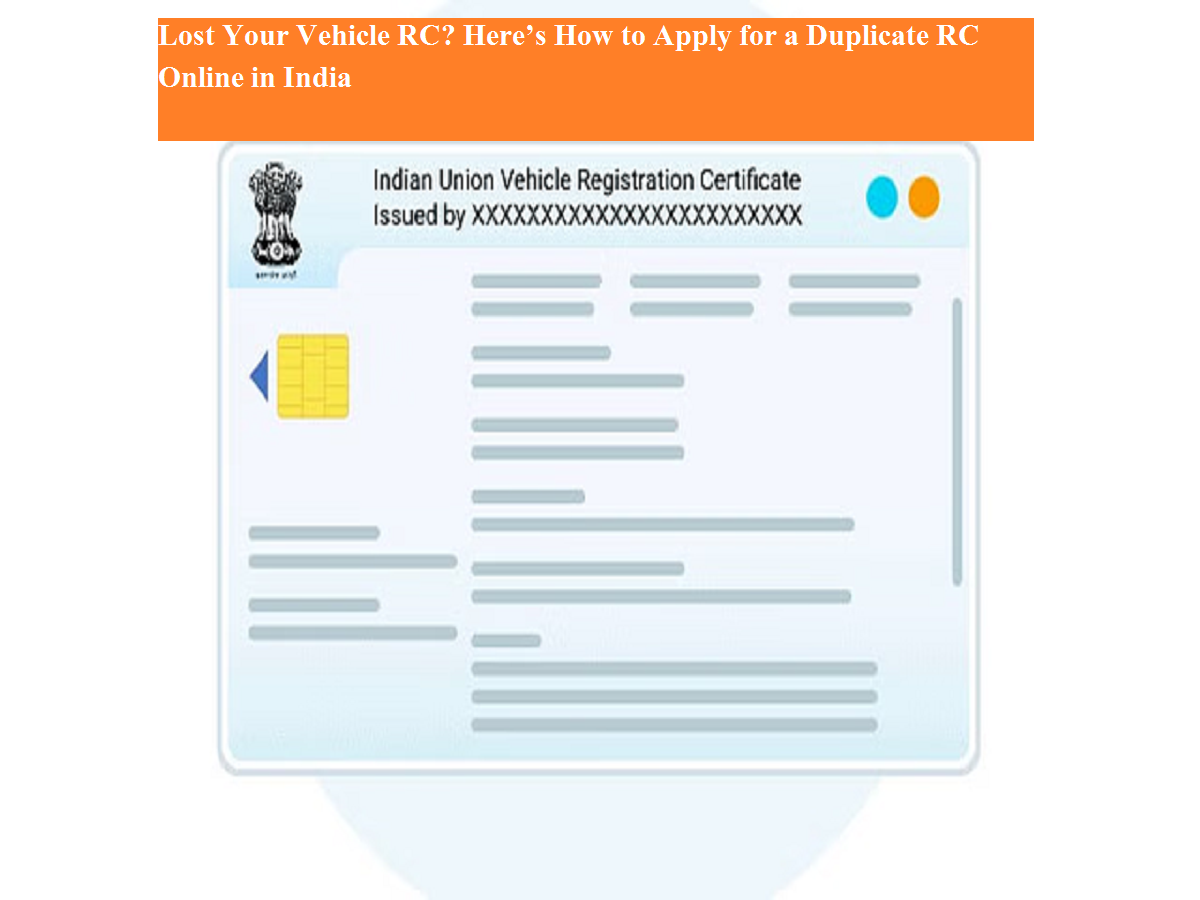
A Registration Certificate (RC) is one of the most important documents for any vehicle owner in India. It serves as legal proof that a vehicle is registered with the Regional Transport Office (RTO) and contains essential details such as owner information, vehicle number, engine number, and chassis number.
If your original RC is lost, stolen, or damaged, you are required to apply for a duplicate RC. Thankfully, the Ministry of Road Transport and Highways (MoRTH) offers an online facility through the Parivahan Sewa portal, making the process more convenient and transparent.
Here’s a complete guide explaining how to apply for a duplicate RC online, along with required documents and important steps.
What Is a Duplicate RC?
A duplicate RC is an officially issued replacement of the original vehicle Registration Certificate. It carries the same details as the original and is legally valid for all purposes, including insurance claims, resale, and traffic verification.
However, before applying, it is mandatory to file a police complaint (FIR) if the RC has been lost or stolen.
When Can You Apply for a Duplicate RC?
You can apply for a duplicate RC in the following situations:
- Original RC is lost or misplaced
- RC is stolen
- RC is damaged or unreadable
Documents Required to Apply for Duplicate RC
Before starting the online application, keep the following documents ready:
- Original FIR copy from the police station
- Form 26 (two copies)
- Copy of valid motor insurance certificate
- Copy of Pollution Under Control (PUC) certificate
- Address proof, such as:
- Aadhaar card
- Passport
- Voter ID
- Electricity bill
- Telephone bill (BSNL/MTNL)
- Gas connection document
- Government bank account passbook
Step-by-Step Guide to Apply for Duplicate RC Online
Step 1: Visit the Parivahan Sewa Portal
Open your browser and go to the Parivahan Sewa official website.
Step 2: Choose Vehicle-Related Services
Under the “Online Services” section, click on “Vehicle Related Services.”
Step 3: Select Your State
Choose your state from the drop-down list.
Step 4: Select Duplicate RC Option
From the available services, click on “Issue of Duplicate RC.”
Step 5: Login or Register
Log in using your credentials or register as a new user if you don’t already have an account.
Step 6: Enter Vehicle Details
Provide your vehicle registration number and the last five digits of the chassis number.
Step 7: Submit Details
Click on Submit to proceed.
Step 8: Complete Aadhaar-Based e-KYC
Enter your Aadhaar number and generate an OTP sent to your registered mobile number.
Step 9: Verify OTP
Enter the OTP and confirm your identity.
Step 10: Fill Application Form
Complete the application form carefully and upload all required documents.
Step 11: Pay the Applicable Fee
Make the online payment and then click on “Print Out” to download the acknowledgement.
Step 12: Visit RTO Office
Submit the printed application, documents, and acknowledgement at your local RTO. You will also need to schedule a vehicle inspection appointment.
Final Thoughts
Applying for a duplicate RC online has made the process far easier for vehicle owners. While the application starts digitally, final verification at the RTO is mandatory to ensure authenticity. Keeping digital and physical copies of your RC safe can help avoid inconvenience in the future.