NEWS
Lost Your Physical Driving Licence? Here’s How to Download Your Digital DL Online Using 3 Easy Methods
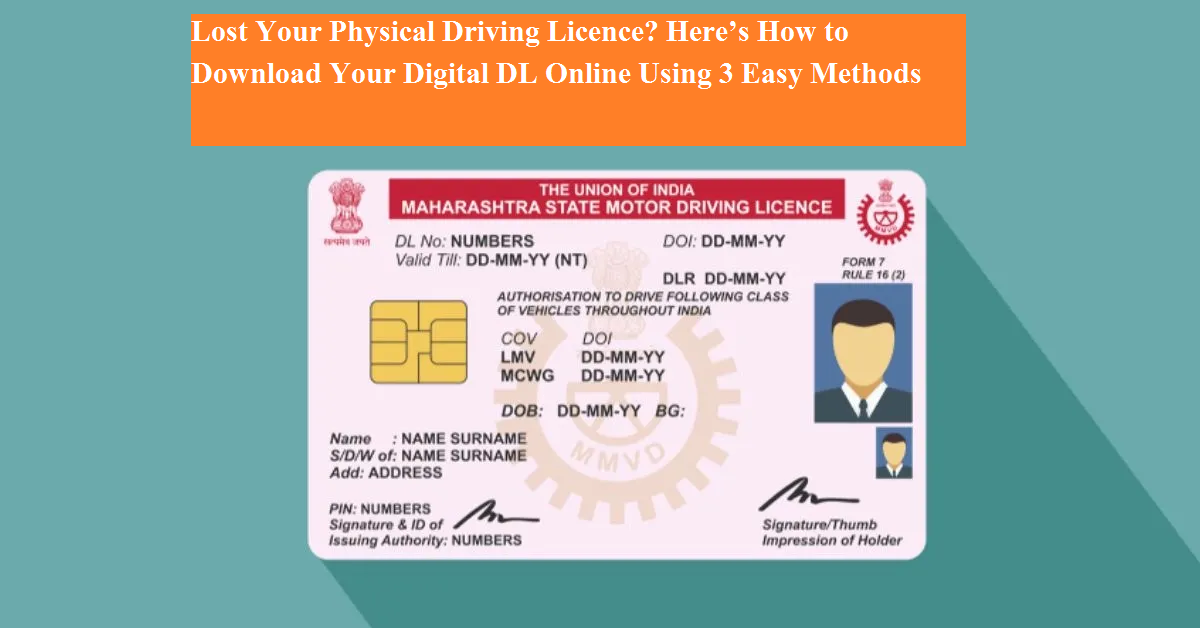
A digital driving licence (e-DL) is a secure electronic version of your physical driving licence that can be stored on your smartphone or computer. Issued by the Government of India, this digital document is legally valid and widely accepted by traffic authorities across the country.
While the digital licence does not replace the physical card, it acts as an official supplement and can be used whenever carrying the original licence is inconvenient. The Ministry of Road Transport and Highways (MoRTH) allows users to download their digital driving licence through three official platforms—the Parivahan Sewa website, DigiLocker website, and DigiLocker mobile app.
Here’s a complete guide explaining all three methods in a simple and easy-to-follow manner.
What Is a Digital Driving Licence?
A digital driving licence is an electronic copy of your original DL issued by the RTO. It contains the same information as the physical card, including your name, licence number, validity, and issuing authority. Traffic police and government departments treat it as a valid document under the Motor Vehicles Act.
Method 1: Download Digital Driving Licence via Parivahan Sewa Website
The Parivahan Sewa portal is the official platform of MoRTH for vehicle and licence-related services.
Step-by-step process:
- Visit the Parivahan Sewa official website
- Under the “Online Services” section, click on “Driving Licence Related Services”
- Select your state from the drop-down list
- In the Driving Licence section, click on “Print Driving Licence”
- Enter your application number and date of birth
- Click on Submit to view your licence details
- You can download the licence as a PDF or take a printout
This method is useful if you have your application number readily available.
Method 2: Download e-Driving Licence Using DigiLocker Website
DigiLocker is a government-backed digital document storage platform that allows users to access official documents online.
Steps to follow:
- Open the DigiLocker official website and sign in to your account
- Click on the “Search Documents” option at the top-left corner
- Select “Driving Licence” from the list
- Choose “Ministry of Road Transport and Highways”
- Enter your driving licence number
- Click on “Get Document”
- Download the PDF version of your digital driving licence
This method is ideal for users who already have an active DigiLocker account.
Method 3: Download Digital Driving Licence Using DigiLocker Mobile App
For smartphone users, the DigiLocker app offers a quick and convenient way to access your digital DL.
Steps to follow:
- Open the DigiLocker app on your smartphone
- On the home screen, go to “Documents You Might Need”
- Tap on “Driving Licence”
- Select “Ministry of Road Transport and Highways”
- Enter your driving licence number
- Tap on “Get Document”
- Download the licence in PDF format
This method is especially useful when you need instant access while on the move.
Benefits of Digital Driving Licence
- Accepted by traffic police across India
- Reduces risk of losing physical documents
- Easy access anytime via smartphone
- Government-verified and secure
- Useful during traffic checks and official verification
Final Thoughts
Downloading your digital driving licence is a simple and hassle-free process thanks to government digital platforms. Whether you prefer using Parivahan Sewa or DigiLocker, all three methods ensure quick access to your licence. Keeping a digital copy handy can save time and help avoid penalties during traffic checks.