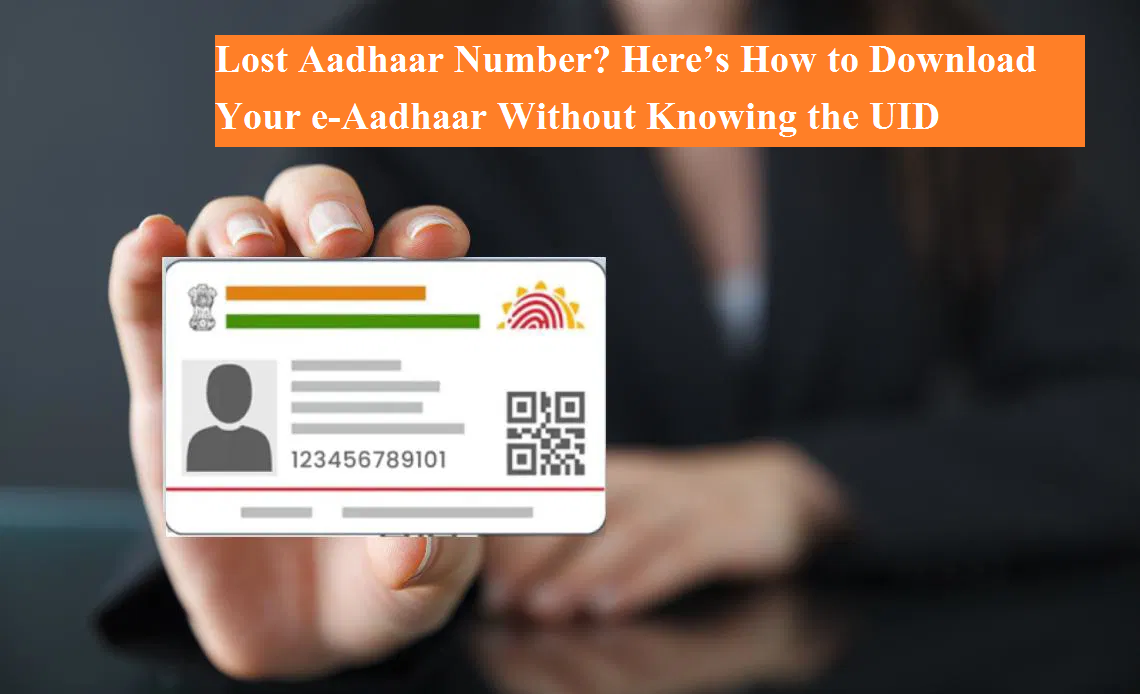
Aadhaar has become one of the most essential identity documents in India today. From opening a bank account and filing income tax returns to availing government welfare schemes, Aadhaar is required almost everywhere. But what happens if you lose your Aadhaar card and don’t even remember your 12-digit Aadhaar number?
This situation can be stressful, but the good news is that UIDAI (Unique Identification Authority of India) has made it very easy to recover your Aadhaar details online. Even if you don’t remember your Aadhaar number, you can still retrieve it and download your e-Aadhaar legally and securely.
Here’s a complete step-by-step guide explaining how you can do it.
How to Retrieve Your Aadhaar Number Online
If your mobile number or email ID is linked with Aadhaar, you can easily recover your Aadhaar number (UID) or Enrollment ID (EID) online by following these steps:
Step 1: Visit the Official UIDAI Website
Open your browser and go to the official UIDAI portal:
👉 myaadhaar.uidai.gov.in
Always make sure you are using the official website to avoid fraud or fake portals.
Step 2: Choose ‘Retrieve Lost or Forgotten UID/EID’
On the homepage, look for the option titled “Retrieve Lost or Forgotten EID/UID” and click on it.
Step 3: Enter Your Personal Details
You will be asked to choose whether you want to retrieve:
- Aadhaar Number (UID), or
- Enrollment ID (EID)
After selecting the option, enter:
- Your full name exactly as mentioned in Aadhaar
- Your registered mobile number or email ID
Step 4: OTP Verification
Enter the captcha code displayed on the screen and click on “Send OTP”.
You will receive a One-Time Password (OTP) on your registered mobile number or email.
Enter the OTP and submit it.
Step 5: Receive Aadhaar Number via SMS
Once verification is successful, your Aadhaar number will be sent to your registered mobile number through SMS or email.
How to Download e-Aadhaar After Getting the Number
After retrieving your Aadhaar number, downloading the e-Aadhaar is simple:
- Visit the “Download Aadhaar” section on the UIDAI website
- Enter your 12-digit Aadhaar number
- Request OTP and verify it
- Download the e-Aadhaar PDF file
e-Aadhaar PDF Password Explained
Your e-Aadhaar PDF is password-protected. The password format is:
- First 4 letters of your name (in CAPITAL letters)
- Year of birth
Example:
If your name is Amit Kumar and your birth year is 1995, the password will be:
👉 AMIT1995
What If Your Mobile Number Is Not Linked With Aadhaar?
If your mobile number is not linked to Aadhaar, the online method will not work. In such cases, you have two options:
Visit the Nearest Aadhaar Seva Kendra
- Carry valid identity proof
- Complete biometric verification (fingerprint or iris scan)
- Aadhaar details will be provided after verification
Contact UIDAI Helpline
You can also call UIDAI’s toll-free number 1947 for proper guidance and support.
Why This Facility Is Important
This digital facility ensures that citizens do not lose access to essential services due to a misplaced card or forgotten number. With just basic details and OTP verification, Aadhaar recovery now takes only a few minutes.
Losing your Aadhaar card or forgetting the Aadhaar number is no longer a serious problem. Thanks to UIDAI’s digital services, you can easily retrieve your Aadhaar details and download your e-Aadhaar from anywhere. Just ensure your mobile number is linked and always rely on official UIDAI platforms for safe and secure access.