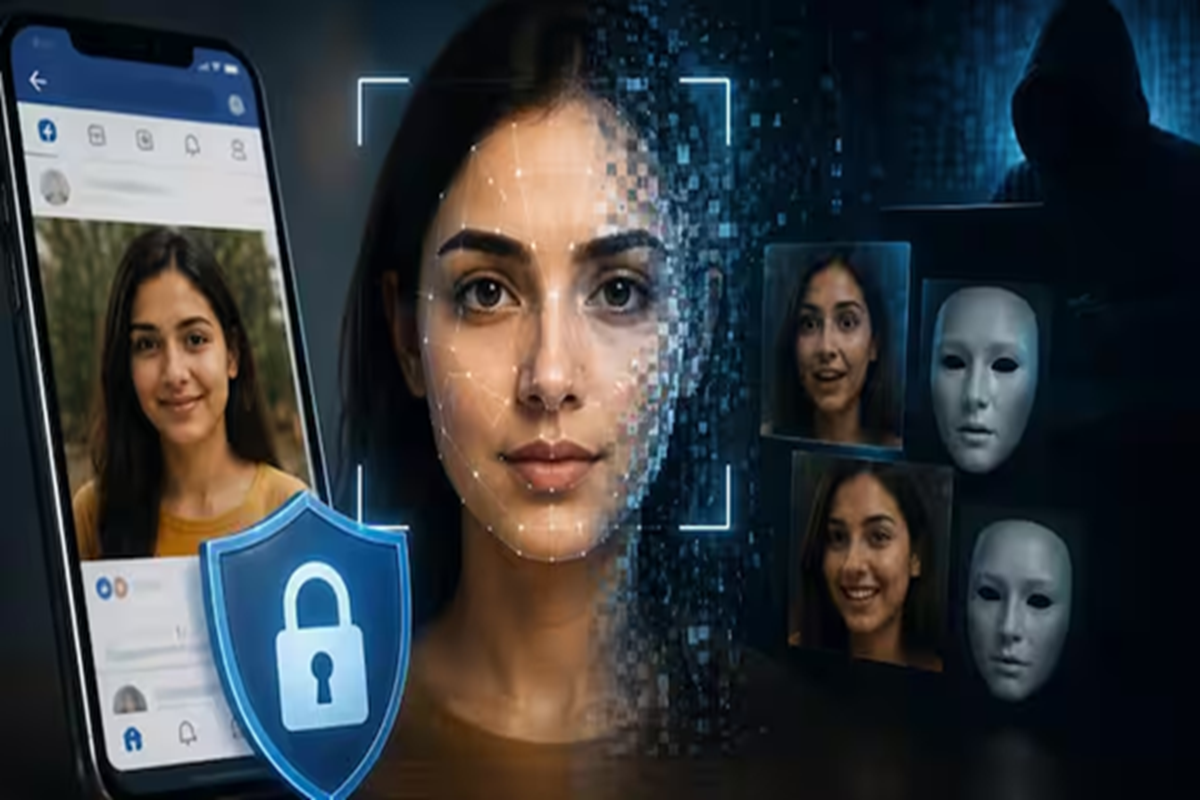
Deepfake Video: Deepfake is a technique in which, with the help of AI, a person's face is fitted onto another video or body in such a way that it looks completely real.
Artificial Intelligence (AI) has made many tasks easier today, but it has also introduced new threats. A simple photo uploaded to social media can now be used to create a fake video of a person. In particular, the use of images of women and young women to create false and offensive deepfake videos is on the rise. These videos appear so realistic that it's difficult to distinguish between real and fake at first glance. However, this threat can be significantly reduced by adopting certain privacy settings and precautions.
1 /9
Deepfakes are a technique that uses AI to superimpose a person's face onto another video or body to create a completely realistic image. If your photos are public on social media platforms like Facebook, anyone can download them. These photos, if found in the wrong hands, can be used to create deepfake content. Therefore, it's crucial to take your online privacy seriously.
2 /9
First, check the visibility of your old and new photos. Open the Photos and Albums section of Facebook and make sure your photos are visible only to friends or only to you. If an album is in public mode, change it to Friends or Only Me. This will prevent strangers from seeing your photos.
3 /9
Facebook's Privacy Checkup feature is also very useful. It allows you to easily see who can see your posts, photos, and personal information. It's important to review settings like tagging, post visibility, and profile access.
4 /9
Sometimes your photos get tagged in other people's posts and become publicly visible without your knowledge. To avoid this, go to Profile and Tagging settings and control who can see your tagged posts. Also, enable the option to review posts before they appear on your profile.
5 /9
In the future, set the default audience for any posts you share to Friends or Only Me. It's best to avoid unnecessary public posting.
6 /9
Some platforms use user data to train AI models. If such an option is available on Facebook or other platforms, consider limiting your data usage in your settings. This can reduce the risk of your photos and other personal information being misused.
7 /9
Experts advise against sharing children's photos publicly. Limit profile photos to trusted individuals. Furthermore, be cautious when tagging other individuals, as this could expose their photos and information to a wider audience.
8 /9
If you discover that a fake video has been created using your photos, first report it to the relevant platform. You can also file a complaint on the Government of India's cybercrime portal. When filing a complaint, it's important to preserve screenshots, video links, and other available evidence to aid the investigation.
9 /9
It may be wise to share as few photos as possible on social media, especially by avoiding uploading high-quality close-ups. If necessary, add a watermark or a slight blur to photos. Avoid accepting friend requests from strangers and periodically use reverse image searches to check if your photos are being used elsewhere.