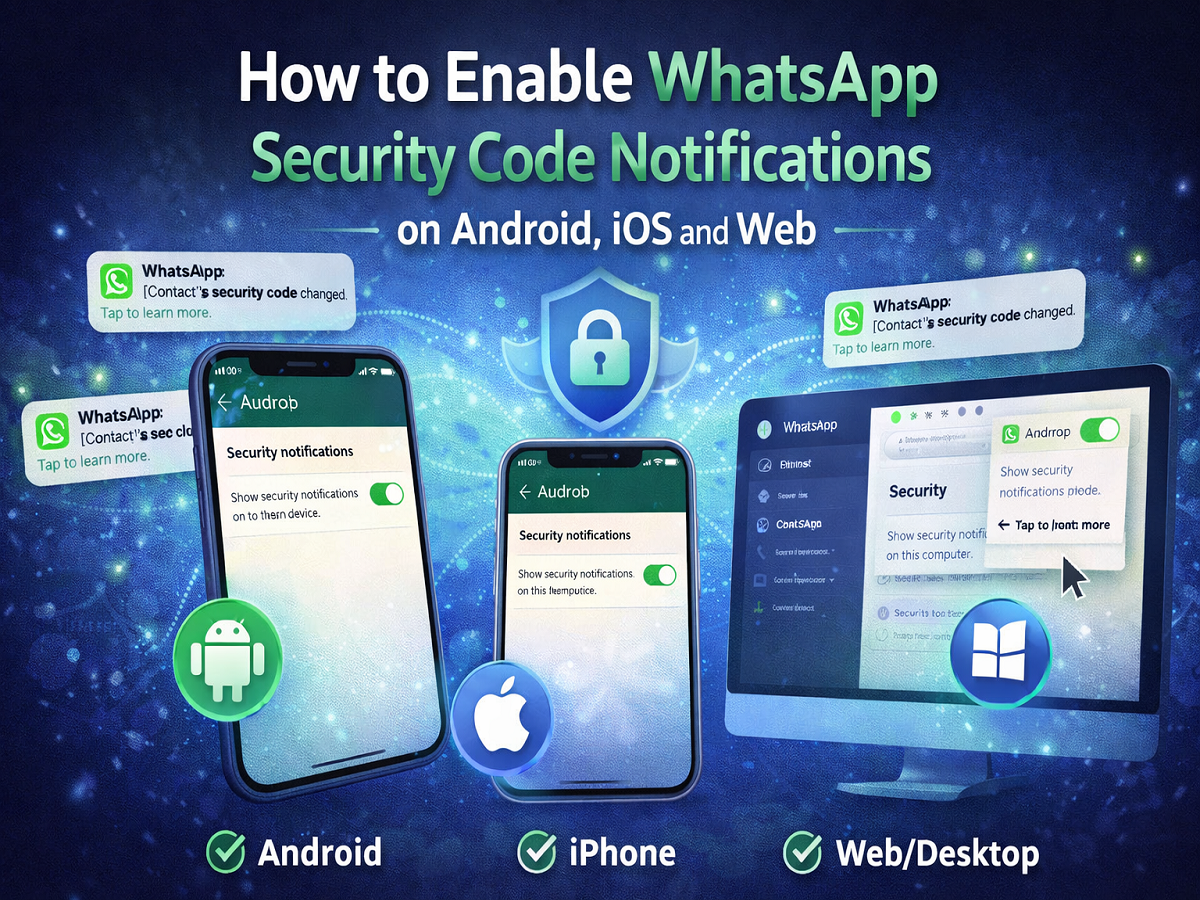
Keeping your chats secure is more important than ever. Thankfully, WhatsApp offers a powerful feature called Security Code Notifications that helps you stay informed if anything changes in your encrypted conversations.
Here’s a complete, easy-to-follow guide to enable this feature on all your devices.
What Are WhatsApp Security Code Notifications?
Every chat on WhatsApp is protected with end-to-end encryption, meaning only you and the recipient can read the messages.
Each chat has a unique:
- 60-digit security code
- QR code for verification
🔔 When this code changes, WhatsApp can notify you—helping you detect potential security risks.
Why Do Security Codes Change?
Security codes may change if:
- You or your contact reinstall WhatsApp
- Someone switches to a new phone
- A device is added or removed (like WhatsApp Web/Desktop)
That’s why enabling notifications is important—it keeps you alert.
How to Enable Security Code Notifications on Android
Follow these steps:
- Open WhatsApp
- Tap the three-dot menu (top right)
- Go to Settings
- Tap Account
- Select Security notifications
- Turn ON “Show security notifications on this device”
How to Enable on iPhone (iOS)
- Open WhatsApp
- Go to Settings
- Tap Account
- Select Security
- Enable “Show Security Notifications on This Phone”
How to Enable on Desktop & Web
- Open WhatsApp Web or Desktop
- Click the three-dot menu
- Go to Settings
- Select Security
- Turn ON “Show security notifications on this computer”
Important Tips
- You need to enable this setting on each device separately
- Notifications help verify if chats remain secure
- You can manually verify codes anytime by scanning QR codes
Why You Should Enable This Feature
Activating security alerts helps you:
- Detect suspicious activity
- Ensure chats remain encrypted
- Stay informed about device changes
- Improve overall privacy protection
Final Takeaway
The Security Code Notification feature on WhatsApp is a simple yet powerful way to boost your chat security. With just a few taps, you can stay updated about any changes in your encrypted conversations.
👉 If you care about privacy, this feature is definitely worth turning on!