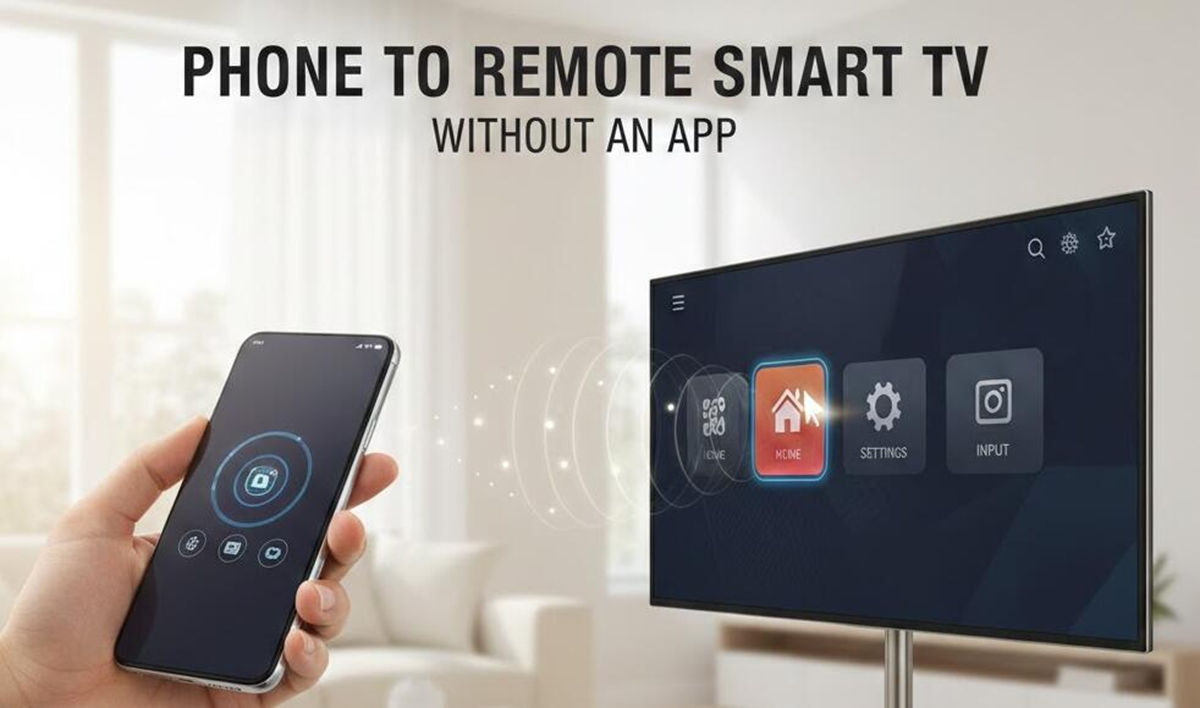
If your Smart TV supports Cast, tap the Cast icon on your phone.
(How to play phone video on smart TV)
There are many smart devices available in the market today, which people use according to their needs. It's often seen that people download movies, web series, and videos onto their smartphones. However, watching long videos or movies on a small phone screen can be a bit challenging. If you have a Smart TV at home, you can easily stream movies from your phone on a larger screen. This eliminates the need to download the movie to your TV each time. Let's find out how.
Connect your phone and TV via Wi-Fi.
First, connect your Smart TV and smartphone to the same Wi-Fi network. This is important because many screen sharing and casting features work best on the same network.
Then, open the movie or video you want to watch on your TV. In the video player, search for an option like Cast, Screen Cast, Smart View, or Wireless Display. This feature's name may vary from phone to phone.
How to play movies with Cast feature
If your Smart TV supports Cast, tap the Cast icon on your phone. A list of nearby compatible devices will appear. Select your Smart TV's name here.
The TV screen asks for connection permission. Once permission is granted, the video playing on the phone will be displayed on the larger TV screen. During this time, the phone can be used as a remote to play, pause, or rewind the video.
Screen Mirroring on Android Phones
Many Android smartphones have a built-in Screen Cast or Screen Mirroring option. This option is available in the phone's Quick Settings panel.
Tap Screen Cast and then select TV. Once connected, your phone's entire screen will be mirrored on the TV. Now you can play movies on your phone and watch them on the big screen on your TV.
AirPlay for iPhone users
If you have an iPhone and a Smart TV that supports AirPlay, you can send videos to your TV using AirPlay. Connect your iPhone and TV to the same Wi-Fi network. Select the AirPlay option in the video and select your TV's name. Some TVs require AirPlay to be enabled in Settings first.