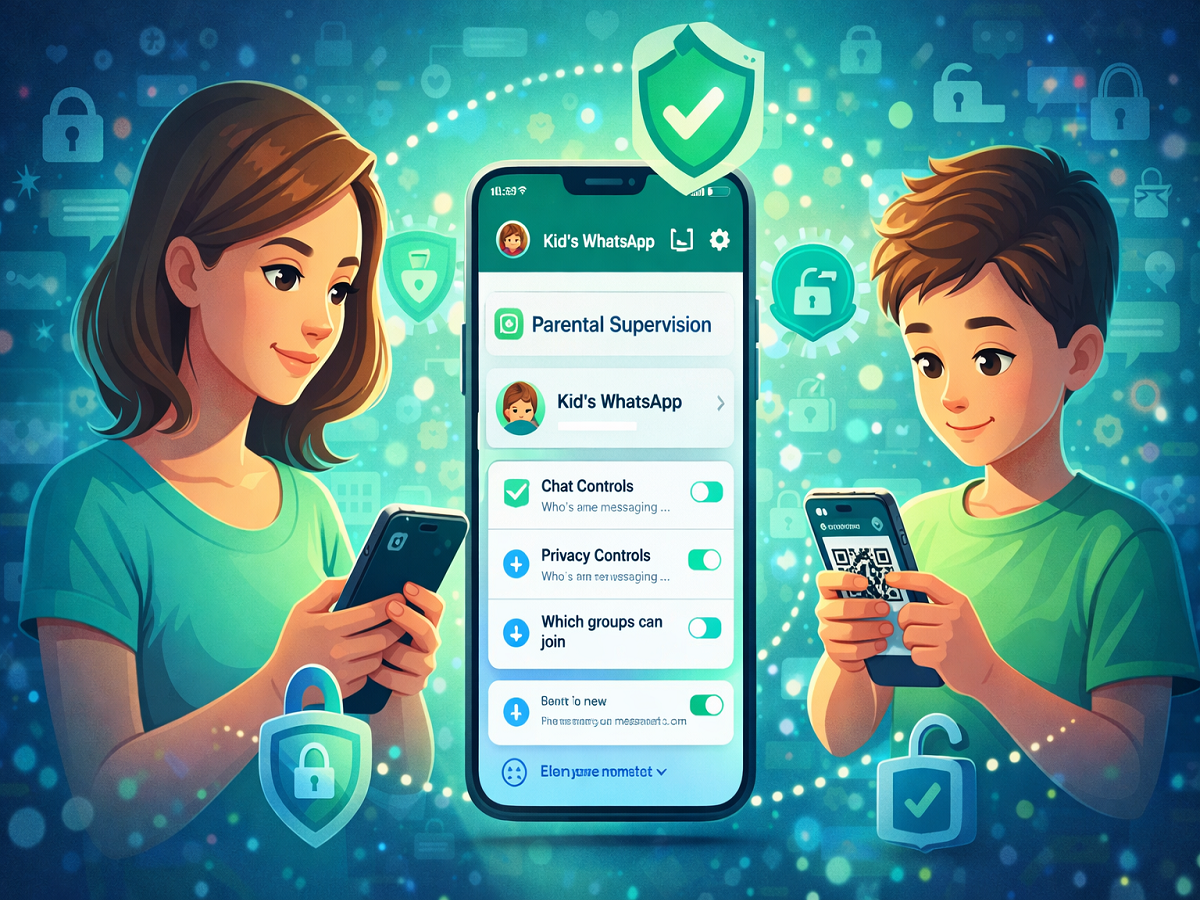
In a major step toward improving child safety online, WhatsApp has introduced a new feature called Parent Managed Accounts. This feature allows parents to supervise and control their child’s WhatsApp activity, ensuring a safer messaging experience for younger users.
Designed specifically for children under the age of 13, this feature gives guardians more authority over who can contact their child and how the account is used.
What Is WhatsApp Parent Managed Accounts?
The Parent Managed Accounts feature enables parents or guardians to link their child’s WhatsApp account to their own device. Once linked, parents can monitor and manage key settings.
With this feature, parents can:
- Control who can send messages or call their child
- Decide which groups the child can join
- Manage privacy settings
- Review message requests from unknown contacts
This ensures that children interact only with safe and approved contacts.
Strong Security with Parent PIN
To maintain control and prevent unauthorized changes, WhatsApp has introduced a 6-digit Parent PIN system.
- Only parents can modify account settings
- Children cannot change privacy controls without the PIN
- Adds an extra layer of protection
This feature ensures that parental controls remain secure and effective.
Privacy Still Protected
Despite added supervision, WhatsApp confirms that end-to-end encryption will remain active.
- Messages and calls stay private
- Neither WhatsApp nor third parties can access chats
- Balance between safety and privacy
This means children’s conversations remain secure while parents still manage account settings.
Who Can Use This Feature?
The Parent Managed Accounts feature is available for:
- Children under 13 years (or local minimum age limit)
- Parents or guardians aged 18 or above
The feature will be rolled out gradually, so it may not be available to all users immediately.
How to Set Up Parent Managed Account
On the child’s phone:
- Download WhatsApp from Play Store or App Store
- Open the app and tap Agree and Continue
- Go to More Options
- Select Create a Parent Managed Account
- Enter and verify the child’s phone number
- Add the child’s date of birth
- Tap Continue to link with the parent’s device
How to Link Parent’s Phone
- Scan the QR code shown on the child’s phone
- Verify your identity as a parent
- Create a 6-digit Parent PIN
- Complete the setup process
- Enter the PIN on the child’s device to finalize
Once completed, the child’s account will be fully linked and controlled by the parent.
Why This Feature Matters
This new feature is a significant step toward:
- Enhancing online safety for children
- Giving parents better control over digital interactions
- Preventing exposure to unknown or harmful contacts
With growing concerns around online privacy and safety, such tools are becoming increasingly important.
Conclusion
WhatsApp’s Parent Managed Accounts feature provides a secure and controlled environment for children using the platform. By allowing parents to manage contacts, privacy, and interactions, it ensures a safer messaging experience without compromising encryption.
As the feature rolls out globally, it is expected to become a valuable tool for families looking to protect their children online.