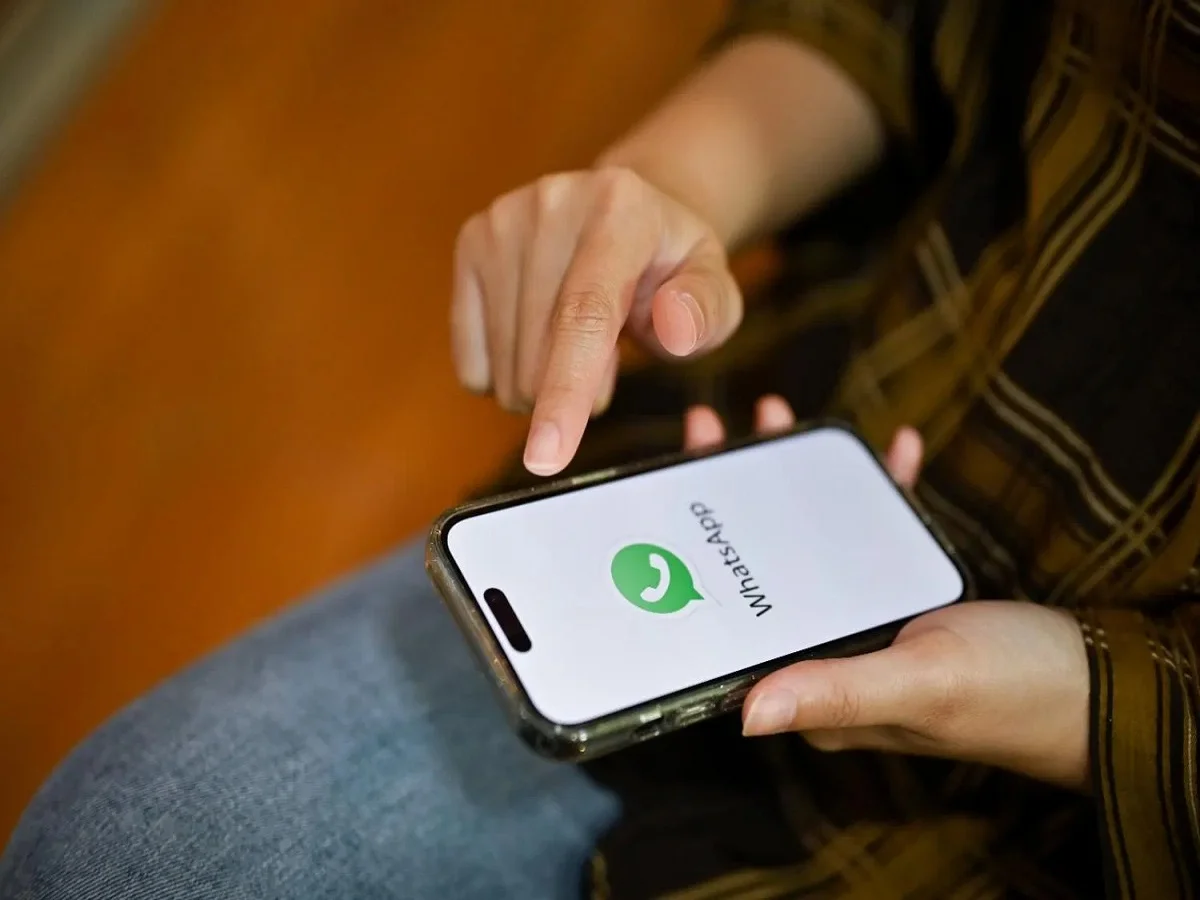
Apple users finally have a reason to celebrate. WhatsApp has started rolling out a long-awaited feature that allows iPhone users to operate two separate WhatsApp accounts on a single device. The update eliminates the need for carrying multiple phones or relying on additional apps to manage personal and professional conversations.
For years, Android users have enjoyed the convenience of using multiple WhatsApp accounts on one smartphone, while iPhone users had limited options. With this latest update, WhatsApp is closing that gap and offering a more flexible messaging experience for Apple users.
One iPhone, Two WhatsApp Accounts
Managing separate mobile numbers for work and personal communication has become increasingly common. Until now, iPhone users often had to install WhatsApp Business alongside the regular WhatsApp app or use a second smartphone to keep accounts separate.
The new feature changes that completely.
Users can now add a second WhatsApp account directly within the standard WhatsApp application and switch between accounts whenever needed. This makes it easier to keep business conversations separate from personal chats without juggling multiple devices.
Key Benefits of the New Feature
The multi-account feature introduces several advantages for iPhone users:
- Use two WhatsApp accounts on a single iPhone.
- No need to install WhatsApp Business solely for a second number.
- Quickly switch between personal and work accounts.
- Separate chats, notifications, and privacy settings for each account.
- Support for both physical SIM cards and eSIM connections.
- Simplified account management within a single app.
The feature is being rolled out gradually and may take some time to become available to all users worldwide.
How to Add a Second WhatsApp Account on iPhone
Setting up an additional WhatsApp account is a straightforward process.
Follow these steps:
- Open WhatsApp on your iPhone.
- Go to Settings.
- Tap the arrow icon next to your profile name.
- Select Add Account.
- Enter and verify your second mobile number.
- Complete the setup process by following the on-screen instructions.
Once verification is complete, the second account will become active within the same application.
Separate Experience for Each Account
WhatsApp has designed the feature to ensure that both accounts remain completely independent.
Each account maintains its own:
- Chat history
- Profile information
- Notification settings
- Privacy preferences
- Backup settings
- Media and message management
This separation helps users maintain a clear distinction between professional and personal communications while using the same device.
Customized Notifications for Better Organization
One of the most useful aspects of the feature is notification customization.
Users can configure separate notification settings for each account, making it easier to identify whether a message is coming from a work contact or a personal conversation.
This functionality can be especially valuable for professionals who need to stay connected without mixing business discussions with private chats.
You'll Need a Second Mobile Number
To use the dual-account feature, users must have access to a second mobile number.
The second number can be linked through:
- A physical SIM card
- An eSIM supported by the iPhone
After successful verification, both accounts can be accessed from the same WhatsApp application.
A Big Step Forward for iPhone Users
The addition of multi-account support addresses one of the most requested features among iPhone users.
For years, Android users had easier access to dual-account functionality through built-in operating system features and WhatsApp support. By bringing this capability to iOS, WhatsApp is making the messaging experience more consistent across both major mobile platforms.
The update is expected to benefit:
- Business professionals
- Freelancers
- Entrepreneurs
- Content creators
- Individuals managing separate personal and work identities
Who Should Use This Feature?
The feature is particularly useful for people who:
- Maintain separate personal and professional phone numbers.
- Run a small business using WhatsApp.
- Want better organization of conversations.
- Prefer carrying only one smartphone.
- Need dedicated privacy settings for different accounts.
Instead of switching devices or apps, users can now manage everything from a single interface.
Final Thoughts
WhatsApp's new multi-account support for iPhone is a significant quality-of-life upgrade for Apple users. By allowing two separate accounts within the same app, the platform is making communication more convenient, organized, and efficient.
As the rollout continues globally, iPhone users will soon be able to enjoy the same flexibility that Android users have had for years—managing work and personal messaging seamlessly on a single device.