NEWS
UPI Payment Tips: No one will know your number when you make a UPI payment. This technique will help you.

You likely make online payments in your daily life, but did you know that this poses a significant threat to your privacy? Let's find out what that threat is and how to avoid it.
UPI Payment
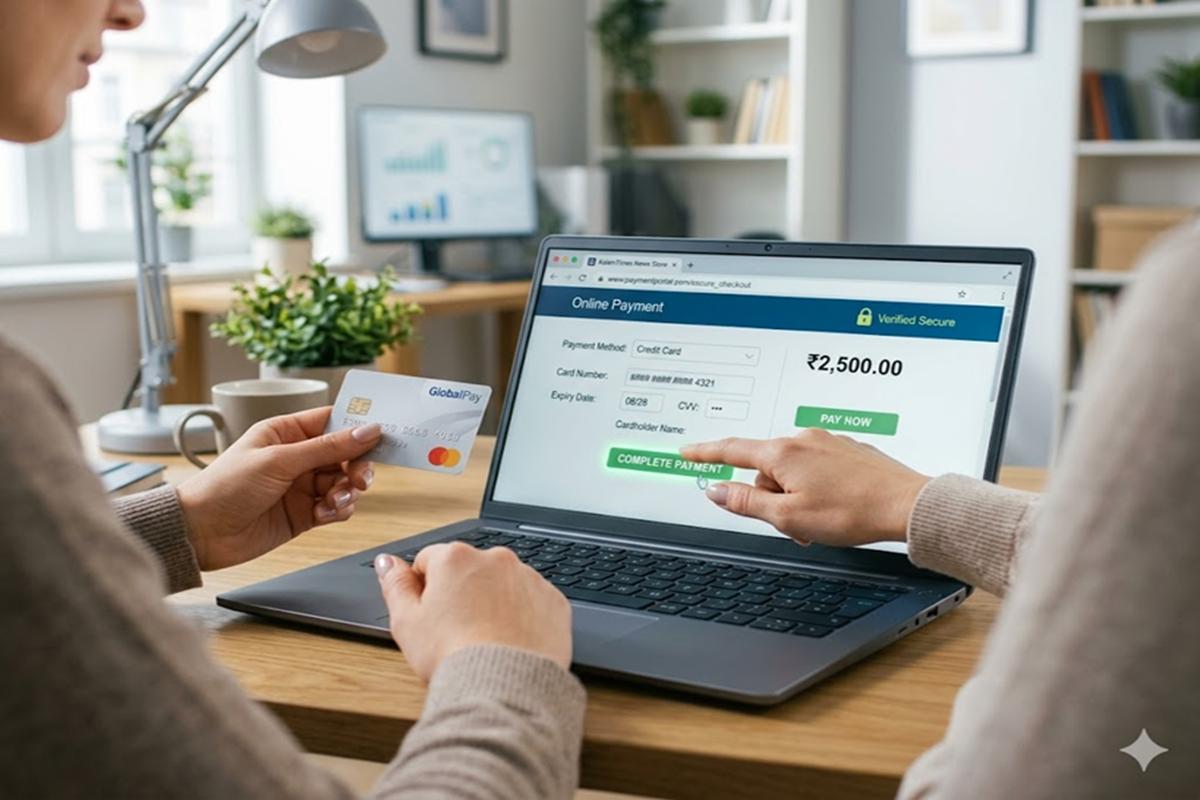
In today's digital age, UPI has become an integral part of our lives. From tea stalls to large shopping malls, we're making online payments everywhere. But did you know that behind this ease of transaction lies a significant threat to your privacy? If you've noticed, whenever you transfer money to a shopkeeper or individual through UPI, they often receive your personal mobile number. This number can be used for spam calls, fraud, or even to track your personal information.
Great initiative by NPCI and payment apps
At the same time, this is a big concern for women and people who are security conscious. But now there is no need to be afraid at all. National Payments Corporation of India and major payment apps are providing you the facility of such a great technology and settings, through which your payment will be done, and the other person will not see even a single digit of your mobile number. Let us know what this privacy technology is.
You can follow these steps to protect your privacy.
1. Create a personalized or custom UPI ID
The easiest way to hide your mobile number is to create a custom or private UPI ID.
Paytm- If you want to hide your number on Paytm, then first go to your profile icon, select UPI & Payment Settings, after that, click on Manage UPI ID and create any name or alphanumeric ID of your choice.
Google Pay - To hide your number on Google Pay, click on your profile photo, then select Bank Account and go to Manage UPI Numbers to unlink your mobile number. You can set a random or name-based ID instead.
BHIM App - Go to the profile picture and select the Create New UPI Number option and set a new alias number.
2. Use an alternate UPI number
The National Payments Corporation of India has added a new feature that allows you to hide your real bank mobile number. You can also create a separate UPI number or virtual number linked to your bank account.
3. Change the primary UPI ID
Also, once you have created a new ID or custom ID, do not forget to activate it as your primary UPI ID. Once the primary ID is set, all your transactions will happen only through that ID, and your mobile number will always remain hidden.