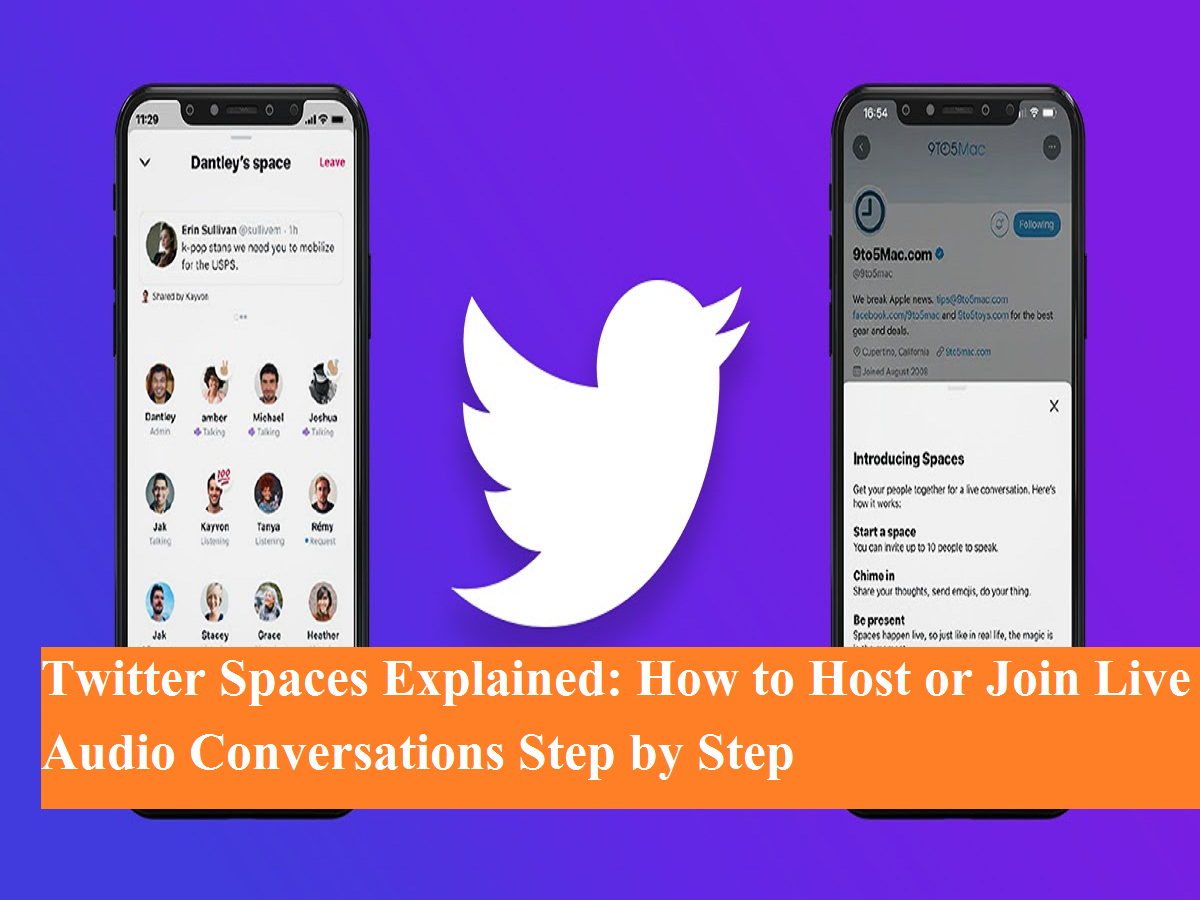
Twitter has evolved beyond text posts and visuals, offering users a more interactive way to connect through Twitter Spaces. This feature allows people to participate in live audio conversations, making discussions more personal and real-time. Whether you want to host a discussion, speak on a topic, or simply listen, Twitter Spaces makes it easy to engage with people across the platform.
Currently, Twitter Spaces can be created and joined using the Twitter mobile app on Android and iOS devices. Desktop users can listen to Spaces through the web version, but hosting is limited to mobile apps.
Here’s a complete guide explaining what Twitter Spaces are, how to create one, and how to join an ongoing Space.
What Are Twitter Spaces?
Twitter Spaces is a live audio feature where users can host discussions on any topic. Similar to podcasts or live radio shows, Spaces allow:
- Hosts to manage conversations
- Speakers to share opinions
- Listeners to tune in silently or request to speak
Just like public tweets, most Twitter Spaces are open to everyone, even users who don’t follow the host. Spaces also appear prominently at the top of users’ timelines, making them easy to discover.
How to Create a Twitter Space on Mobile
If you’re using an Android or iPhone, follow these steps to start your own Space:
Step-by-Step Process to Host a Space
- Open the Twitter app on your smartphone.
- Tap the ‘+’ (plus) icon located at the bottom-right corner.
- From the menu, select ‘Spaces’.
- You’ll be taken to the Create Your Space screen.
- Add a title describing the topic of discussion.
- Choose whether you want to record the Space.
- You can also schedule the Space for a later time.
- Tap on ‘Start your Space’.
- Invite followers or share the Space link publicly—or skip this step and go live instantly.
Once live, your Space will appear at the top of timelines and can be accessed by anyone with the link.
How to Join a Twitter Space
Joining a Space is simple and doesn’t require any special permissions.
Steps to Join as a Listener or Speaker
- Look for live Spaces displayed at the top of your Twitter home screen.
- Tap the host’s profile photo to open the Space.
- Select ‘Start Listening’ to join as a listener.
- If you want to speak, tap on ‘Request to Speak’.
- Once the host approves your request, your microphone will be enabled.
Listeners can leave the Space anytime, and speakers can mute themselves when not talking.
Why Twitter Spaces Are Gaining Popularity
Twitter Spaces are becoming increasingly popular because they:
- Encourage real-time engagement
- Allow direct interaction with creators, experts, and public figures
- Don’t require cameras or video setup
- Make discussions feel more authentic and spontaneous
From tech talks and political debates to casual chats and fan discussions, Spaces are transforming how conversations happen on Twitter.
Final Thoughts
Twitter Spaces offer a powerful way to connect through voice without the pressure of video. Whether you’re hosting a discussion or listening in, the feature opens up new possibilities for engagement on the platform.
If you haven’t tried Twitter Spaces yet, now is the perfect time to explore live audio conversations and be part of real-time discussions happening across Twitter.