Mobile Apps Permission: Apps installed on your mobile phone are collecting excessive data. Permissions allow these apps to collect data and sell it to third parties.
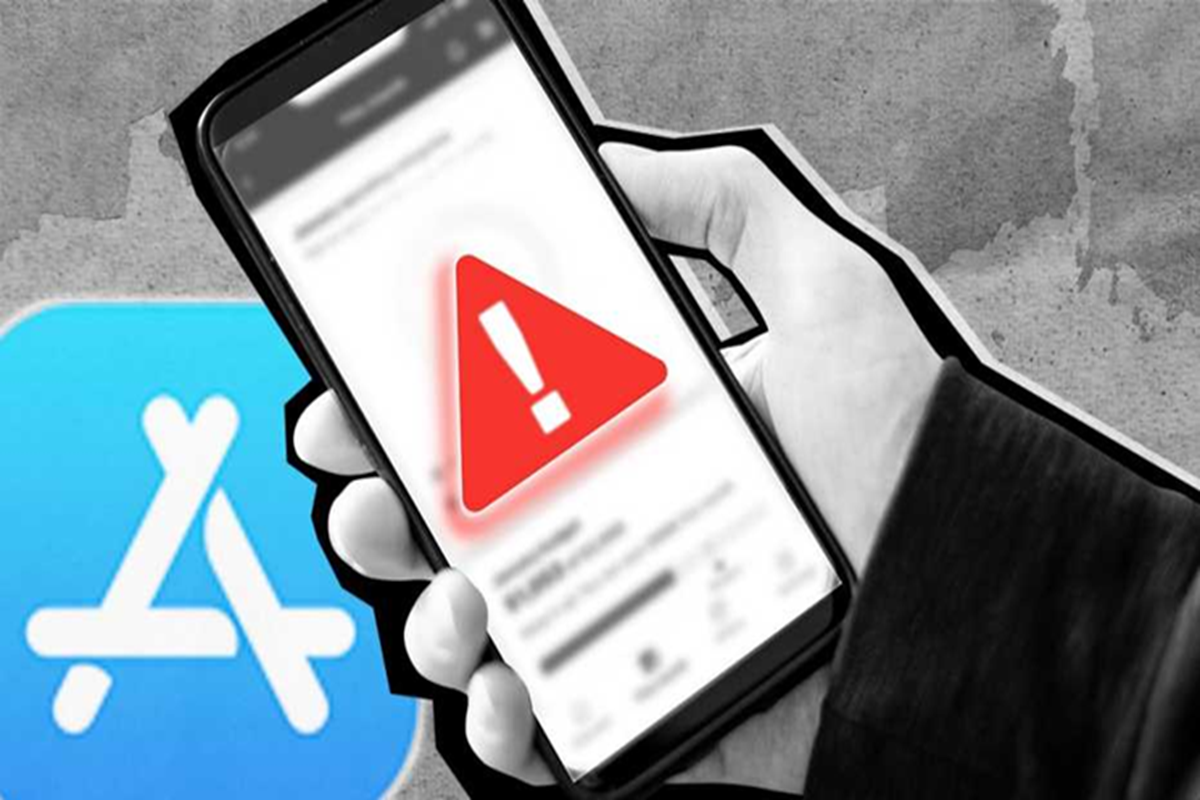
Mobile Apps Permission: Keep an eye on data-stealing apps
Mobile Apps Permission: Nowadays, apps are available for every task. Whether it's ordering food or booking concert tickets, you can do all these tasks from the comfort of your home using mobile apps. This is why the number of apps on our phones increases over time. Many times, while installing apps, we don't pay much attention to permissions and end up allowing everything. Doing this can be dangerous because apps keep collecting your data this way. Today, we're going to tell you which mobile apps ask for excessive permissions and collect data.
Lifestyle & Health Apps
Apps like sleep analysis, step counting, and calorie tracking seem essential, but they often ask for excessive permissions. These apps don't need access to a microphone, photos, or contacts, yet many still ask for these permissions. European law requires special protection for health-related data. Despite this, several apps have been accused of selling user data to third parties.
Navigation Apps
Apps like Google Maps require a location to provide directions, but these apps face other problems. Many navigation apps store and analyze a user's full location history. This data can be used to determine when a person leaves home, which doctor they visit, and which stores they shop at. This data can be very useful for advertisers.
Shopping Apps
Shopping apps are also accused of demanding excessive permissions. People often complain that the same product they were talking about with their friends appears in suggestions a short time later. This can't be a coincidence. Therefore, avoid installing too many shopping apps on your mobile. If you're not using an app already installed, deleting it is a good option.
Where to see the permission?
If you're using an Android phone, go to Settings and tap Apps. You can review an app's permissions by selecting it from the list. iPhone users can go to Settings and open the Privacy & Security section. You'll find all the permission categories here. You can also click on any category to see which apps have access to that permission.