NEWS
Tech Tips: Is your phone storage full? This is how you can get things done without deleting apps.
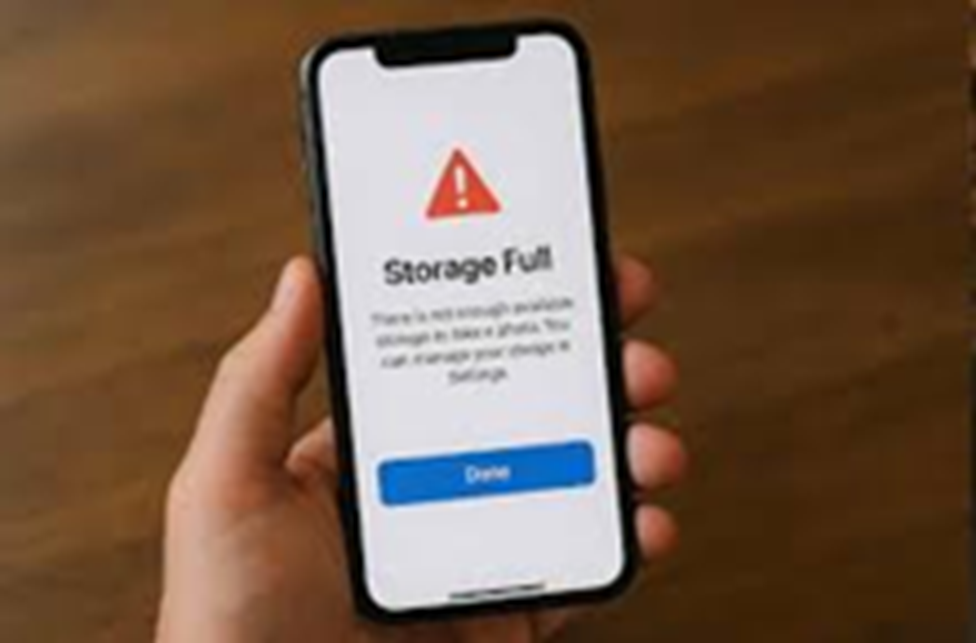
Phone Storage Saving Tips: If your phone's storage is full, there's no need to delete apps to save space. Space can be saved by archiving apps and deleting cache data.

How to free up storage without deleting apps?
Phone Storage Saving Tips: Phone storage problem is always a problem. No matter how large your phone's storage capacity is, it will eventually fill up. In such a situation, the only option left is to delete apps, along with photos, videos, and files. Sometimes, photos and videos can't be deleted. Therefore, most users free up storage by deleting apps. Today, we'll show you some ways to free up storage without deleting apps.
Apps will be automatically archived.
Archiving apps instead of deleting them is a better option. This way, you won't lose your progress and won't have to redownload them if needed. To do this, go to the Play Store and enable a setting. After this, whenever your phone runs low on storage, the phone's system will automatically archive the apps you use the least.
Enable settings like this.
To automatically archive apps, open the Play Store. Tap the profile icon in the upper-right corner of the screen and go to Settings. Tap General and turn on the Automatically archive apps switch. This will automatically archive the app. To use it again, you'll need to download it again. Opening it will restore your previous progress and data.
Clear Cached App Data
In addition to archiving apps, you can also save space by deleting their cached data. This is a time-consuming process, and you'll need to go into each app's settings and clear its cached data. Many phones offer this feature. For phones that don't have this option, clearing this data can be done using third-party apps.