NEWS
Stop Toxic Comments on Instagram: Complete Guide to Hide Offensive Messages & Keep Your Feed Clean
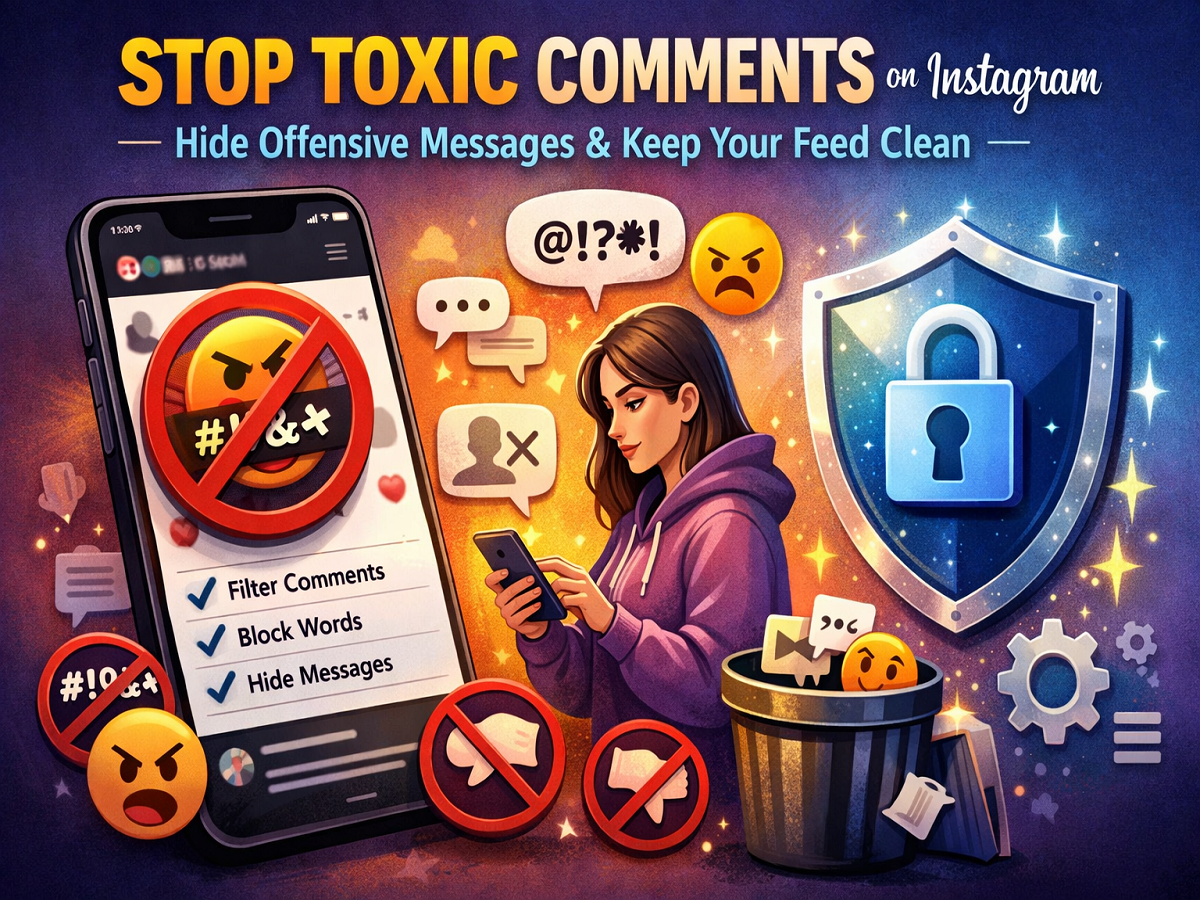
Social media can be fun, but dealing with spam, abuse, or offensive comments can quickly ruin the experience. Thankfully, Instagram offers powerful tools to help users filter out unwanted content and maintain a safe space.
If you want to clean up your comments section and avoid negativity, here’s a simple, step-by-step guide to using Instagram’s built-in features.
What is Instagram’s “Hidden Words” Feature?
The Hidden Words feature automatically filters:
- Offensive comments
- Harmful message requests
- Spam or inappropriate language
👉 According to Instagram, enabling this feature can reduce offensive comments by up to 40%.
It works by hiding comments and messages that contain flagged words, phrases, or emojis.
How to Enable Hidden Words on Instagram
Follow these steps to activate automatic filtering:
- Open the Instagram app
- Tap your profile icon (bottom right)
- Click on the three-line menu (top right)
- Go to Settings & Privacy
- Tap on Privacy
- Select Hidden Words
- Turn ON the following options:
- Hide Comments
- Advanced Comment Filtering
- Hide Message Requests
✅ Once enabled, Instagram will automatically hide offensive content from your posts and inbox.
Add Custom Words to Filter Comments
Want more control? You can create your own list of blocked words.
Steps to Add Custom Filters:
- Open Instagram → Go to Profile
- Tap the menu (three lines)
- Go to Settings & Privacy → Privacy → Hidden Words
- Tap Manage Custom Words & Phrases
- Enter:
- Words
- Phrases
- Emojis
- Numbers
- Enable:
- Hide Comments
- Hide Message Requests
💡 Example: You can block specific slang, abusive terms, or spam phrases.
Important Things to Know
- Hidden comments are not visible publicly, but they still count in total comments
- You can edit or remove custom words anytime
- Filters apply to both comments and message requests
Additional Ways to Control Comments
Instagram also offers other helpful tools:
🔒 Restrict Users
- Limits interaction without blocking them completely
⛔ Block Accounts
- Completely prevents someone from interacting with you
💬 Limit Comments
- Allow comments only from followers or selected users
Why You Should Use Comment Filters
Using these tools helps you:
- Maintain a positive online environment
- Avoid harassment and spam
- Protect mental well-being
- Focus on meaningful engagement
Final Takeaway
With features like Hidden Words and custom filters, Instagram gives users full control over what they see and interact with.
Instead of dealing with negativity, you can now automatically filter out harmful content and enjoy a safer, cleaner social media experience.