
Business
Smartphone and Laptop Unboxing Tips 2026: Follow These Steps to Avoid Online Shopping Scams
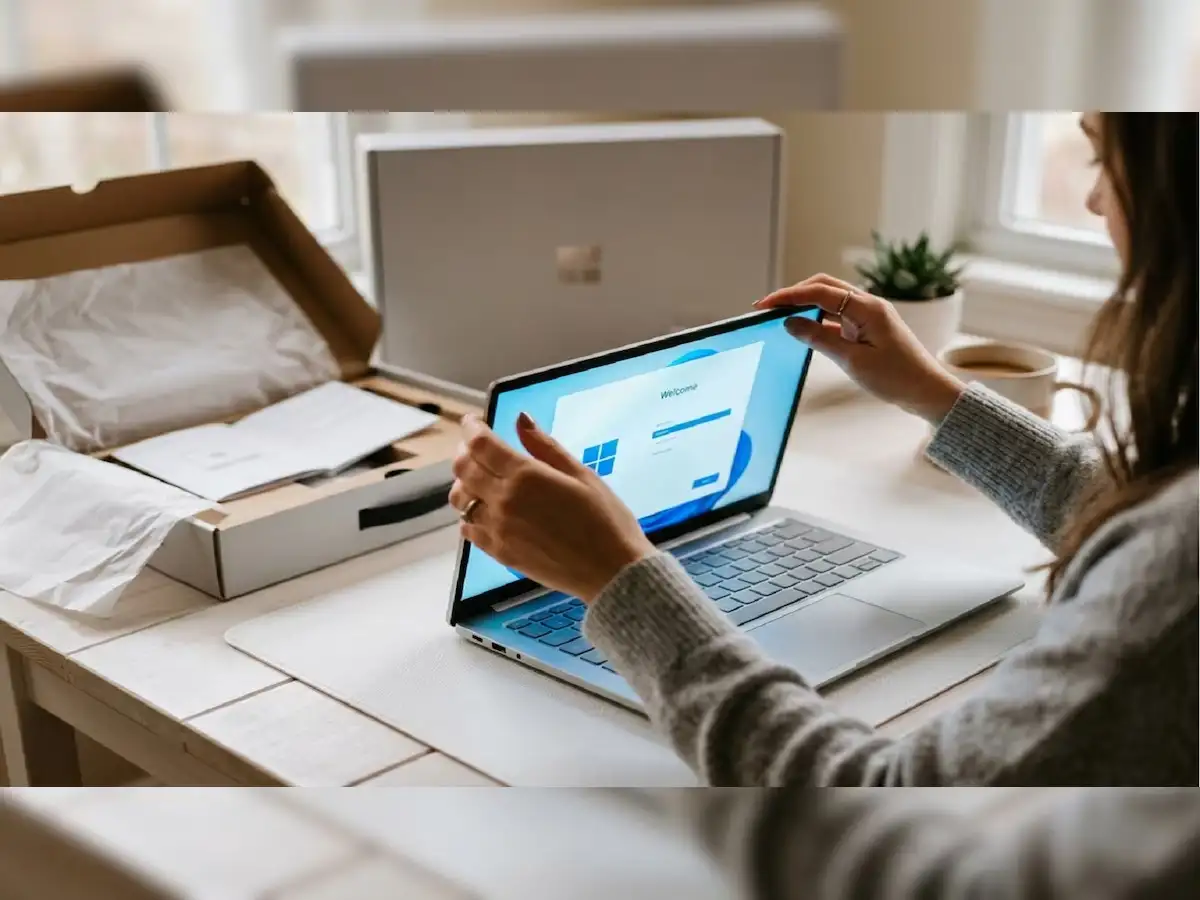
Online Shopping Safety Tips 2026: Buying smartphones, laptops and other electronic gadgets online has become increasingly convenient. With attractive discounts, doorstep delivery and easy payment options, customers can purchase expensive devices without visiting a physical store.
However, receiving a damaged, defective, incorrect or potentially counterfeit product can create serious problems. In such situations, customers may need to provide supporting evidence while requesting a replacement, refund or warranty service.
One simple precaution is to record an unboxing video when opening a newly delivered electronic device.
A properly recorded video can help document the condition of the package, its security seals, the product inside and any visible defects discovered during the initial inspection.
But recording a video alone does not guarantee a refund or replacement. Buyers must also follow the seller's return policy and report problems within the applicable deadlines.
Here are the essential precautions customers should take while unboxing a new smartphone or laptop.
1. Do Not Open the Package Immediately After Delivery
The excitement of receiving a new smartphone or laptop often encourages buyers to open the package as quickly as possible.
However, spending a few minutes inspecting the parcel before opening it can be useful.
Start by checking the outer packaging for visible damage.
Look for crushed corners, torn cardboard, damaged tape, unusual openings or signs that the parcel may have been resealed.
If the package appears suspicious, take clear photographs before removing any wrapping.
Customers should also compare the shipping information with their original order details.
Make sure the delivered package corresponds to the correct product and order.
If the delivery service requires an open-box inspection, follow the platform's prescribed procedure while the delivery representative is present.
2. Record the Package From All Sides Before Unboxing
An unboxing video can provide a visual record of the condition in which a product was received.
Before opening the parcel, begin recording with another smartphone or camera.
Place the package on a clean, well-lit surface and capture all six sides of the shipping box.
The recording should clearly show the overall condition of the package.
Important details to capture include:
- The shipping label and relevant order identification details.
- The condition of the outer packaging.
- Any damaged or suspicious tape.
- Security seals on the manufacturer's product box.
- Visible model information and product identification numbers.
For smartphones, the product box may display an IMEI number.
For laptops, a serial number or other product identifier may be printed on the packaging.
These details can help establish which device was delivered.
Privacy tip: Keep videos containing your name, address, phone number, order number, IMEI or serial number private. Share them only with authorised customer-support representatives when necessary.
3. Keep the Unboxing Video Continuous and Unedited
One of the most useful precautions is to record the entire unboxing process in a single continuous video.
Avoid stopping the recording between opening the courier package and inspecting the product.
If possible, use a tripod or mobile stand to keep the camera stable.
You can also ask another person to record the process while you open the package.
Ensure that the product remains visible throughout the recording.
A continuous video may make it easier to establish the sequence of events and demonstrate that visible damage or missing items were discovered during the initial opening.
However, marketplaces and sellers may have different evidence requirements. An unedited video can support a complaint but is not automatically accepted as conclusive proof.
4. Inspect the Smartphone or Laptop Before Switching It On
After opening the package, avoid immediately starting the device.
First, examine its physical condition carefully.
For smartphones, check the display, back panel, camera lenses, charging port and buttons.
For laptops, inspect the screen, keyboard, hinges, touchpad, ports and outer body.
Look for visible cracks, dents, scratches or other unexpected marks.
Also check whether the product appears consistent with the model, colour and configuration mentioned in your order.
If you notice damage, capture it clearly in the video before proceeding.
Avoid attempting repairs or removing additional components, as doing so may complicate a return or warranty claim.
5. Verify All Accessories Included in the Box
Another important step is checking the accessories supplied with the product.
Depending on the model, a smartphone or laptop package may contain a charging cable, power adapter, documentation or other items.
Do not assume that every smartphone includes a charger, as some manufacturers sell power adapters separately.
Compare the contents of the package with the manufacturer's official list of included accessories.
Check whether the supplied items match the product description.
If an accessory is missing or incorrect, record the discrepancy.
Keep the original packaging and included materials until you have completed the initial inspection and confirmed that the device is functioning properly.
6. Switch On the Device and Check Its Basic Functions
Once the physical inspection is complete, turn on the smartphone or laptop.
If possible, continue recording during the initial startup.
Watch for unusual behaviour, including failure to power on, unexpected error messages or visible display defects.
For smartphones, check whether the screen responds correctly and whether there are unusual coloured lines, flickering or dead areas.
For laptops, verify that the display, keyboard and touchpad respond during the initial setup.
If the device fails to start, record the issue rather than repeatedly attempting complicated troubleshooting procedures.
Customers should also avoid making unnecessary software modifications before reporting a suspected defective product.
If the device appears faulty, contact the seller or manufacturer's authorised support channel.
7. Match the Product's IMEI or Serial Number
Checking the device identifier is another useful precaution.
For smartphones, compare the IMEI information printed on the packaging with the details displayed by the device.
On many phones, the IMEI can be viewed through the device settings or by dialling *#06#.
For laptops, the serial number can usually be found on the device label, in system information or through the manufacturer's support tools.
If the identifier does not match the packaging or purchase documentation, contact the seller for clarification.
An IMEI or serial-number mismatch does not by itself prove that a device is counterfeit, but it is a reason to investigate.
Where available, use the manufacturer's official warranty or product-verification service.
8. What Should You Do If the Product Is Damaged or Incorrect?
If you receive a damaged, defective or incorrect electronic device, act promptly.
First, preserve the original packaging and all accessories.
Save the unboxing video and photographs in a secure location.
Next, open the order details on the shopping platform and review the available return, replacement or support options.
Explain the issue clearly and provide relevant evidence when requested.
Keep a record of complaint numbers, customer-support communications and any instructions received.
Avoid sending the product to an unofficial repair shop before the return or warranty process is clarified.
If the seller or platform does not resolve the issue, consumers in India may consider contacting the National Consumer Helpline through its official website:
National Consumer Helpline: https://consumerhelpline.gov.in/
Available remedies depend on the facts of the case, the applicable law and the seller's obligations.
9. Is an Unboxing Video Mandatory for a Refund or Replacement?
An unboxing video is a useful precaution, but it is not universally mandatory for every refund or replacement request.
Different e-commerce platforms may follow different complaint-handling procedures.
Some sellers may ask for photographs, delivery documentation, diagnostic information or a product inspection.
Customers should check the return policy before placing an order, especially when purchasing expensive electronics.
It is also important to understand the difference between a return window, a replacement policy and a manufacturer's warranty.
A product that is eligible for warranty repair may not necessarily qualify for a no-questions-asked return.
Likewise, consumer rights under applicable law are not determined solely by whether an unboxing video exists.
10. Additional Precautions While Buying Electronics Online
Before purchasing a smartphone or laptop, check the seller's reputation, product specifications and return conditions.
Be cautious about unusually low prices or listings that do not provide clear information about the product.
Prefer established shopping platforms and authorised sellers when possible.
Keep digital copies of the invoice, payment confirmation and order details.
After receiving the device, complete the initial inspection promptly rather than leaving the package unopened for several days.
Early inspection can help customers identify problems while relevant complaint windows remain open.
Final Takeaway
Recording an unboxing video is a practical precaution when purchasing expensive smartphones, laptops and other electronic gadgets online.
A clear, continuous recording can help document the condition of the package, the product's security seals, included accessories and any visible defects.
However, an unboxing video is supporting evidence, not a guarantee of a refund or replacement.
Customers should inspect their purchases carefully, retain invoices and packaging, and report problems through official channels without unnecessary delay.
Taking these simple precautions can make the online shopping experience safer and help buyers handle product-related disputes more effectively.