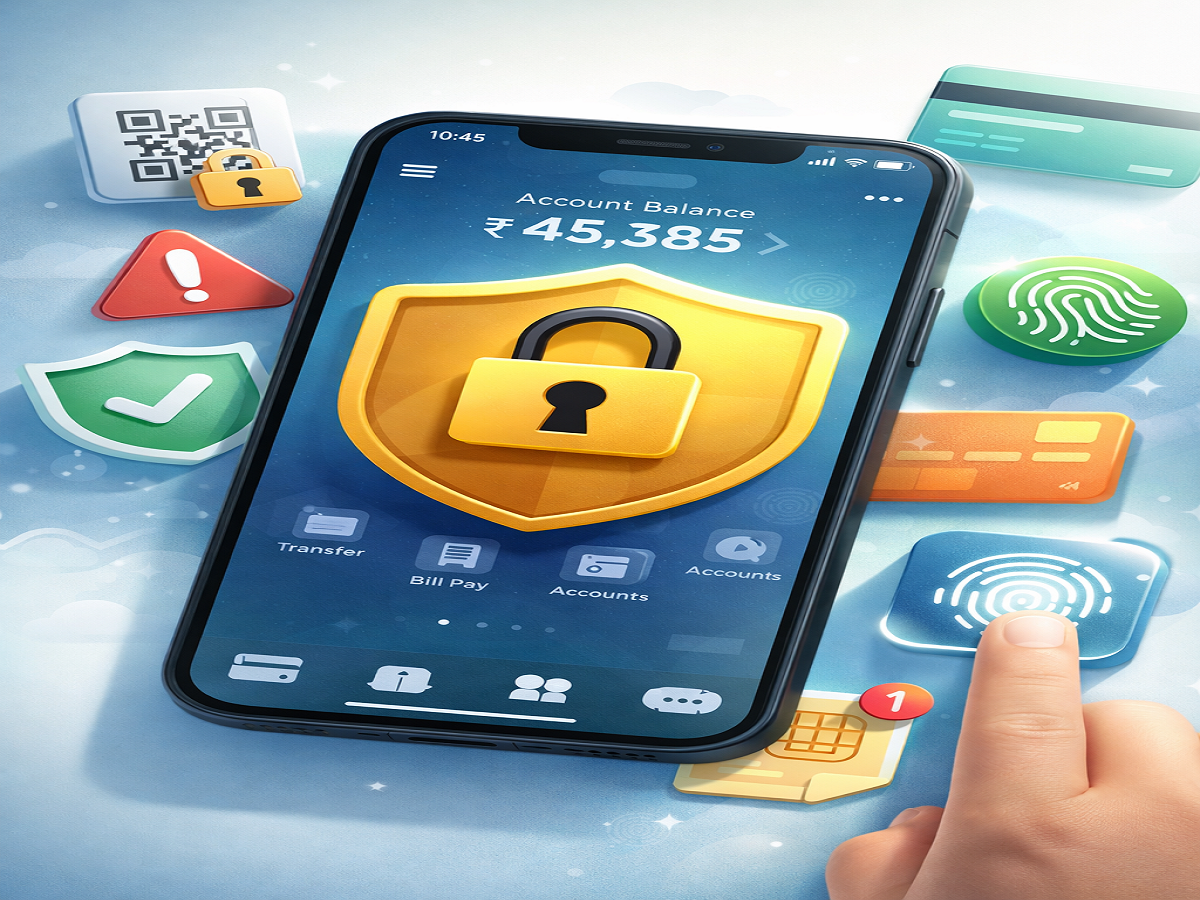
With the rapid rise of digital services, mobile banking has become an essential part of everyday life. From transferring funds to paying bills, apps like Google Play Store and Apple App Store have made it easier than ever to access financial services anytime, anywhere. However, as convenience increases, so do the risks associated with cyber threats.
While mobile banking offers speed and flexibility, even a small security lapse can lead to serious financial loss. That’s why it is crucial for users to follow safe practices while using banking applications. Here’s a complete guide to help you stay secure while managing your finances on your smartphone.
Why Mobile Banking Security Matters
Digital banking eliminates the need for frequent visits to physical branches, but it also exposes users to risks like phishing attacks, malware, and data theft. Cybercriminals often target unsuspecting users through fake links, unsecured networks, or weak passwords.
By adopting a few simple precautions, you can significantly reduce the chances of fraud and keep your sensitive information protected.
Download Apps Only from Trusted Sources
One of the most important safety steps is to install banking apps exclusively from official platforms such as the Google Play Store or Apple App Store.
Avoid downloading apps from third-party websites or unknown links, as these may contain malware designed to steal your personal and financial data.
Stay Away from Suspicious Links
Phishing scams are one of the most common methods used by hackers. These scams often come in the form of SMS messages, emails, or social media links that appear legitimate.
Never click on links asking you to download banking apps or enter sensitive information. Always verify the source before taking any action.
Enable Two-Factor Authentication (2FA)
Adding an extra layer of security can make a big difference. Two-factor authentication (2FA) requires you to verify your identity using a second method, such as a one-time password (OTP) sent to your phone.
This ensures that even if someone gains access to your password, they won’t be able to log in without the additional verification step.
Use PIN or Biometric Lock
Most banking apps offer security features like PIN codes, fingerprint scans, or facial recognition. Enabling these options ensures that only you can access your account.
In case your phone is lost or stolen, these protections can prevent unauthorized transactions and keep your money safe.
Create Strong and Unique Passwords
A strong password is your first line of defense against cyber threats. Make sure your password includes a mix of:
- Uppercase and lowercase letters
- Numbers
- Special characters
Avoid using easily guessable information like your name or birthdate. It is also advisable to update your passwords regularly to stay protected from potential data breaches.
Act Quickly If Your Phone Is Lost
Losing your phone can be risky if it contains sensitive banking information. In such situations, immediately contact your bank to block access to your mobile banking services.
You should also consider disabling your SIM card and securing other linked accounts to prevent misuse.
Avoid Public Wi-Fi for Banking Transactions
Public Wi-Fi networks, such as those in cafes or airports, are often unsecured and vulnerable to hacking attempts. Using these networks for banking transactions can expose your login credentials to cybercriminals.
Always use a secure and private internet connection when accessing your banking apps.
Final Thoughts
Mobile banking has transformed how people manage their finances, offering unmatched convenience and efficiency. However, staying vigilant is key to avoiding potential risks.
By following these simple yet effective safety measures, you can enjoy the benefits of digital banking without compromising your security. Always stay alert, keep your apps updated, and prioritize safe online practices to ensure a worry-free banking experience.