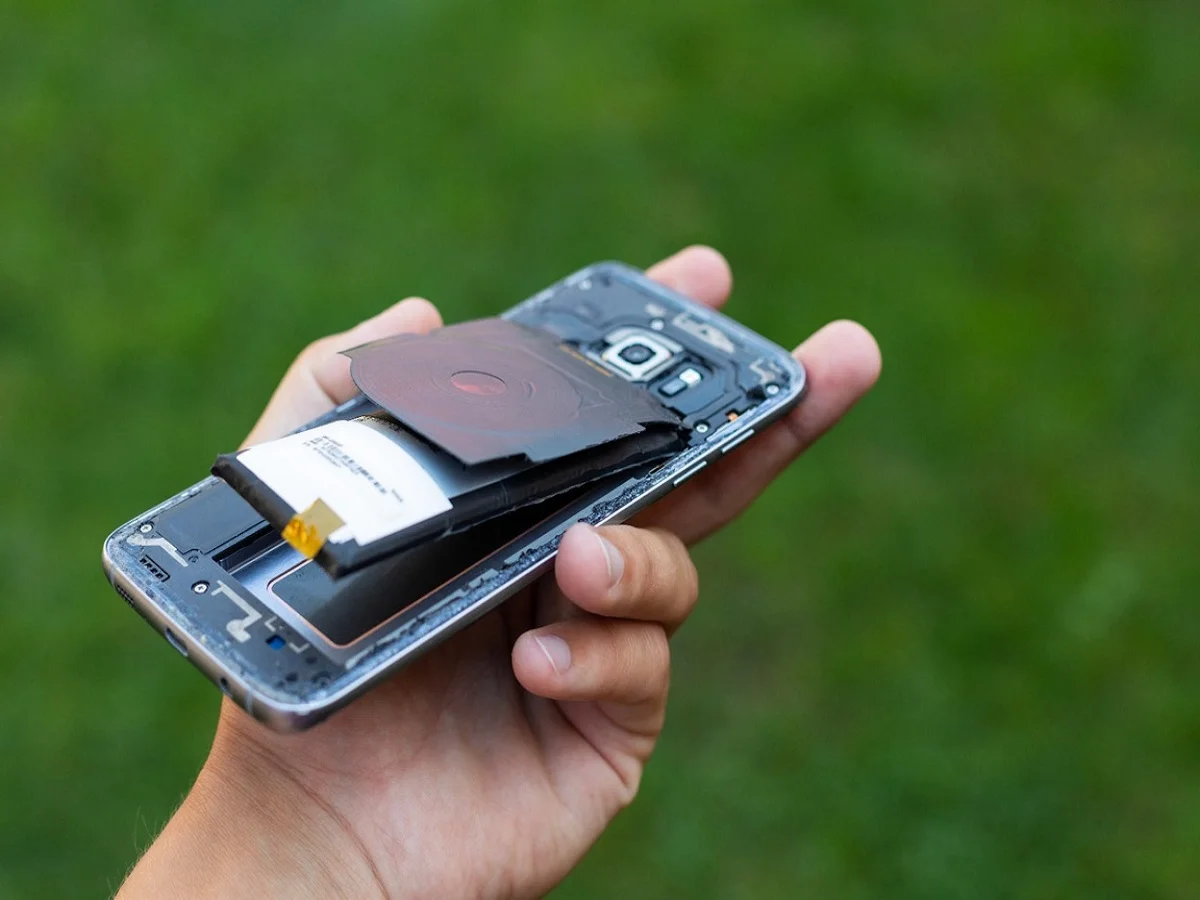
A smartphone's battery is one of its most important components, powering everything from communication and work to entertainment and online banking. However, many users notice that their phone's battery starts draining quickly after months of regular use. In many cases, the issue isn't the battery itself—it’s everyday charging habits that gradually reduce battery performance.
Following a few simple charging practices can help extend battery life, improve long-term battery health, and reduce the need for frequent charging.
Why Battery Health Matters
Modern smartphones use lithium-ion batteries, which are designed to last through hundreds of charging cycles. While these batteries naturally degrade over time, improper charging habits can speed up the aging process.
Excessive heat, deep discharge, and using low-quality charging accessories are among the most common factors that can shorten a battery's lifespan.
Here are some charging mistakes that users should avoid.
1. Avoid Leaving Your Phone Charging Overnight
Charging a phone overnight is convenient, but it can expose the battery to extended periods of heat and continuous charging.
Although most modern smartphones include built-in battery management systems that stop charging when the battery reaches full capacity, keeping the device plugged in for several extra hours may still generate unnecessary heat, which can gradually affect battery health over time.
If your smartphone supports features such as optimized or adaptive charging, enabling them can help reduce battery stress during overnight charging.
2. Don't Let the Battery Drop to 0% Regularly
Completely draining a lithium-ion battery before charging is no longer considered a good practice.
Experts generally recommend connecting the charger when the battery level falls to around 20% to 30% instead of waiting until it reaches zero.
Similarly, charging to 100% every single time isn't always necessary. Keeping the battery within a moderate charge range can help maintain its long-term health.
Avoiding frequent deep discharges may reduce wear on the battery over time.
3. Use Only Original or Certified Chargers
The charger you use plays a significant role in battery performance and safety.
Using the charger supplied by the smartphone manufacturer—or a certified replacement that meets the required specifications—helps ensure stable voltage and proper charging speeds.
Low-quality or counterfeit chargers may deliver inconsistent power, increasing the risk of overheating, slow charging, battery damage, or even safety hazards.
Whenever possible, purchase charging accessories from trusted brands or authorized retailers.
4. Prevent Your Phone from Overheating While Charging
Heat is one of the biggest factors affecting lithium-ion battery health.
Activities such as gaming, video editing, streaming high-resolution content, or running resource-intensive apps while charging can significantly increase the phone's temperature.
If your device becomes unusually warm during charging, consider:
- Avoiding heavy applications until charging is complete.
- Charging the phone in a cool, well-ventilated area.
- Removing a thick or insulated phone case if it traps heat.
- Keeping the device away from direct sunlight or other heat sources.
Maintaining lower operating temperatures can help preserve battery efficiency over time.
5. Be Careful with Battery Booster Apps
Many third-party apps claim to improve battery life or increase charging speed with a single tap.
In reality, many of these applications continue running in the background, consuming system resources and battery power instead of saving energy.
Modern versions of Android and iOS already include built-in battery optimization features that automatically manage background activity and power consumption.
Before installing battery-related apps, check whether your phone already offers similar functionality through its system settings.
Additional Tips to Improve Battery Life
Along with proper charging habits, users can also improve battery performance by:
- Reducing screen brightness when possible.
- Turning off Bluetooth, GPS, or Wi-Fi when not in use.
- Enabling battery saver mode during low-power situations.
- Closing apps that consume excessive battery in the background.
- Keeping the phone's operating system updated with the latest software.
These small adjustments can contribute to better daily battery performance.
Healthy Charging Habits Can Extend Battery Life
Battery degradation is a normal part of smartphone ownership, but adopting good charging practices can slow the process significantly.
Avoiding overnight charging whenever possible, preventing frequent deep discharges, using certified charging accessories, minimizing heat, and staying away from unnecessary battery optimization apps can all help maintain your phone's battery health for a longer period.
By making a few simple changes to your daily charging routine, you can improve battery performance, reduce long-term wear, and enjoy a more reliable smartphone experience.