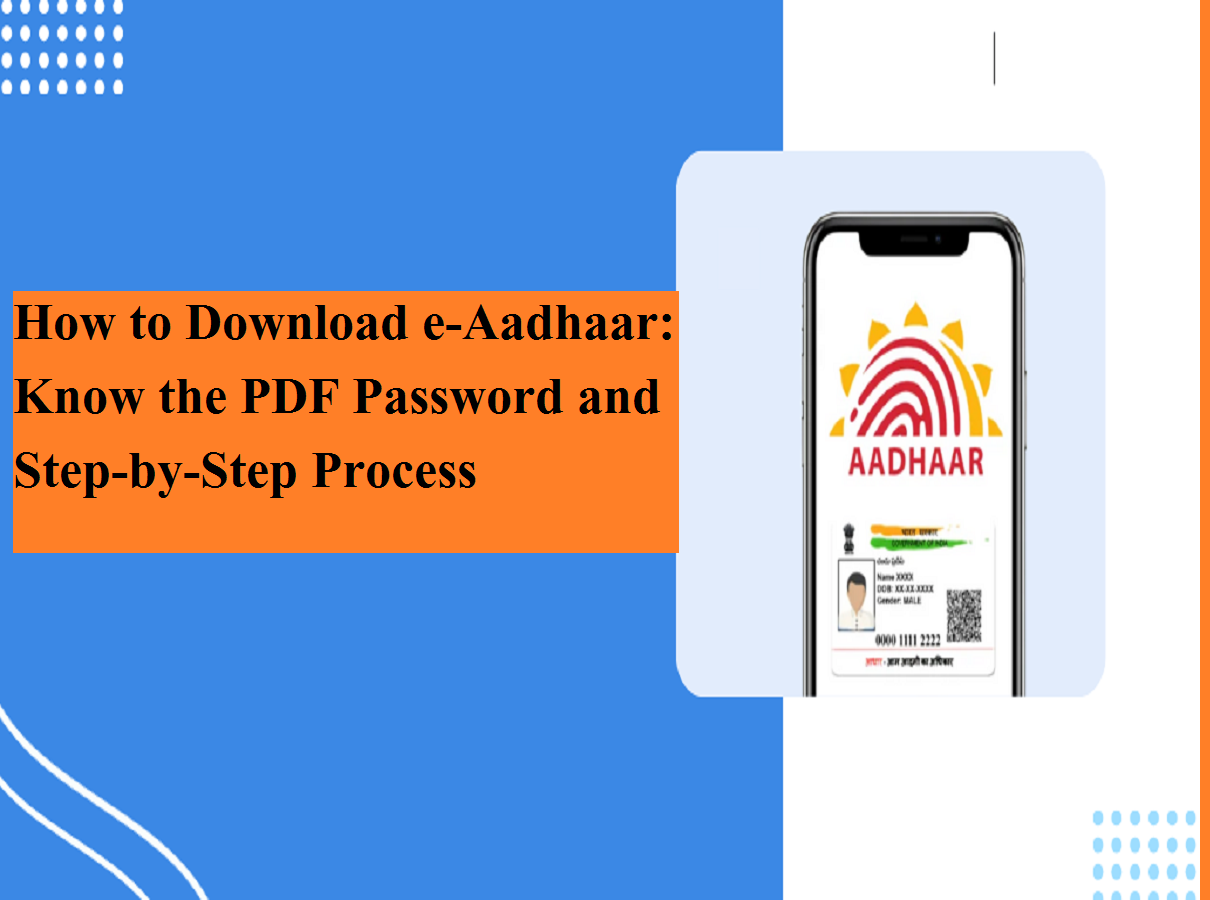
The Aadhaar card has become one of the most essential identity documents in India. Whether you want to open a bank account, activate a SIM card, or access government schemes, Aadhaar is required in most situations. But what if you lose your physical Aadhaar card or forget to carry it when needed?
There’s no need to worry. The Unique Identification Authority of India (UIDAI) allows residents to download a digital copy known as e-Aadhaar from the comfort of their home. This electronic version is legally valid and widely accepted across services.
Here is a simple, step-by-step guide to help you retrieve and download your e-Aadhaar — even if you don’t remember your Aadhaar number.
How to Find Aadhaar Number Using Name and Date of Birth
If you have forgotten your Aadhaar number (UID) or Enrollment ID (EID), you must first recover it. Follow these steps:
- Visit the official UIDAI portal: myaadhaar.uidai.gov.in
- On the homepage, click “Retrieve Lost or Forgotten EID/UID.”
- Enter your full name and the mobile number or email ID linked with Aadhaar.
- Fill in the captcha code and click “Send OTP.”
- Enter the OTP received on your registered mobile number.
- After verification, your Aadhaar number will be sent to you via SMS.
Once you have the UID or EID, you can proceed to download the e-Aadhaar.
Step-by-Step Process to Download e-Aadhaar
Downloading your digital Aadhaar copy is quick and straightforward:
Step 1: Visit the Download Page
Go to the UIDAI website and select “Download Aadhaar.”
Step 2: Enter Required Details
Provide your 12-digit Aadhaar number and the captcha shown on the screen.
Step 3: OTP Verification
Click “Send OTP” and enter the one-time password received on your registered mobile number.
Step 4: Choose Masked Aadhaar (Optional)
You will see an option for Masked Aadhaar.
- Select it if you want only the last four digits visible for extra privacy.
- Leave it unchecked if you want the full Aadhaar number displayed.
Step 5: Download the File
Click “Verify & Download.”
Your e-Aadhaar will be saved as a password-protected PDF file.
What Is the Password for Aadhaar PDF?
Many users get confused at this stage. The downloaded e-Aadhaar PDF is protected with a standard password format.
Password Format:
👉 First four letters of your name (in CAPITAL letters) + Year of birth (YYYY)
Example:
- Name: ARVIND KUMAR
- Year of Birth: 1995
- Password: ARVI1995
Make sure you enter the letters in uppercase and use the correct birth year.
Is e-Aadhaar Valid Everywhere?
Yes. UIDAI has clearly stated that the digitally downloaded e-Aadhaar is equally valid as the physical Aadhaar letter sent by post. It is digitally signed and fully secure.
Key benefits of e-Aadhaar:
- Legally valid proof of identity
- Easy to store on your phone
- Instant access anytime, anywhere
- Option to use Masked Aadhaar for privacy
- No need to carry the physical card everywhere
If your Aadhaar card is lost, misplaced, or simply not with you, downloading e-Aadhaar is the fastest and safest solution. The process takes only a few minutes but can save you from major inconvenience.
Tip: Always keep your mobile number updated with Aadhaar to ensure smooth OTP verification in the future.