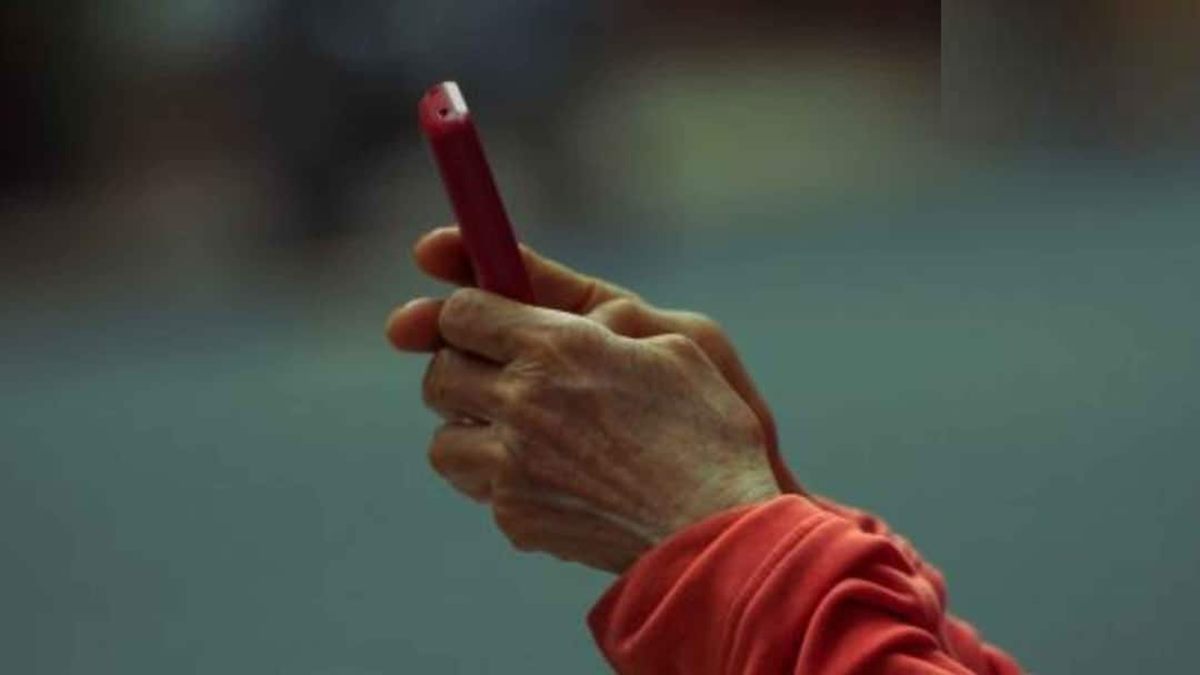
Your phone also contains banking apps, UPI, email, social media, and other important information. Losing your phone brings with it the risk that a thief could misuse your data or accounts.

Stolen phone data protection feature
Today, smartphones are no longer just devices for making calls and messaging. They contain our banking apps, UPI, email, social media, photos, and many important personal information. Therefore, if a phone is stolen or lost, the concern isn't just about the device's cost, but also about the security of the data and accounts stored on it. For this reason, Android is providing several security features to protect data in the event of a stolen phone. In Android 17, these security measures have been further strengthened, so that thieves can't easily access data even after the phone is stolen. So, let us tell you today how data can be saved even after a phone is stolen.
How can data be saved even after a phone is stolen?
Security features like Failed Authentication Lock and Identity Check have been strengthened in Android 17. On some supported devices, the number of attempts for entering an incorrect PIN or password has been reduced and the waiting time between incorrect attempts has been increased. This is intended to deter people who try to break into the phone by rapidly entering different PINs.
Meanwhile, the Mark as lost feature in Google's Find Hub app allows you to lock your phone with a biometric lock, along with a standard PIN or passcode. Even if a thief knows your PIN, Mark as lost can make it difficult for them to access certain sensitive functions. Quick Settings can be hidden, and new Wi-Fi and Bluetooth connections can also be blocked.
What to do if your phone is stolen?
The first thing you need to do after your phone is stolen is to block your SIM. You can contact your mobile operator's customer service to suspend the SIM, which stops OTPs, calls, and messages from that number. You can then use features like Find My Device on Android and Find My iPhone on iPhone to lock the phone or delete data. This allows you to locate the phone, lock it, or delete data if necessary.
Keep UPI and password safe too
If your phone is stolen, it's recommended to temporarily block or suspend your bank, UPI, and wallet apps. Additionally, change your email password from another device, then update your passwords for your banking, UPI, shopping, and social media accounts.
Report IMEI and phone
It's also important to file an FIR for a stolen phone and provide the IMEI number. The IMEI number can help identify, track, or block the phone. This record can also be useful in insurance claims if needed.