NEWS
Android users, take note! If you haven't turned on this secret privacy setting yet, your data is at risk.
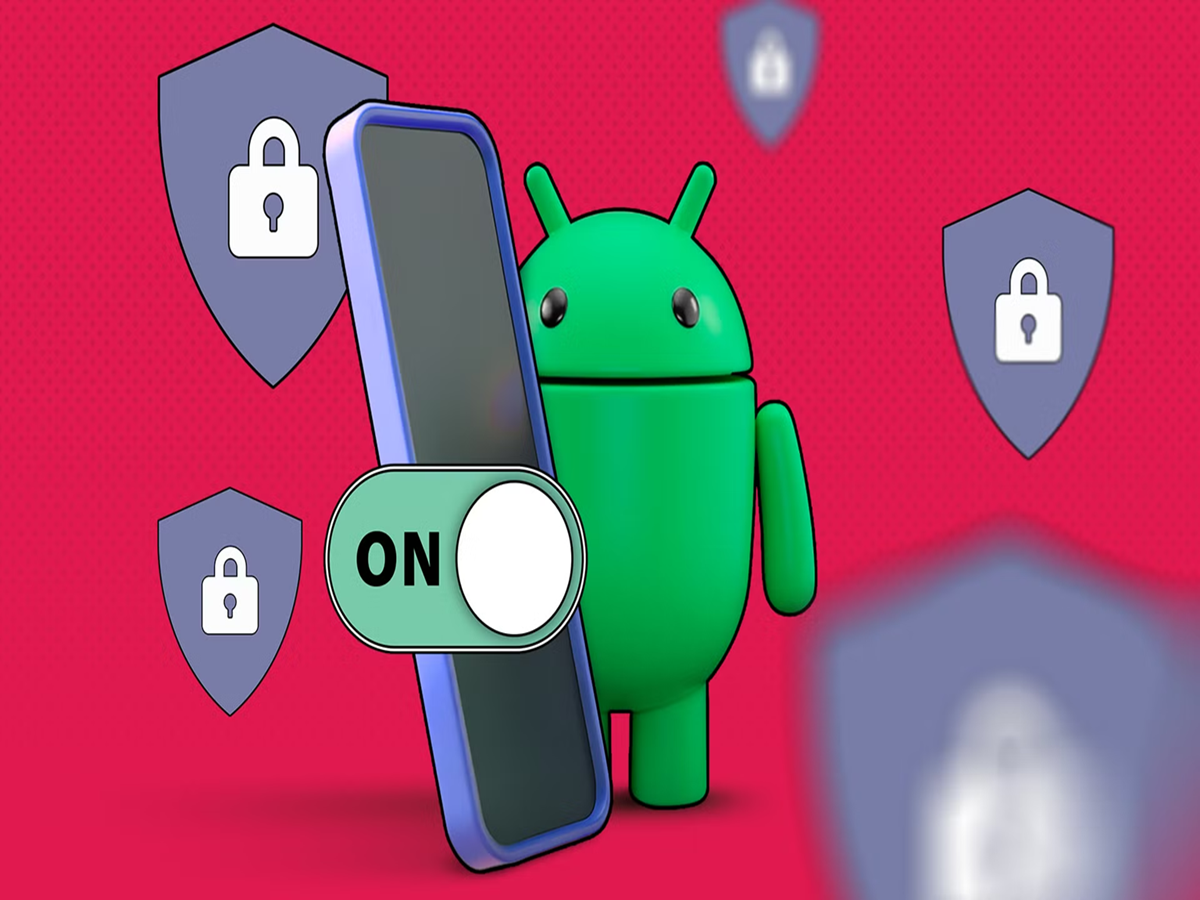
Android Privacy Feature: This is a second secure section inside your phone that works completely separately from the main profile.

(Android phones have this amazing safety feature)
Android Privacy Feature: Smartphones have become the biggest repository of our personal information these days. Sensitive information like banking apps, private photos, documents, chats, and social media accounts reside on the phone. Therefore, security and privacy have become more important than ever.
Interestingly, many smartphones running Android 15 or newer have a very useful privacy feature, but it's not enabled by default. This feature creates a separate and secure digital space within your phone.
What is Private Space and Secure Folder?
In Google Pixel and some other Android devices, this feature is called Private Space, while in Samsung smartphones it is known as Secure Folder.
Simply put, it's a separate, secure section within your phone that functions entirely separately from the main profile. Here, you can install apps, store files, and protect them with a separate password, PIN, or pattern. It acts as a digital locker, keeping data separate from the normal phone profile.
Why is this feature so special?
The biggest advantage of a Private Space or Secure Folder is that apps installed there don't have easy access to your main profile's data. For example, you can keep banking apps in a separate secure space. You can use private chat apps secretly.
You can use a separate Google account or profile to securely store important documents and files, keeping your sensitive information secure from common apps and data tracking.
How to turn on Private Space in Android?
If your phone is running Android 15 or newer and supports this feature, go to Settings > Security & Privacy > Private Space to activate it.
Next, you'll need to log in with your Google Account and set a separate lock. For safety, this lock should be separate from your main phone lock.
How to setup Secure Folder in a Samsung phone?
In Samsung Galaxy series smartphones:
Settings > Security & Privacy > More Security Settings > Secure Folder
Go to.
Secure Folder requires a Samsung account to start. You can't create a separate Google profile, but you do get secure storage and app isolation.