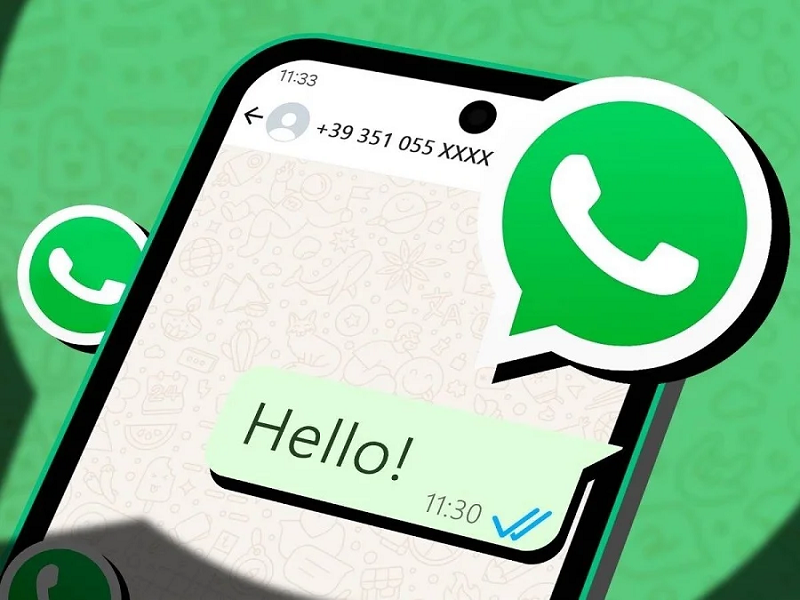
Friends, in today's modern era, WhatsApp has become the most popular instant messaging app. From personal conversations to professional tasks, millions of people rely on WhatsApp to instantly send messages, documents, photos, and videos. With over 4 billion users worldwide, many users face a common inconvenience: they have to save a phone number to their contact list before they can send a message. But did you know that you can actually send messages without saving the number? Let's dive into the full details.
How to Send a WhatsApp Message Without Saving the Number
1. Use the “Message Yourself” Feature
WhatsApp now offers a built-in “Self Chat” option, which makes this process incredibly simple.
Steps to Follow:
Open WhatsApp on your smartphone.
Tap on the “New Chat” icon located at the bottom right corner.
At the very top of your contact list, you will see “Message Yourself.”
Tap on it to open the chat window.
Now, follow these steps:
Type the 10-digit phone number (including the country code) of the person you wish to message.
Send that number to yourself within the chat.
The number will automatically transform into a clickable blue link.
Tap on the link, and you can immediately start chatting with that number without having to save it.
Why This Trick Is Useful
There are several benefits to using this simple method:
Your contact list stays clutter-free: There is no need to save unnecessary numbers.
Saves time: You can quickly send a message to anyone without having to edit your contacts.
Enhanced privacy: If your privacy settings are restricted to “My Contacts,” strangers will not be able to easily view your profile information. Avoid Using Third-Party Apps
Many apps on the Google Play Store claim to offer "Direct WhatsApp Messaging" without requiring you to save a number. However, these apps may request access to your contacts, files, or personal data, which could pose a threat to your privacy.