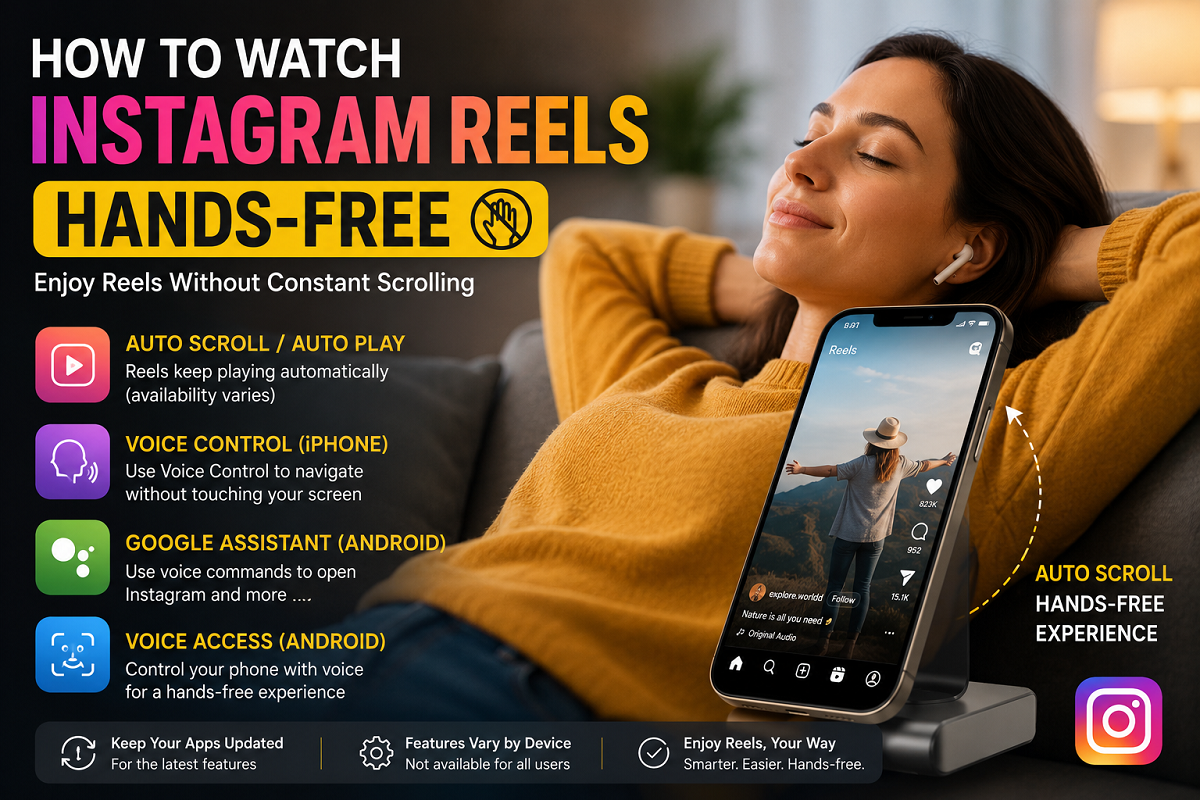
Tech Tips: If you enjoy watching Instagram Reels but get tired of holding your phone or scrolling continuously, there are a few built-in features that may help. Depending on your smartphone and Instagram app version, you may be able to navigate Reels with minimal or no touch.
Instagram Reels have become one of the platform's most popular features, with millions of users spending hours watching short-form videos every day. While the endless stream of content keeps users engaged, continuously holding a smartphone and manually swiping through Reels can become tiring during longer viewing sessions.
The good news is that some smartphones and accessibility features can make the experience more convenient. Depending on your device and the version of Instagram you are using, you may be able to watch Reels with fewer manual interactions.
It's important to note that some features mentioned below are available only on certain devices or are rolled out gradually by Instagram.
Auto-Scroll or Auto-Play Features
Some users may notice an Auto Scroll or enhanced Auto Play option in certain versions of the Instagram app.
When available, this feature allows Reels to continue playing automatically, reducing the need for repeated manual interaction. Availability depends on factors such as your app version, device model, operating system, and region.
If you cannot find this option, try updating Instagram to the latest version through your device's app store. Even after updating, the feature may not be available to every user, as Meta often releases new features in phases.
iPhone Users Can Try Voice Control
Apple's Voice Control accessibility feature can help users operate parts of their iPhone without touching the screen.
To enable it:
- Open Settings.
- Go to Accessibility.
- Tap Voice Control.
- Turn the feature on and follow the setup instructions if prompted.
Once enabled, Voice Control lets users perform several on-screen actions using spoken commands. While support for Instagram navigation may vary, it can make hands-free interaction easier for many users.
This accessibility feature is particularly useful for users who prefer voice-based navigation or have limited hand mobility.
Android Users Can Use Google Assistant
Most Android smartphones include Google Assistant, which supports a range of voice commands.
Users can activate the assistant and use commands to open Instagram or perform other supported actions without manually navigating through menus.
While Google Assistant cannot control every function inside Instagram, it can simplify basic tasks such as launching the app and navigating to certain screens.
The exact capabilities depend on the phone manufacturer, Android version, and Google Assistant settings.
Voice Access Offers Additional Accessibility
Many Android devices also support Voice Access, an accessibility feature designed for hands-free device operation.
After enabling Voice Access from the Accessibility settings, users can issue spoken commands to interact with various parts of the screen.
Depending on device compatibility, Voice Access may assist with:
- Opening apps
- Scrolling through screens
- Selecting on-screen buttons
- Basic navigation without touching the display
However, support for Instagram-specific actions may vary between devices and software versions.
Keep Your Apps Updated
Instagram regularly introduces new features, improvements, and accessibility enhancements through app updates.
To access the latest functionality:
- Update Instagram from the Google Play Store or Apple App Store.
- Keep your phone's operating system updated.
- Check Instagram settings after major updates, as new features may appear gradually.
Not every feature becomes available simultaneously for all users, so rollout timing can differ.
Things to Keep in Mind
Hands-free navigation features can improve convenience, but their availability depends on several factors, including your smartphone model, operating system, and Instagram version. Features such as Auto Scroll are not currently available to every user and may be introduced gradually through software updates.
If your device does not support these options, built-in accessibility tools like Voice Control on iPhone or Voice Access on Android can still provide a more comfortable way to use Instagram with reduced manual interaction.
By exploring your phone's accessibility settings and keeping your apps updated, you can enjoy a smoother and more convenient Instagram Reels experience.