NEWS
WhatsApp Privacy Alert 2026: Stop Unknown Calls and Protect Your Personal Data With These Simple Settings
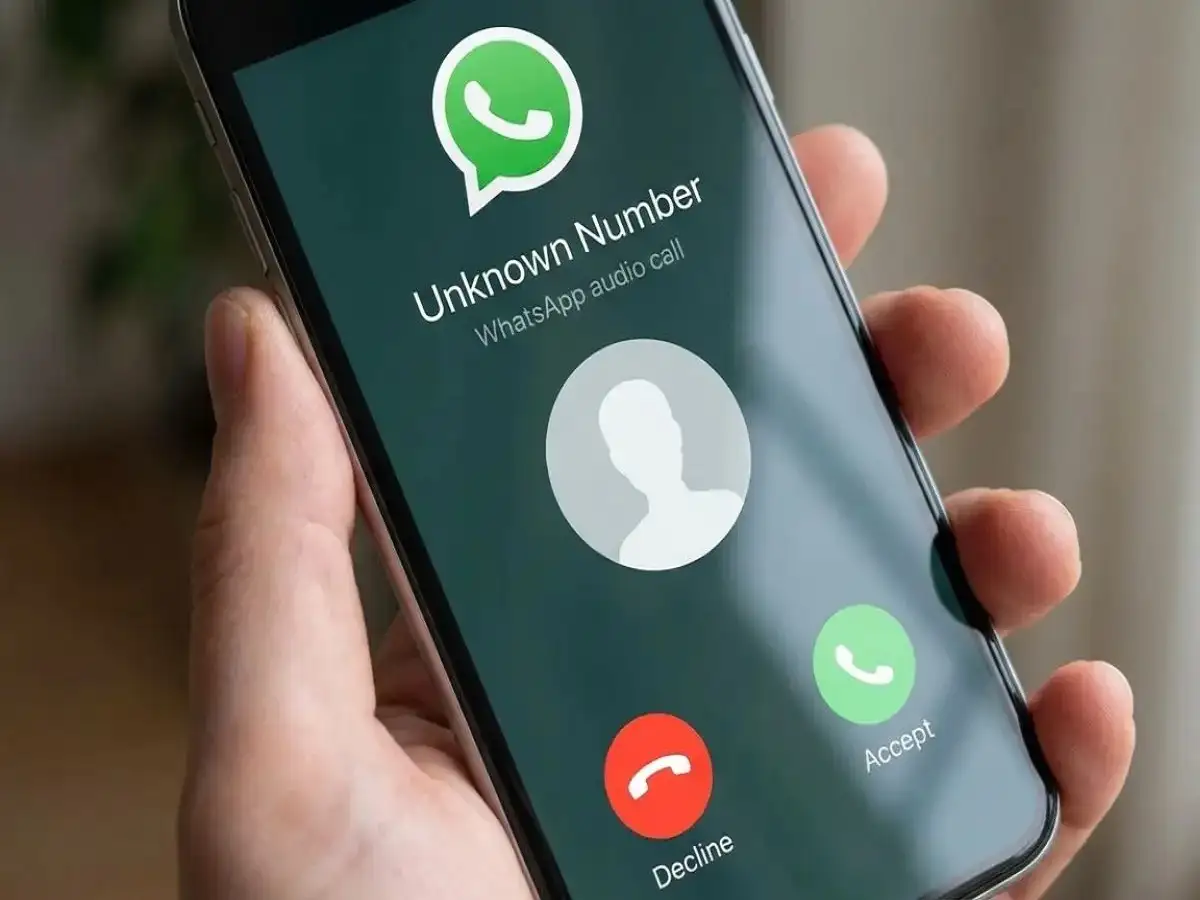
WhatsApp Security Update 2026: Are you receiving repeated WhatsApp calls from unfamiliar numbers, particularly international contacts? If so, reviewing your privacy settings could help you avoid unwanted interruptions and reduce your exposure to online scams.
WhatsApp is one of the world's most widely used messaging platforms, allowing people to exchange messages, share documents, and make voice and video calls. However, its popularity also makes it an attractive communication channel for cybercriminals attempting to deceive unsuspecting users.
Fraudsters may approach people using unfamiliar phone numbers, fake job advertisements, investment opportunities, or misleading claims about government investigations.
Fortunately, WhatsApp offers built-in privacy features that can help users manage unexpected calls and protect certain technical information during conversations.
Two particularly useful options are Silence Unknown Callers and Protect IP Address in Calls.
Here is how these features work, how to enable them, and what additional precautions users should take.
Why Are WhatsApp Users Receiving Suspicious International Calls?
Cybercriminals frequently use messaging applications to approach potential victims because these platforms make it easy to contact people across different countries.
Some scammers use unfamiliar international numbers to make their calls appear unusual or difficult to trace.
Others pretend to represent banks, recruitment agencies, courier companies, government departments, or law enforcement authorities.
Common fraudulent approaches include offers of high-paying jobs requiring little effort, promises of guaranteed investment returns, and claims that the recipient has won a prize.
Another concerning form of fraud involves criminals impersonating police officers or government investigators.
These scams are commonly described as digital arrest fraud.
What Is a Digital Arrest Scam on WhatsApp?
In a digital arrest scam, fraudsters attempt to frighten victims into believing they are involved in a criminal investigation.
The caller may falsely claim to be associated with the police, the Central Bureau of Investigation, customs authorities, or another government agency.
Victims may be told that a suspicious parcel has been intercepted in their name or that their identity documents have been linked to illegal financial transactions.
The fraudsters may then demand money, confidential information, or continued participation in a video call.
Such claims are designed to create panic and pressure victims into acting without verification.
A WhatsApp caller cannot legally place someone under arrest through a video call. Anyone receiving such threats should stop engaging, independently verify any official claim, and report the suspicious activity.
Can Answering an Unknown WhatsApp Call Expose Your Personal Information?
A common misconception is that simply answering an unfamiliar WhatsApp call automatically gives the caller access to a person's bank account, photographs, passwords, or exact location.
Under normal circumstances, answering a WhatsApp call does not automatically provide that level of access.
However, there are privacy considerations.
Certain calling arrangements can involve direct peer-to-peer connections, potentially exposing technical information such as an internet protocol address, commonly known as an IP address.
An IP address may reveal approximate network location information, but it does not ordinarily identify a person's precise home address.
WhatsApp provides a feature designed to reduce this exposure.
Users should also remember that social engineering, malicious links, fraudulent payment requests, and attempts to obtain verification codes are more common routes through which scammers try to steal information.
How to Enable Silence Unknown Callers on WhatsApp
WhatsApp's Silence Unknown Callers feature is designed to reduce interruptions from unfamiliar phone numbers.
When enabled, calls from unknown numbers are automatically silenced rather than ringing normally.
The calls may still appear in the application's call history, allowing users to review them later.
Steps to Activate the Setting
- Open WhatsApp on your Android smartphone or iPhone.
- Go to Settings.
- Select Privacy.
- Tap Calls.
- Enable Silence Unknown Callers.
Once activated, this feature can help reduce unwanted ringing from numbers that WhatsApp treats as unknown.
However, it does not completely block those contacts or prevent them from attempting to communicate through other methods.
Users should therefore continue exercising caution when reviewing unfamiliar calls or messages.
How to Hide Your IP Address During WhatsApp Calls
Another useful privacy setting is Protect IP Address in Calls.
WhatsApp calls can use direct connections between participants in certain circumstances.
While these connections may support efficient communication, they can potentially reveal network-related information to the other participant.
When the IP protection feature is enabled, WhatsApp routes calls through its servers rather than establishing the same direct connection.
This helps prevent the other caller from learning your IP address through that connection.
Steps to Enable IP Address Protection
- Launch WhatsApp.
- Open Settings.
- Tap Privacy.
- Scroll down and select Advanced.
- Turn on Protect IP Address in Calls.
The precise menu layout may vary depending on the WhatsApp version and operating system.
This setting can improve call privacy, although routing calls through WhatsApp servers may affect call quality in some circumstances.
WhatsApp calls remain end-to-end encrypted when this feature is enabled.
Importantly, IP address protection does not prevent every type of scam, hacking attempt, or fraudulent interaction.
Other Important WhatsApp Safety Settings You Should Check
Beyond managing unknown callers, users can strengthen their account security through additional precautions.
Enable Two-Step Verification
WhatsApp provides an optional two-step verification feature that adds another layer of protection to account registration.
Users can generally find this option under Settings, Account, and Two-step verification.
A secure PIN can help reduce the risk of unauthorised account registration.
Review Linked Devices
Users should periodically check the devices connected to their WhatsApp account.
If an unfamiliar device appears, it should be investigated and disconnected if unauthorised.
Limit Personal Information Visibility
WhatsApp privacy controls allow users to manage who can see information such as their profile photo, last seen status, online presence, and other account details.
Reducing unnecessary public visibility may help limit the information available to unfamiliar contacts.
Five Essential Precautions Against WhatsApp Scams
Although privacy settings can reduce certain risks, safe online behaviour remains equally important.
- Avoid suspicious callers: Do not feel pressured to answer repeated calls from unfamiliar numbers.
- Never disclose OTPs or passwords: Banks and legitimate service providers should not require you to share confidential verification codes through WhatsApp.
- Do not open suspicious links: Be cautious of messages promising rewards, jobs, refunds, or investment profits.
- Verify official identities: Contact organisations through independently obtained official numbers instead of trusting the caller's claims.
- Block and report suspicious accounts: WhatsApp provides tools to block unwanted contacts and report suspected abuse.
If a user in India suspects financial cyber fraud, they can report the incident through the National Cyber Crime Reporting Portal or contact the national cybercrime helpline at 1930.
Prompt reporting is particularly important when money has already been transferred.
Does Silence Unknown Callers Completely Stop WhatsApp Scams?
No. The feature is useful for managing unwanted calls, but it should not be mistaken for complete protection against cybercrime.
A scammer may still send messages, use another number, or attempt to contact the user through a different platform.
Similarly, hiding an IP address does not protect someone who voluntarily shares banking credentials or transfers money to a fraudster.
The strongest approach combines WhatsApp's built-in privacy controls with careful verification of unexpected requests.
Final Word
Unwanted WhatsApp calls can be frustrating, particularly when they involve unfamiliar international numbers or suspicious claims.
Enabling Silence Unknown Callers can help prevent unknown calls from interrupting your day, while Protect IP Address in Calls offers additional network privacy during conversations.
Both features are available through WhatsApp's privacy settings, although their exact locations may differ between app versions.
For better account security, users should also enable two-step verification, review linked devices, avoid suspicious links, and never share confidential banking information.
Remember: No privacy setting can guarantee complete protection against online fraud. Staying alert, verifying unexpected claims, and reporting suspicious activity remain essential steps toward safer WhatsApp use.