Business
Driving Licence Address Change: How to Update Your New Address Online, Documents and Process
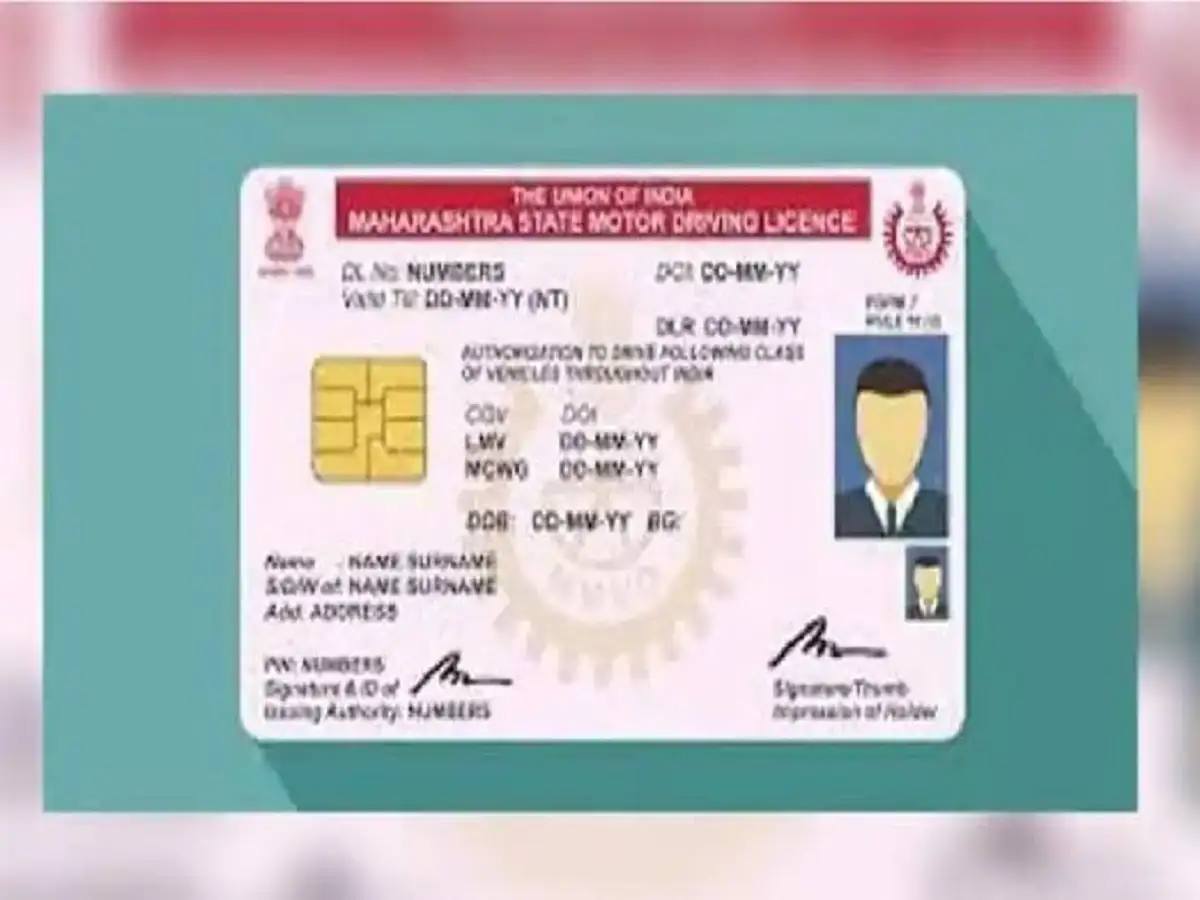
Moving to a new home involves more than simply shifting your belongings. It is also important to update the address on key official documents, including your driving licence. If the residential address printed or recorded on your Driving Licence (DL) is no longer current, you can apply to have it changed.
The process has become more convenient with the availability of online driving licence services. In many cases, applicants can initiate an address change through the government's Sarathi Parivahan platform instead of making repeated visits to a Regional Transport Office (RTO).
However, the exact procedure, documents and fees can differ depending on the state, RTO and type of application. Those moving from one state to another may also have to complete additional formalities.
Here is a detailed guide to updating the address on your driving licence.
Documents You May Need for a DL Address Change
Before starting the application, keep the required documents ready. Having clear digital copies can make the online process easier and reduce the chances of delays.
Depending on the state and application, you may be asked to provide your existing driving licence along with valid proof of your new residential address.
Accepted address documents can vary, but Aadhaar, passport, voter ID, ration card and specified utility bills may be accepted depending on the applicable rules.
Applicants may also be asked for identity proof, a recent photograph and a scanned or digital copy of their signature. Additional declarations or forms could be required in some cases.
Because document requirements can vary, applicants should check the instructions displayed on the official Sarathi Parivahan portal for their selected state before uploading anything.
How to Apply for a Driving Licence Address Change Online
To begin, visit the official Sarathi Parivahan service and select the driving licence-related services option.
Choose the relevant state and proceed to the available DL services. You may then be required to provide details such as your Driving Licence Number and Date of Birth to retrieve and verify your licence information.
After confirming the displayed details, select the service related to changing the address on your driving licence.
Enter your new residential address carefully. Pay particular attention to the house number, locality, district, state and PIN code, as incorrect information could create problems during verification.
Upload the address proof and any other documents requested by the portal. If a photograph or signature is required for your application, upload them in the prescribed format and size.
Applicants may also be offered Aadhaar-based authentication or e-KYC where the facility is available and applicable.
Once all the information has been entered, review the application before moving to payment.
Pay the Applicable DL Address Change Fee
A prescribed fee may apply when requesting an address change on a driving licence. The amount payable can depend on the service and applicable rules.
The portal should display the fee before payment is completed. Use the available online payment option and retain the transaction details.
After successfully submitting the application, download or save the acknowledgement receipt or application number. This reference can be useful for checking the progress of your request later.
How to Track Your Driving Licence Application
Submitting the application does not necessarily mean the address will be changed immediately. The request may first undergo document and RTO verification.
Applicants can generally use the application status facility available through the Sarathi platform to check progress.
Keep your application number, receipt and other reference details safe until the process has been completed.
If additional documents or physical verification are required, applicants should follow the instructions issued by the relevant licensing authority.
Moving to Another State? Additional Formalities May Apply
The procedure may require additional steps when a driving licence holder permanently shifts from one state to another.
Depending on the circumstances and applicable state rules, the licensing authority may ask for additional information or clearance connected with the previous RTO. Applicants should therefore not assume that an interstate address change will follow exactly the same process as moving within the same city or state.
Where an NOC or other clearance is required, applicants may need to initiate the relevant service through Sarathi Parivahan or approach the concerned RTO.
Details of the existing driving licence, previous licensing authority and supporting documents may be required during this process.
What to Do After Getting the Required Clearance
If your new state's licensing authority requires an NOC or supporting clearance from the previous RTO, keep both the document and acknowledgement safely.
You can then proceed with the address-change application for the new state.
Enter your DL number, date of birth and other requested information. Where applicable, provide the NOC details, including its number and date.
Next, enter your new residential address and upload acceptable proof. Any clearance document requested by the licensing authority should also be submitted.
After paying the applicable fee, the request will be processed by the concerned authority. Depending on the state's procedure and the service requested, further verification or an RTO visit may be required.
Avoid These Mistakes While Updating Your DL Address
Before submitting your application, carefully compare the address entered on the portal with the address appearing on your supporting document. Even minor errors in the PIN code, house number or locality could result in delays or require correction.
Uploaded documents should be clear and readable. Avoid blurred photographs, incomplete scans or files where essential details are hidden.
Applicants should also save their payment receipt and application number instead of closing the browser immediately after completing the transaction.
Most importantly, use the official government transport portal for the application and avoid sharing driving licence details or personal documents with unverified websites or individuals.
Check State-Specific Rules Before Applying
Online services have made changing the address on a driving licence more convenient, but the procedure is not necessarily identical across India.
Document requirements, online facilities, fees, verification procedures and the need for an RTO visit can differ by state and individual case. Therefore, applicants should follow the instructions shown for their state on the official Sarathi Parivahan portal.
Keeping the address on your driving licence updated can help ensure that your official driving records reflect your current residence and can prevent unnecessary complications when using the licence for transport-related or verification purposes.