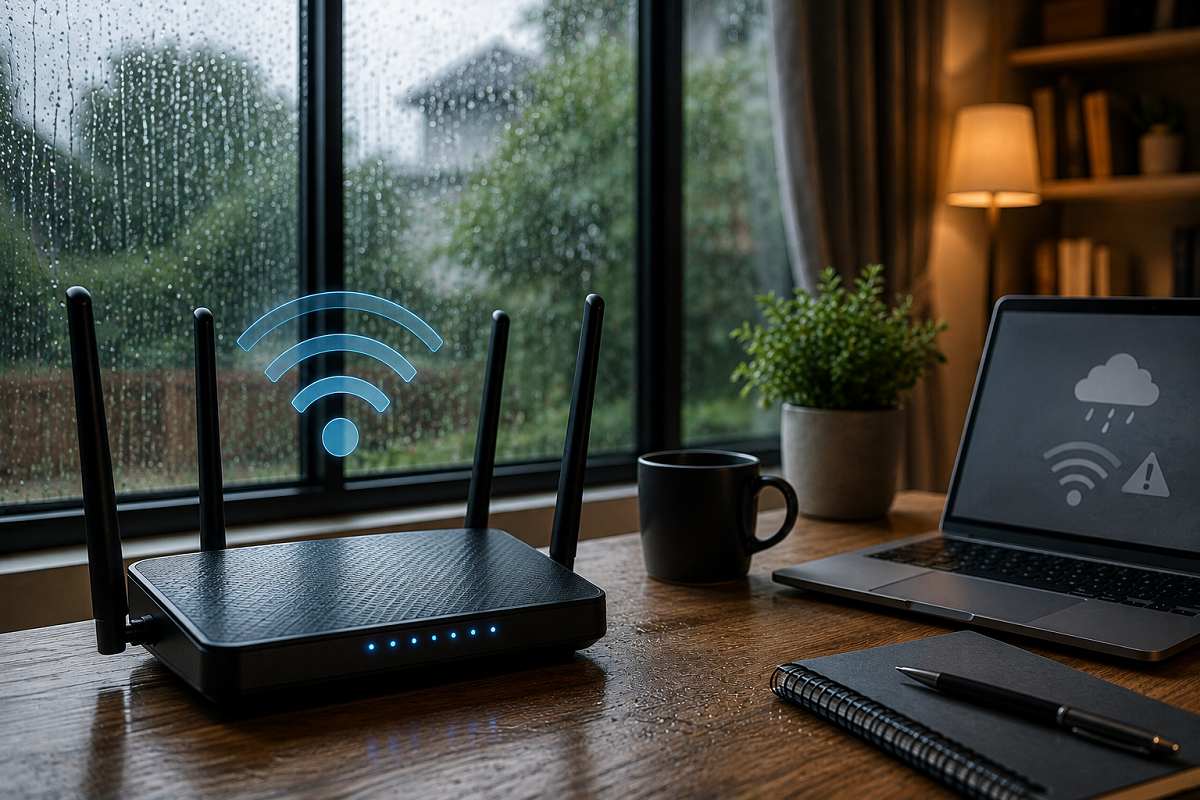
Wi-Fi Tips: The monsoon season may bring relief from the summer heat, but it can also cause frustrating internet issues. Many users notice slower Wi-Fi speeds, unstable connections, or frequent interruptions during video calls and online meetings. With work, education, banking, and entertainment increasingly dependent on reliable internet, even minor connectivity problems can be disruptive. Fortunately, poor Wi-Fi performance isn't always caused by your internet service provider. In many cases, a few simple changes at home can significantly improve your connection.
Why Does Wi-Fi Often Slow Down During the Monsoon?
Heavy rainfall itself does not usually block Wi-Fi signals inside your home. However, increased humidity, temperature changes, power fluctuations, and network congestion can affect overall internet performance.
Some common reasons include:
- Higher moisture levels affecting networking equipment
- Poor ventilation around the Wi-Fi router
- Frequent power outages or voltage fluctuations
- Increased demand on your internet service provider's network
- Physical obstacles weakening wireless signals
Understanding the cause can help you choose the right solution instead of assuming your internet provider is always responsible.
Place Your Router in the Right Location
Router placement plays a major role in Wi-Fi coverage.
Avoid placing the router:
- In a corner of the room
- On the floor
- Behind furniture
- Near televisions, microwave ovens, or other electronic devices that may cause interference
For better signal strength, position the router:
- Near the centre of your home
- On an elevated surface
- In an open and well-ventilated area
- Away from thick walls and metal objects
A properly placed router can improve signal strength without requiring any additional equipment.
Large Home? Consider a Wi-Fi Extender or Mesh System
If your house has multiple floors or large rooms, relocating the router alone may not solve weak signal issues.
In such cases, you can consider:
- A Wi-Fi range extender
- A mesh Wi-Fi system
These devices help distribute wireless signals more evenly, reducing dead zones and improving coverage throughout the home.
Protect Your Router from Moisture and Power Surges
During the rainy season, routers should be kept away from:
- Open windows
- Damp walls
- Areas where rainwater may enter
- Excessively humid locations
If your area experiences frequent power cuts or voltage fluctuations, connecting the router to a surge protector or an Uninterruptible Power Supply (UPS) can help protect the device from electrical damage and unexpected shutdowns.
Keep Your Router's Firmware Updated
Many users overlook firmware updates, but they are important for maintaining network performance.
Regular firmware updates may provide:
- Better connection stability
- Improved security
- Performance enhancements
- Bug fixes
- Compatibility with newer devices
Check your router manufacturer's app or web interface periodically for available updates.
Don't Ignore Router Overheating
A Wi-Fi router operates continuously and can become warm over time.
Poor ventilation during humid weather may cause the device to overheat, resulting in slower speeds or unstable connections.
To prevent overheating:
- Ensure proper airflow around the router.
- Avoid covering it with cloth or decorative items.
- Place it on a hard, flat surface.
- Restart the router occasionally to refresh the connection.
Sometimes, a simple reboot can restore normal performance within a few minutes.
Manage Heavy Internet Usage
Even with a fast broadband plan, internet speed may feel slow when multiple devices are connected simultaneously.
Activities that consume significant bandwidth include:
- 4K video streaming
- Online gaming
- Large file downloads
- Cloud backups
- Multiple video conferences
If your router supports Quality of Service (QoS), you can prioritise important devices or applications, such as work laptops or video conferencing, over less critical traffic.
Additional Tips for Better Wi-Fi Performance
You can also improve your internet experience by following these simple practices:
- Restart your modem and router regularly.
- Secure your Wi-Fi with a strong password to prevent unauthorised access.
- Disconnect unused devices from the network.
- Upgrade older routers if they no longer support current Wi-Fi standards.
- Contact your internet service provider if problems continue after troubleshooting.
Why Reliable Wi-Fi Matters More Than Ever
Today, internet connectivity is essential for much more than entertainment. People rely on Wi-Fi for:
- Remote work
- Online education
- Digital banking
- Video consultations
- Smart home devices
- Online shopping
- Video streaming
An unstable connection during the monsoon can interrupt important meetings, delay payments, and affect productivity. Maintaining your home network is therefore just as important as choosing the right broadband plan.
The Bottom Line
Slow Wi-Fi during the rainy season is not always the result of bad weather alone. Router placement, overheating, humidity, power fluctuations, outdated firmware, and heavy network usage can all affect internet performance.
Simple steps such as positioning the router correctly, keeping it dry and well-ventilated, updating its firmware, using surge protection, and managing connected devices can significantly improve Wi-Fi stability. If the problem persists even after trying these measures, it may be time to contact your internet service provider to check for network-related issues.