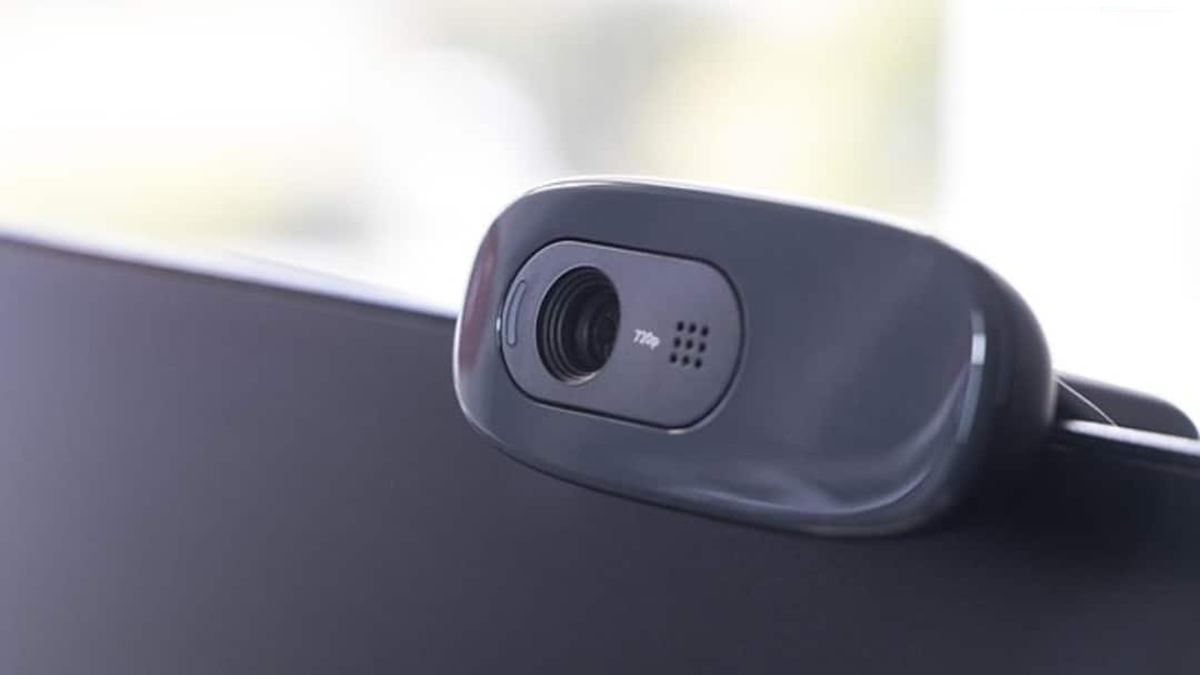
Seeing those tiny holes near a laptop's webcam often raises the question of what they're for. Learn about their true purpose and why they're located in laptops.
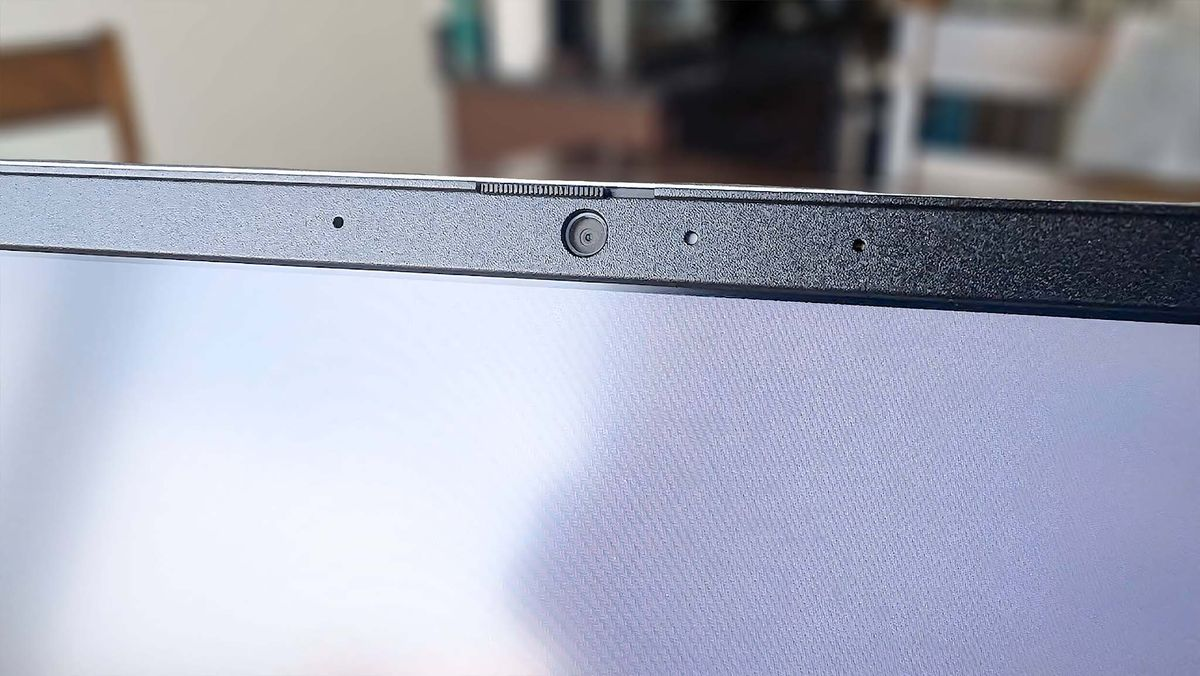
(Why is there a small hole near the laptop's webcam?)
You've likely seen the webcam mounted above your laptop's screen, but have you ever noticed the tiny holes surrounding it? Many people assume these are part of the camera, but some of these holes have nothing to do with the camera itself. These tiny holes may have a special connection to your laptop's voice, video calls, and privacy.
What are the holes near the webcam for?
Microphones are most commonly hidden in small holes around a laptop's webcam. Most laptops today offer built-in microphones so users don't need to plug in a separate microphone during video calls or online meetings. The microphone hole appears very small from the outside. Behind it is a sensor or microphone component that captures your voice and transmits it to the laptop.
There can be not just one, but two microphones.
Many advanced laptops have multiple small holes around the webcam. This is because they feature dual or multiple microphones. These microphones not only record your voice but also help reduce ambient noise.
For example, if you're talking during a video call amidst the noise of a fan, air conditioner, or people nearby, the laptop's microphone system attempts to distinguish your voice. This technology helps you hear clearly during the call.
Noise cancellation also helps
Some laptops have a microphone arrangement where one microphone picks up your voice while the other helps detect surrounding sounds. Software can then analyze these two signals to reduce unwanted background noise.
This is why it's not correct to assume every small hole you see near a webcam is part of the camera. Some holes are essential parts of the laptop's audio system.
Not every hole is for a microphone.
It's important to understand one important thing here: not every laptop has the same small holes near the webcam as microphones. Different manufacturers and models may vary their locations based on their design.
Some designs may also have small openings near the webcam for LED indicators, sensors, or other hardware components. Therefore, the function of a hole cannot be determined simply by looking at it.
Don't accidentally turn them off.
If your laptop has a microphone hole near the webcam, avoid covering it with stickers, tape, or anything else. This can reduce microphone volume and prevent the other person from hearing you clearly during video calls.
So the next time you see these tiny holes near your laptop's webcam, don't assume they're just a design element. The tiny microphone hidden within them can play a big role in improving the sound of your video calls and online meetings.