NEWS
Which USB port should you plug your mouse and keyboard into? 99% of people make this big mistake.

Tech Tips: If you plug a mouse or keyboard into a USB 3.0 port, there's usually no major damage.
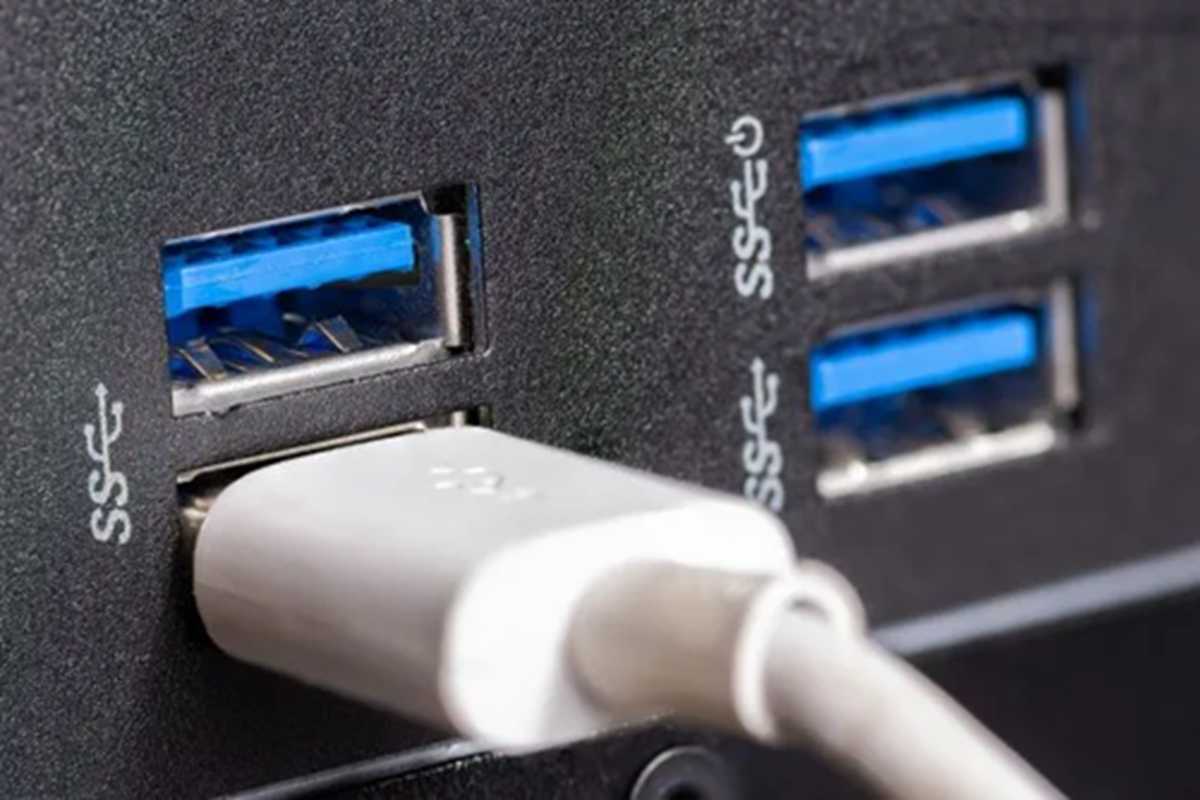
(In which port should the mouse and keyboard be plugged in)
Tech Tips: In today's world of technology, computers and laptops have become a part of people's lives. People use laptops while working from home. Therefore, for a smooth work setup, people use a mouse and keyboard. However, most people don't know which port to plug these two devices into.
Which port is correct for the mouse and keyboard?
If your computer has both USB 2.0 and USB 3.0 ports, it's best to plug your mouse and keyboard into the USB 2.0 ports. This is because these devices don't require very high data speeds. USB 2.0 speeds are perfectly sufficient for them.
Doing this frees up high-speed ports like USB 3.0 or USB 3.2, which you can use for an external SSD, pen drive, hard disk or other high-speed devices.
Is there any harm in plugging in USB 3.0?
For your information, plugging a mouse or keyboard into a USB 3.0 port usually doesn't cause any significant damage. These devices will still function normally. However, this leads to unnecessary use of the high-speed port, which could be used for devices with faster data transfer speeds.
In some cases, placing the USB receiver of a wireless mouse or keyboard near a USB 3.0 port has been shown to cause interference, weakening the signal. In such cases, a USB 2.0 port may be a better option.
Are all USB ports the same?
Let us tell you that this is not the case. Computers have different types of USB ports, including USB 2.0, USB 3.0, USB 3.2, and USB-C. USB 3.0 and its newer versions have data transfer speeds many times higher than USB 2.0. USB 3.0 ports typically have a blue interior, while USB 2.0 ports are black or white.
How to choose the right port
If your system has both USB 2.0 and USB 3.0 ports, plug your mouse and keyboard into USB 2.0 ports and reserve the USB 3.0/3.2 ports for faster data transfer devices. This will allow you to efficiently utilize all of your system's USB ports and provide a better experience.