NEWS
Where does the data go when you delete your ChatGPT history? Understand the entire AI chat system.
It's not always necessary to keep every conversation you have on ChatGPT in your history, but before deleting a chat, it's important to know what happens to it afterward and whether it can be recovered.
ChatGPT hosts a variety of conversations daily. Some chats are ones that users want to revisit later, while others prefer to remove them from their history. ChatGPT offers various options for this, such as delete and archive, but many people are confused about what happens to a deleted chat and whether it can be restored.
According to OpenAI, deleted conversations cannot be recovered through ChatGPT's interface, API, or support. So, let's explore where the data goes when you delete your ChatGPT history.
How to delete a chat in ChatGPT?
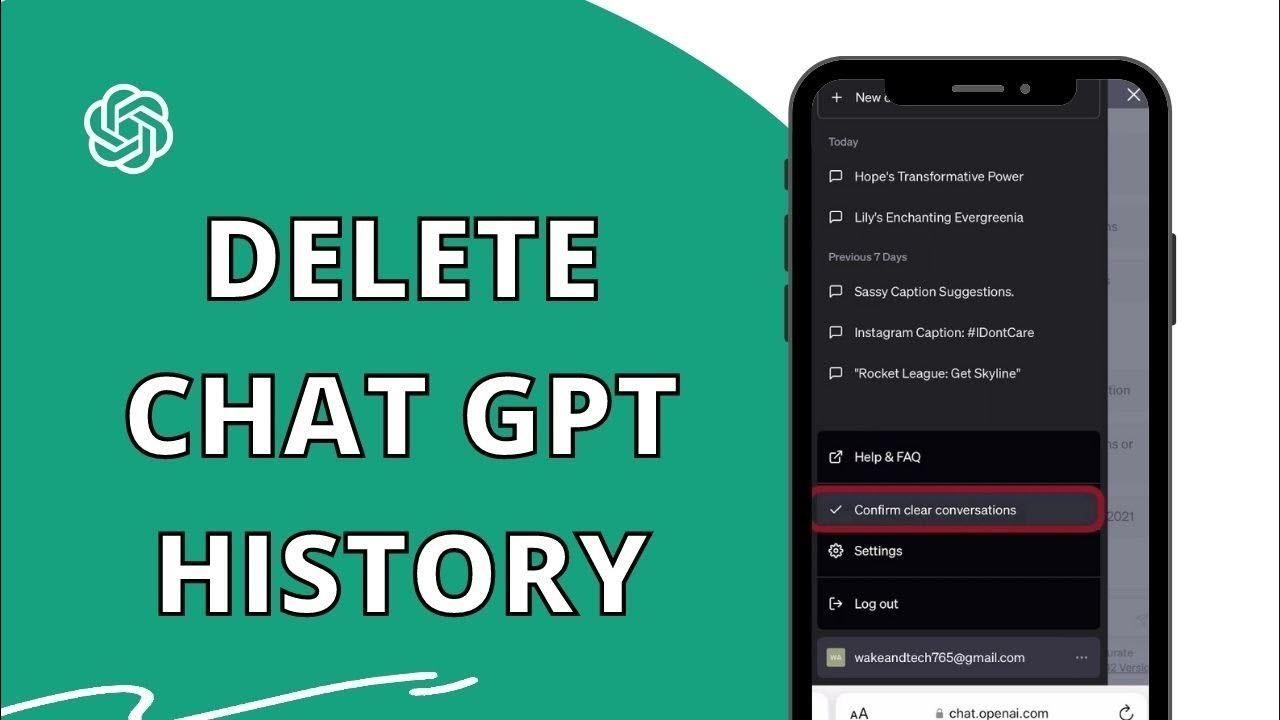
In your ChatGPT chat history, first locate the conversation you want to delete in the sidebar. Then, click or tap the three dots next to the chat name. Click Delete in the options that appear and select the option to delete the chat. This conversation will be removed from your chat history and will not appear again.
Where does the data go when I delete ChatGPT history?
Deleting a chat in ChatGPT immediately removes it from your chat history and, according to OpenAI, is scheduled to be permanently deleted from the system within 30 days. Deleted chats cannot be recovered through the ChatGPT interface, API, or support. However, if a chat is not visible in your history, it may have been archived instead of deleted.
How to view archived chats?
Archived chats are saved in your account. To view them, first open ChatGPT's Settings. Then, go to the Data controls section and tap the Manage option next to Archived chats. Here, you'll see all previously archived chats, which you can view or reuse as needed. Once you find a chat, you can restore it to your history using the Unarchive option.
How to keep important chats safe?
Users can open ChatGPT's Settings app, go to the Data controls section, and export their ChatGPT data using Export data. However, once a chat is deleted, it cannot be recovered.