WhatsApp has become one of the most widely used messaging platforms, allowing people to stay connected through chats, voice calls, video calls, photos, videos, and status updates. While using the app, users share or display different types of personal information, including their profile photo, last seen status, online activity, About section, and Status updates.
The good news is that WhatsApp provides several privacy controls that allow users to decide who can access this information. Reviewing these settings regularly can help users maintain better control over their personal details and limit unwanted interactions.
Here is a look at the important WhatsApp privacy options and how users can review them.
How to Access WhatsApp Privacy Settings
To review your privacy options, open WhatsApp on your smartphone and go to Settings. From there, select Privacy.
Depending on your device and the version of WhatsApp you are using, you may find several options related to your personal information and interactions.
WhatsApp allows users to choose different visibility settings for certain features. Depending on the option, information can generally be restricted to contacts or excluded for selected people.
It is a good idea to go through these settings instead of leaving every option at its default configuration.
Control Who Can See Your Profile Photo
Your WhatsApp profile picture can reveal personal information about you, particularly when it is visible to people outside your contact list.
WhatsApp provides a dedicated Profile Photo privacy setting. Open the Privacy section and select Profile Photo to review who can view it.
If you do not want your profile picture to be broadly visible, you can choose a more restrictive audience based on the options available in your app.
This can be particularly useful for people who use the same WhatsApp account for both personal and professional communication.
Manage Last Seen and Online Visibility
WhatsApp also gives users control over their Last Seen and Online information.
The Last Seen setting determines who can view when you were last active on WhatsApp, while the Online setting controls who can see that you are currently using the app.
Users who prefer greater privacy can review both settings and select the audience that suits them.
Keep in mind that changing these settings can also affect the information you are able to see about other users, depending on WhatsApp's privacy rules.
Review Your Status Privacy
WhatsApp Status lets users share photos, videos, text and other updates that remain available for a limited period.
Before posting personal content, users can review their Status Privacy settings and select the people they want to share those updates with.
This is particularly important if your contact list includes colleagues, business contacts, acquaintances or people with whom you do not regularly communicate.
Checking the audience before sharing a Status can reduce the possibility of personal updates being viewed by unintended contacts.
Check About and Group Privacy
The About section is another part of your WhatsApp profile that can contain personal information. Its visibility can be adjusted through the app's privacy controls.
Users should also review their Groups settings. WhatsApp provides controls that can help determine who is allowed to add you to groups.
Managing this setting can reduce unwanted group invitations and give you greater control over your WhatsApp interactions.
Privacy is therefore not limited to your profile picture or Last Seen status. It is worth reviewing the different categories available under the Privacy menu.
Silence Calls From Unknown Numbers
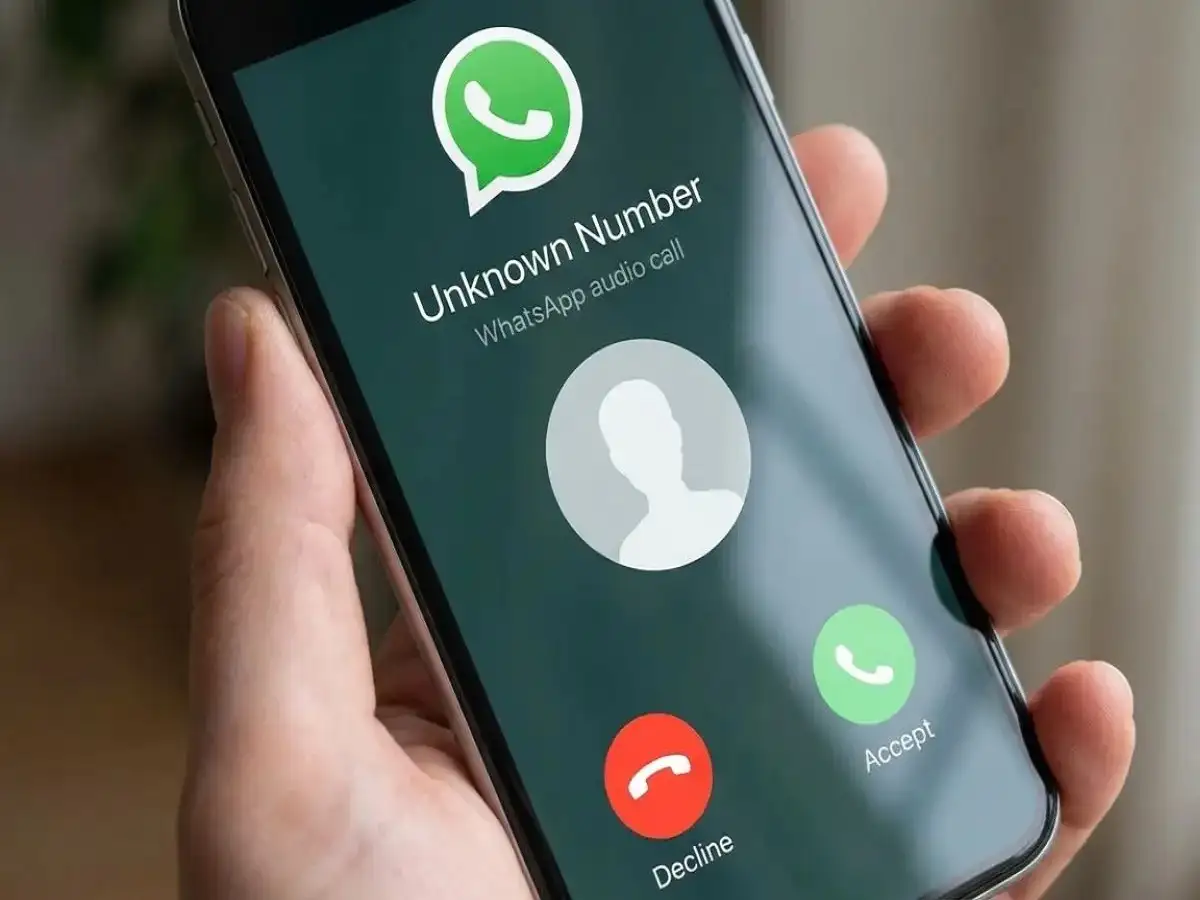
Another useful WhatsApp feature is Silence Unknown Callers.
When this option is enabled, calls from unknown numbers will not ring your phone in the usual way. This can be helpful for users who frequently receive calls from unfamiliar numbers or want to reduce interruptions from unknown callers.
However, enabling the feature does not mean those calls disappear completely. Information about the calls can still be found in WhatsApp's Calls tab, allowing users to review them later and decide whether a callback is necessary.
How to Enable Silence Unknown Callers
You can generally find this feature by following these steps:
- Open WhatsApp.
- Go to Settings.
- Tap Privacy.
- Select Calls.
- Turn on Silence Unknown Callers.
Once enabled, calls from unknown numbers will be silenced while remaining visible in the Calls tab.
Why You Should Review WhatsApp Privacy Settings Regularly
Privacy preferences can be overlooked for long periods, especially when users change phones, add new contacts or start using WhatsApp for different purposes.
A quick review of your WhatsApp Privacy settings can help you understand who may be able to see your profile information and Status updates and who can interact with you through groups or calls.
Users should periodically check their Profile Photo, Last Seen, Online, Status, About and Groups settings and adjust them according to their current needs.
WhatsApp's privacy controls do not eliminate every possible privacy or security risk, but using them thoughtfully can give users greater control over the information they display and the people who can interact with them.
For better privacy, users should also remain cautious when responding to unknown messages or calls and avoid sharing sensitive personal or financial information through unsolicited communications.