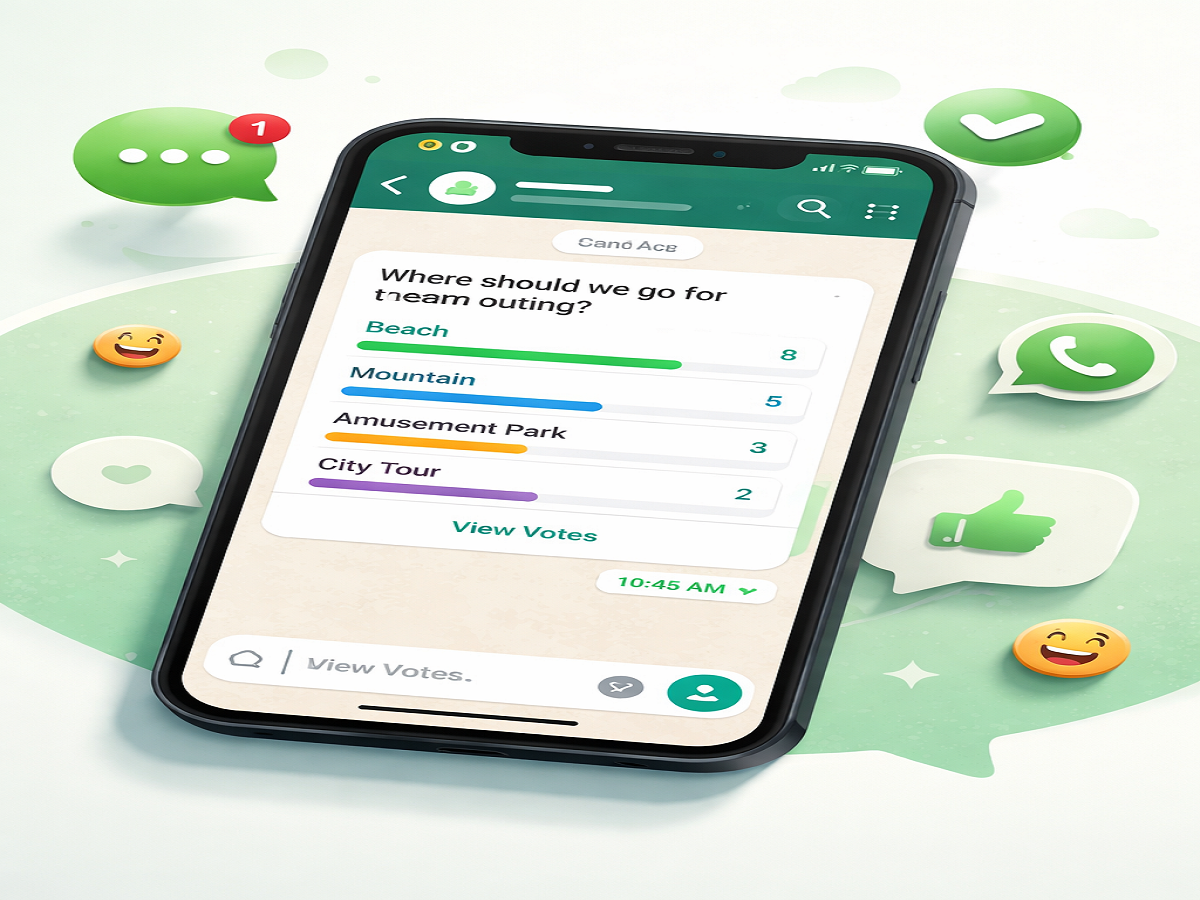
The popular messaging platform WhatsApp continues to evolve with features designed to make conversations more interactive. One such addition is the Polls feature, which allows users to quickly gather opinions within chats. Initially limited to group conversations, this functionality has now been expanded to include one-on-one chats, making it even more versatile for everyday use.
Whether you want to plan an outing, make a quick decision, or simply engage in fun discussions, WhatsApp polls offer a simple and effective solution. Here’s a detailed guide on how the feature works and how you can create polls on both Android and iPhone devices.
What is WhatsApp Polls Feature?
The WhatsApp Polls feature enables users to create questions with multiple answer choices directly within a chat. Participants can vote by selecting their preferred option, and the results are updated in real time.
A few key highlights of this feature include:
- Users can add up to 12 different options in a single poll
- Polls can be created in group chats as well as personal chats
- Votes are updated instantly as participants respond
- All poll interactions are protected with end-to-end encryption, ensuring privacy
The interface remains consistent across individual and group chats, making it easy for users to navigate and participate without confusion.
How WhatsApp Polls Work
Once a poll is shared in a chat, participants simply tap on the option they prefer to cast their vote. The results are visible to everyone in the conversation, and users can also check detailed responses by selecting the “View Votes” option.
This feature is particularly useful for:
- Making quick group decisions
- Gathering feedback instantly
- Planning events or meetings
- Conducting informal surveys within chats
Step-by-Step Guide to Create WhatsApp Polls on Android
If you are using an Android smartphone, follow these steps to create a poll:
- Open the WhatsApp application on your device
- Navigate to the chat or group where you want to create the poll
- Tap on the Attach (paperclip) icon located in the message box
- Select the Poll option from the menu
- Enter your question and add the desired answer choices
- Once done, tap on the Send button
After sharing the poll, participants can vote instantly, and results will update automatically.
How to Create WhatsApp Polls on iPhone
For iPhone users, the process is slightly different but equally simple:
- Open WhatsApp on your iOS device
- Go to the chat or group conversation where you want to post the poll
- Tap the “+” (plus) icon next to the typing field
- Choose the Poll option from the list
- Add your question and input the answer options
- Tap Send to publish the poll
Once shared, all participants can interact with the poll in real time.
Why You Should Use WhatsApp Polls
The Polls feature adds a new layer of convenience to everyday messaging. Instead of long back-and-forth conversations, users can quickly make decisions with a single tap. It’s especially helpful in group settings where opinions may vary, and reaching consensus can take time.
Additionally, the feature maintains WhatsApp’s focus on privacy and security, ensuring that all poll data remains encrypted and safe from unauthorized access.
Final Thoughts
With the introduction of polls in both group and personal chats, WhatsApp has made communication more dynamic and efficient. The feature is easy to use, widely accessible, and ideal for both casual and practical use cases.
If you haven’t tried it yet, update your app and start using WhatsApp Polls to simplify decision-making and enhance your conversations.