
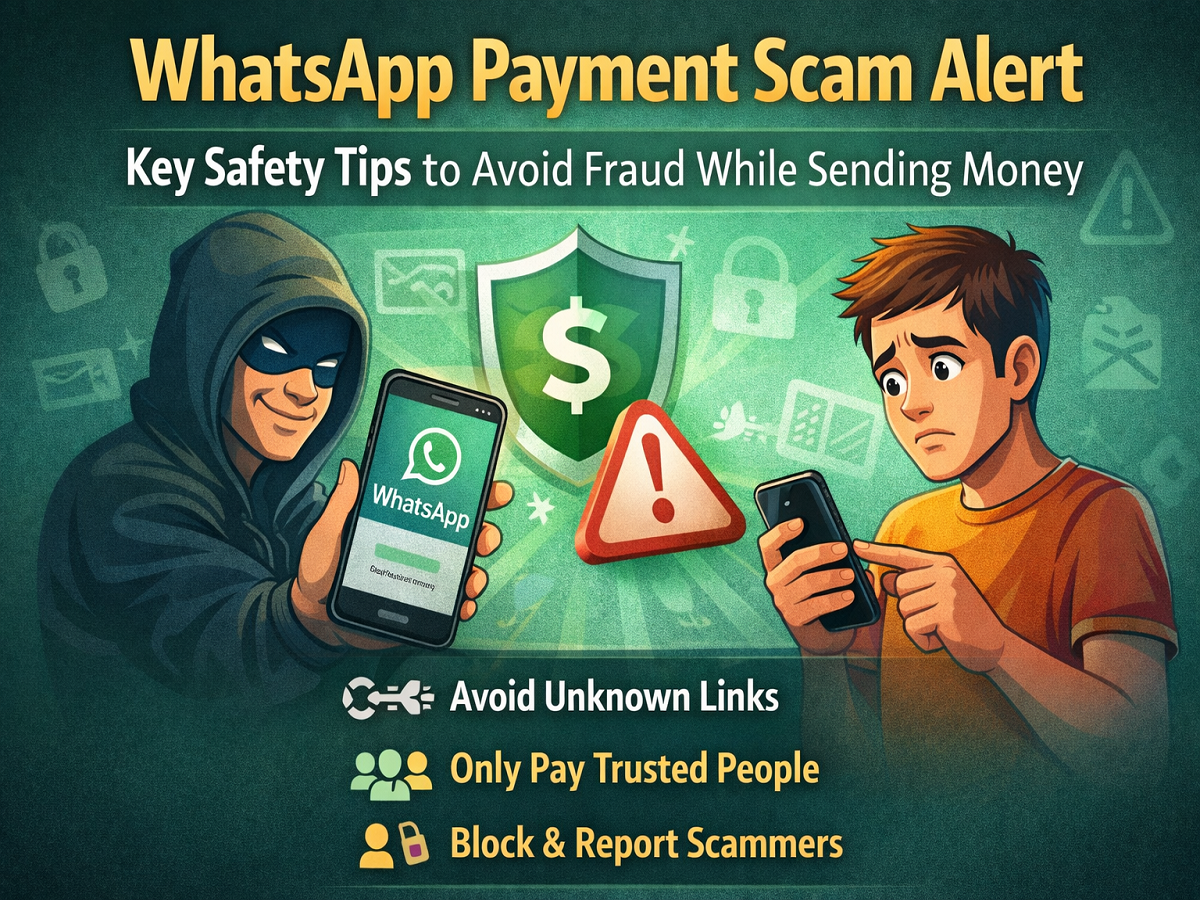
With digital payments becoming increasingly popular, millions of people now use messaging platforms not only to communicate but also to transfer money. One such feature is WhatsApp Payments, which allows users to send and receive money directly within the app. While the convenience of instant transfers has made it widely popular, it has also opened new opportunities for cybercriminals.
In recent months, cases of WhatsApp payment scams have been rising, with fraudsters targeting unsuspecting users through fake requests, suspicious links, and impersonation tactics. Understanding how these scams work and learning simple safety measures can help users protect their money and personal information.
Here are some essential tips to stay safe while using WhatsApp Payments.
Rising Threat of WhatsApp Payment Scams
As digital transactions grow, scammers are finding new ways to trick users into transferring money. Many fraudsters pretend to be friends, relatives, businesses, or customer support agents to gain a victim’s trust.
Once they succeed in convincing someone, they may send payment requests, phishing links, or fake offers that lead to financial loss. These scams often appear legitimate, making it difficult for users to identify them immediately.
To protect customers and reduce online fraud, experts recommend following basic digital safety practices when using payment features on messaging platforms.
Avoid Clicking on Suspicious Links
One of the most common tactics used by scammers involves sending unknown or suspicious links through WhatsApp messages.
These links may claim to offer rewards, urgent payment requests, or account verification alerts. In reality, they are often phishing attempts designed to steal banking details or personal information.
To stay safe:
- Never click on links sent by unknown numbers.
- Avoid opening links that appear suspicious or unrelated.
- Do not enter banking or payment details on unknown websites.
Ignoring such links is often the safest approach and can prevent potential financial loss.
Only Send Money to Trusted Contacts
When it comes to transferring money through WhatsApp Payments, users should always verify the recipient before completing any transaction.
If someone sends a payment request, ensure that the person is someone you personally know and trust. Accepting a payment request automatically transfers money from your bank account, so confirming the identity of the requester is extremely important.
Experts advise users to:
- Double-check the sender’s identity.
- Confirm payment requests through a phone call if necessary.
- Avoid sending money to unknown contacts.
Being cautious with payment requests can significantly reduce the chances of falling victim to scams.
Keep Your Phone and Banking Access Secure
Smartphones now store sensitive information such as banking apps, payment accounts, and personal details. If a phone is lost or stolen, it can potentially expose this information to unauthorized access.
In such situations, users should immediately inform their bank and take necessary steps to secure their accounts. Contacting the bank’s customer support or visiting the official website to report the issue can help prevent misuse.
Additional precautions include:
- Setting a strong screen lock or biometric authentication.
- Avoiding sharing OTPs or passwords with anyone.
- Regularly checking transaction alerts.
These steps can help ensure that even if a device is compromised, financial damage can be minimized.
Identify Genuine Customer Support Accounts
Scammers often impersonate customer support representatives to gain access to users’ personal information.
However, legitimate companies rarely ask customers for sensitive banking details through chat messages. If support communication is necessary, it usually comes from an official verified account.
On WhatsApp, verified business accounts often display a Meta Verified badge, which appears as a check mark beside the account name. Users should always verify this badge before trusting any support-related communication.
If an account asks for confidential information such as banking credentials or OTPs, it is most likely a scam.
Block and Report Suspicious Numbers
If you receive a message from an unknown number that appears fraudulent or suspicious, the safest action is to block and report the contact.
Reporting suspicious numbers helps prevent scammers from targeting more users. WhatsApp also uses such reports to detect and restrict fraudulent activity on its platform.
How to Block a Contact on Android
- Open the chat with the suspicious number.
- Tap Block.
- Select Report Contact.
- Confirm by tapping Block again.
How to Block on iPhone
- Open the chat.
- Tap Block.
- Choose Block and Report.
Blocking on Desktop or Web
If using WhatsApp on a computer:
- Click Block in the chat window.
- Select Report Contact and confirm.
For Mac users, choose Report, then select Report and Block. Windows users can follow the same steps from the chat options menu.
Stay Alert to Avoid Online Fraud
Digital payments have made financial transactions faster and more convenient, but they also require users to stay alert. By avoiding suspicious links, verifying payment requests, securing devices, and reporting fraudulent contacts, users can significantly reduce the risk of WhatsApp payment scams.
Staying informed and cautious is the most effective way to ensure safe digital transactions in today’s connected world.




