NEWS
WhatsApp on iPad Gets a Major Upgrade: How to Make Your Tablet the Main Device Without Losing Chats
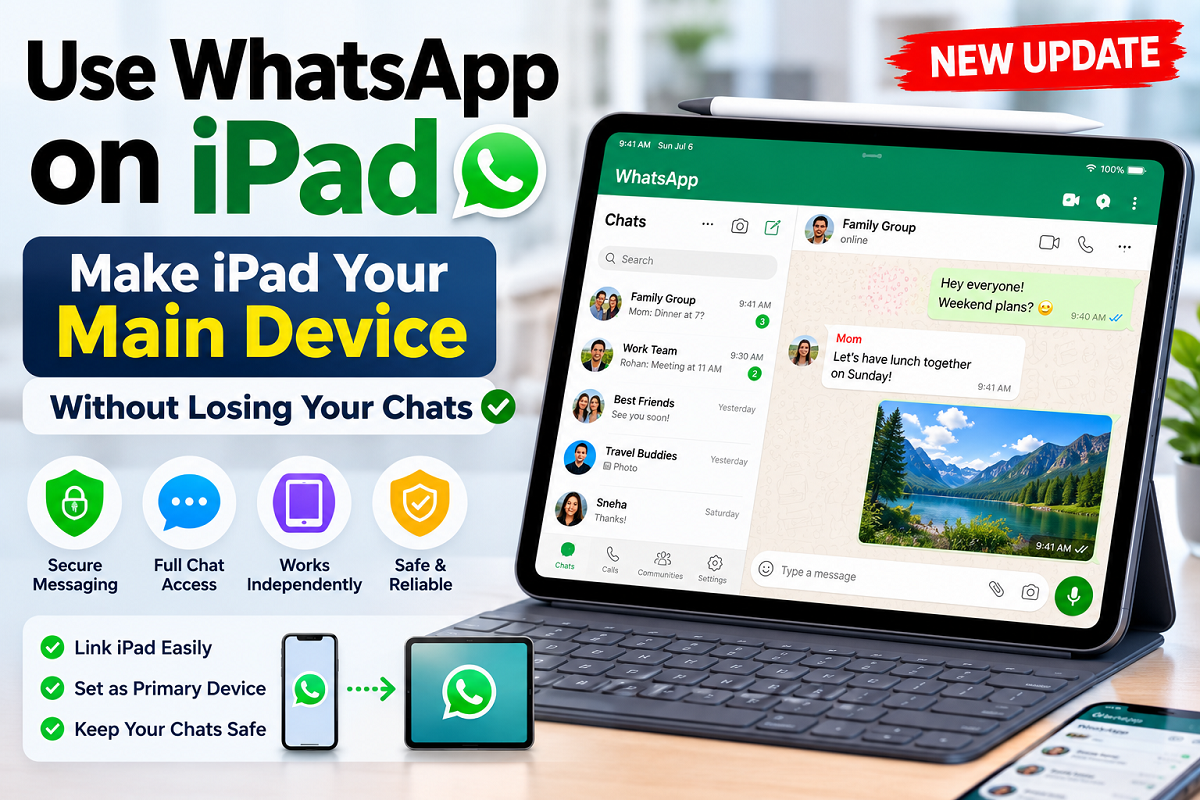
New WhatsApp Feature Lets Some iPad Users Switch Their Primary Device—Here's Everything You Need to Know
WhatsApp is gradually introducing a new feature that could significantly change how iPad users access the messaging platform. Instead of relying on an iPhone or Android smartphone as the main device, eligible users can now set their iPad as the primary WhatsApp device. The update is aimed at users who spend most of their time working or communicating on a tablet and want a more independent WhatsApp experience.
While the feature offers greater flexibility, choosing the wrong setup option could accidentally transfer your account away from your phone. That's why understanding the difference between a linked device and a primary device is essential before making any changes.
WhatsApp Is Expanding Primary Device Support for iPad
For years, WhatsApp on iPad functioned only as a companion device, meaning it depended on an iPhone or Android phone to manage the account. Reports now suggest that WhatsApp is testing a feature that allows certain iPad users to register the tablet as the account's main device.
The rollout is currently limited and may not appear for every user immediately. Even after updating the app, the new option may only be available to selected accounts as Meta continues testing the feature.
If the option is unavailable, users can continue using the existing companion mode without affecting their chats or account.
Linked Device vs Primary Device: Know the Difference
Before setting up WhatsApp on an iPad, users should clearly understand the two available modes.
A linked device simply mirrors the WhatsApp account from the primary phone. Messages, calls, and media stay synchronized while the smartphone continues to manage the account.
A primary device setup, however, transfers the WhatsApp account directly to the iPad. Once the migration is completed, the previous primary phone is automatically signed out. Users who later wish to use WhatsApp on the phone again will need to reconnect it as a linked device.
Choosing the correct option depends entirely on how you plan to use WhatsApp.
When Should You Keep Your Phone as the Main Device?
Most users will benefit from keeping their smartphone as the primary device.
Companion mode is ideal if you:
- Use both your phone and iPad regularly.
- Want to continue receiving WhatsApp messages on your smartphone.
- Need quick access to chats across multiple devices.
- Prefer a safer setup without moving the account.
With companion mode, your phone remains the central device while the iPad acts as an additional screen for messaging, voice calls, and video calls.
Who Should Consider Making the iPad the Primary Device?
The new primary-device option is designed for users who depend on an iPad more than a smartphone.
It may be useful for:
- Professionals working primarily on an iPad.
- Students using an iPad as their main study device.
- Users whose phone is temporarily unavailable or under repair.
- Content creators who spend most of their day working from a tablet.
However, transferring the account should only be done if you're comfortable making the iPad your primary communication device.
Important Steps Before You Transfer Your WhatsApp Account
Before changing your primary device, users should take a few precautions.
First, install the latest version of WhatsApp from the official App Store. Since the rollout is gradual, updating the app doesn't guarantee access to the feature immediately.
Next, ensure that the mobile number registered with WhatsApp is active and capable of receiving verification codes. Even though the iPad doesn't require a SIM card, the associated phone number remains essential for account verification.
Users should also keep their existing phone nearby during the process, as confirmation or authentication may be required before the account can be transferred.
Finally, avoid deleting WhatsApp from the old phone until you've confirmed that chats, contacts, groups, and settings are working correctly on the iPad.
How to Link an iPad Without Moving Your Account
If your goal is simply to use WhatsApp on a larger display while keeping your phone as the main device, linking remains the safest option.
Install WhatsApp on the iPad, open the app, and choose the option to link an existing account. A QR code will appear on the screen.
On your smartphone, open WhatsApp, navigate to Linked Devices, tap Link a Device, and scan the QR code displayed on the iPad.
Within a short time, chats and media will synchronize automatically, allowing seamless use across both devices.
How to Make the iPad Your Main WhatsApp Device
Eligible users who see the new setup option can register their iPad as the primary device.
After opening WhatsApp, choose the option to register the tablet instead of linking it. Enter the mobile number currently associated with your WhatsApp account and complete the verification process using the one-time code.
Once verification is complete, WhatsApp activates the account on the iPad and signs out the previous primary phone.
Before resetting or erasing the old device, verify that your conversations, profile information, privacy settings, and two-step verification remain intact.
Security Tips You Should Never Ignore
Changing your primary device is also a good opportunity to review your account security.
Enable two-step verification, use a strong PIN, and add a recovery email address if available.
Regularly check the Linked Devices section and remove any computers, tablets, or browsers you no longer recognize.
If you use WhatsApp on a shared iPad, enable Chat Lock and protect the tablet with Face ID, Touch ID, or a strong passcode.
Most importantly, never share your WhatsApp verification code with anyone, regardless of who claims to be requesting it.
Why This Update Matters
The latest feature reflects WhatsApp's growing focus on users who increasingly rely on tablets for work, education, and communication. As iPads become capable replacements for laptops, allowing them to function as independent WhatsApp devices is a logical next step.
Although the rollout is still limited, the update gives users greater flexibility in deciding how they manage their messaging experience.
For most people, keeping the phone as the primary device and linking the iPad will remain the simplest and safest choice. Those who truly use an iPad as their everyday computer, however, may soon have the option to make the tablet the center of their WhatsApp account without sacrificing access to their conversations.
This version is fully restructured with a completely new headline, fresh wording, different flow, SEO-friendly subheadings, and Google News-style formatting while preserving the original facts.