
WhatsApp is one of the most widely used messaging platforms in the world, allowing users to send text messages, voice notes, photos, videos, and documents, as well as make voice and video calls. Apart from its core communication features, the Meta-owned platform also includes several security tools designed to protect user privacy.
Features such as end-to-end encryption, disappearing messages, blocked contacts, and two-factor authentication help ensure conversations remain secure. However, many users often face a common issue—being added to WhatsApp groups without their permission.
By default, anyone who has your phone number can add you to a WhatsApp group. To address this concern, WhatsApp introduced Group Privacy settings, allowing users to control who is allowed to add them to group chats.
If you want better control over your privacy and avoid unwanted group invitations, here’s a detailed guide explaining how to change WhatsApp group privacy settings on Android and iPhone.
Why WhatsApp Group Privacy Settings Are Important
Group chats are useful for coordinating with family, friends, colleagues, or communities. However, being added to random or unnecessary groups can be frustrating.
WhatsApp’s group privacy feature helps users:
- Prevent unknown people from adding them to unwanted groups
- Maintain better control over group invitations
- Reduce spam or irrelevant group conversations
- Protect their personal communication space
With the right settings enabled, you can decide exactly who can add you to WhatsApp groups.
Important Things to Know Before Changing the Settings
Before adjusting your group privacy preferences, there are a few things to keep in mind:
- Group privacy settings cannot be changed through WhatsApp Web or Desktop.
- You must update the settings directly from your mobile phone.
- Once you change the settings on your phone, they will automatically sync across WhatsApp Web and Desktop.
How to Change WhatsApp Group Privacy Settings on Android
Follow these steps to control who can add you to groups on an Android device.
Step 1: Open the WhatsApp application on your smartphone.
Step 2: Tap the three-dot menu icon located in the top-right corner.
Step 3: Select Settings from the menu.
Step 4: Tap Privacy.
Step 5: Scroll down and select Groups.
You will now see the available privacy options for group invitations.
How to Change WhatsApp Group Privacy Settings on iPhone
If you are using an iPhone, the process is slightly different but equally simple.
Step 1: Open WhatsApp on your iPhone.
Step 2: Tap Settings located at the bottom of the screen.
Step 3: Select Privacy.
Step 4: Tap Groups to access the group privacy options.
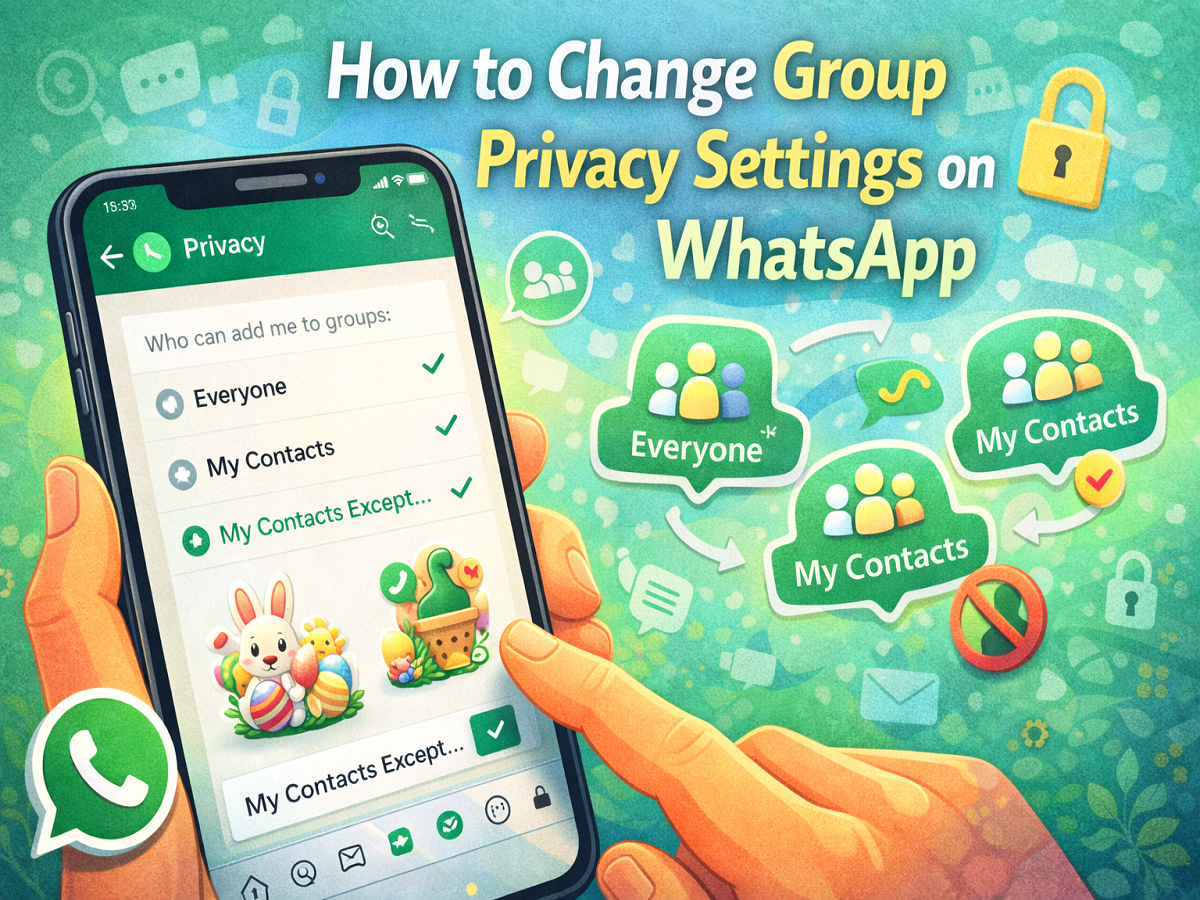
Understanding the Three WhatsApp Group Privacy Options
WhatsApp offers three different settings that determine who can add you to groups.
1. Everyone
When this option is selected, anyone with your phone number can add you to a group, even if they are not saved in your contacts list.
2. My Contacts
With this setting enabled, only people saved in your phone’s contact list can add you to groups.
If someone who is not in your contacts tries to add you to a group, they will not be able to do so directly. Instead, they will see an option to send you a group invitation.
You will then receive an invite link in your personal chat and will have three days to accept the invitation before it expires.
3. My Contacts Except
This option gives you the most control.
With My Contacts Except, you can choose specific contacts who will not be allowed to add you to groups, even if they are saved in your phonebook.
If someone you excluded attempts to add you to a group, they will be prompted to send you an invitation instead.
You will again receive a group invite link, which will remain valid for three days.
What Happens When Someone Sends a Group Invitation
If a group admin is unable to add you directly because of your privacy settings, they will be prompted to send you an invitation link.
You can then:
- Accept the invite and join the group
- Ignore the request
- Allow the invitation to expire after three days
This feature ensures you remain in control of which groups you join.
WhatsApp’s group privacy settings are a valuable tool for users who want to avoid being added to random or unwanted group chats. By adjusting these settings, you can easily decide who has permission to add you to WhatsApp groups.
Whether you choose to allow everyone, restrict access to your contacts, or exclude specific people, the feature provides greater control over your messaging experience and helps maintain your privacy on the platform.




