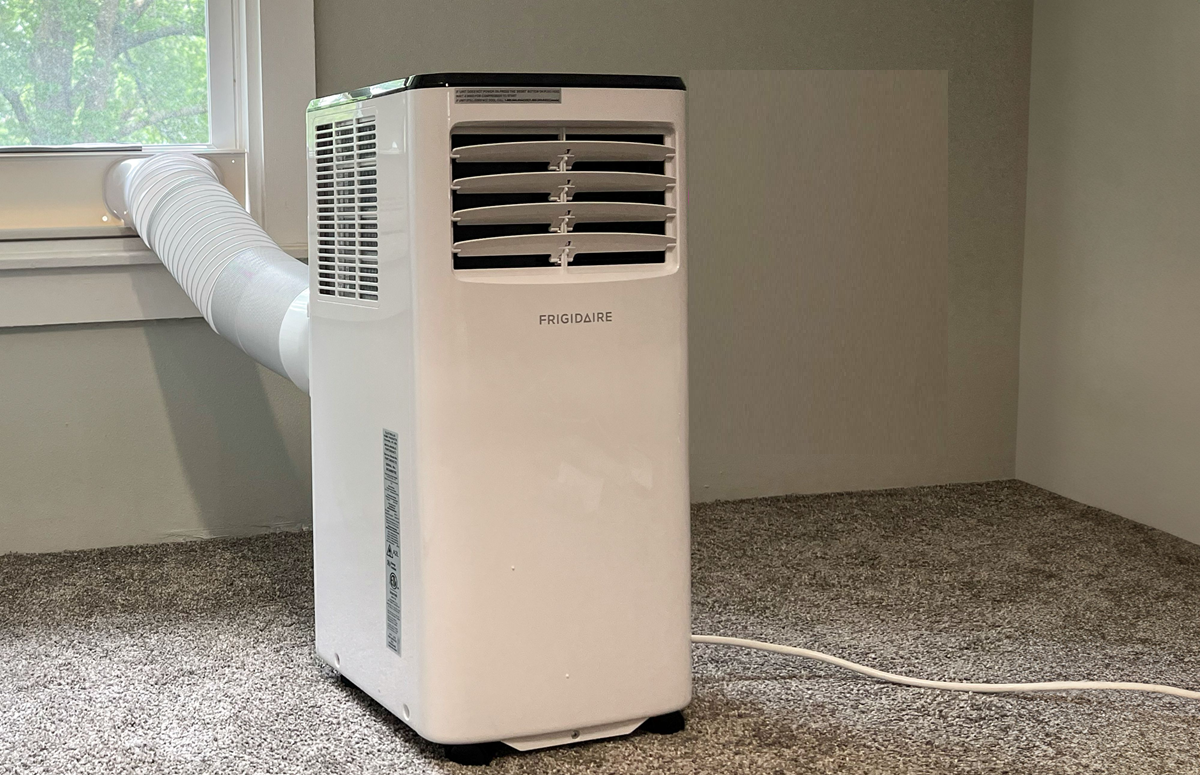
Portable ACs sometimes display an FL error. If your AC is displaying this code and you're unsure what it means, there's no need to worry.
Portable AC Display FL Error
Portable ACs are an easy way to keep a room cool, especially in areas where installing a window AC is difficult. It doesn't require much modification to install and can be moved from one room to another as needed. However, like other electronic appliances, it can sometimes display an error code. Sometimes, an FL error suddenly appears on the display of a portable AC, confusing people. If your AC is also displaying FL, let's find out what it means and what to do if you see it.
What does FL mean on a portable AC Display?
If you suddenly see an FL error on your portable AC's display and the AC stops working, there's no need to worry. This usually means the AC's water tank is full. Here, FL stands for Full Level. FL on the portable AC's display indicates that the water in the AC has reached the set level, so it stops working.
What to do if FL is shown on the Portable AC Display?
If the "FL" error appears on your portable AC's display, the first step is to remove any accumulated water in the AC. Empty the water tank or drip tray thoroughly. Once the water is drained, the AC can be restarted. Why does
water accumulate in a portable AC?
When an AC cools the air, it also draws moisture from the air. Different AC systems handle this moisture differently. Portable ACs typically have a drip tray or water tank. When the AC's evaporation feature can't handle this moisture, water begins to accumulate in this tray or tank. The tank can fill up quickly, especially on days with high humidity.
If the water isn't drained in a timely manner, the AC's cooling may decrease, or it may even shut down completely. Therefore, if you see the FL code on the display, drain the water first. Some portable ACs may also display a P1 code for this problem.
These error codes can appear in portable ACs
Error codes may vary from brand to brand, but some codes are common. TP may stand for Tank Position. This indicates that the tank is not in the correct position or the AC is not placed on a level surface.
E1 could indicate a fault with the room temperature sensor. E4 or F4 could indicate a problem with the evaporator coil freezing or overheating. Additionally, an HP code could indicate a blocked air filter or air duct, which can cause pressure build-up.