
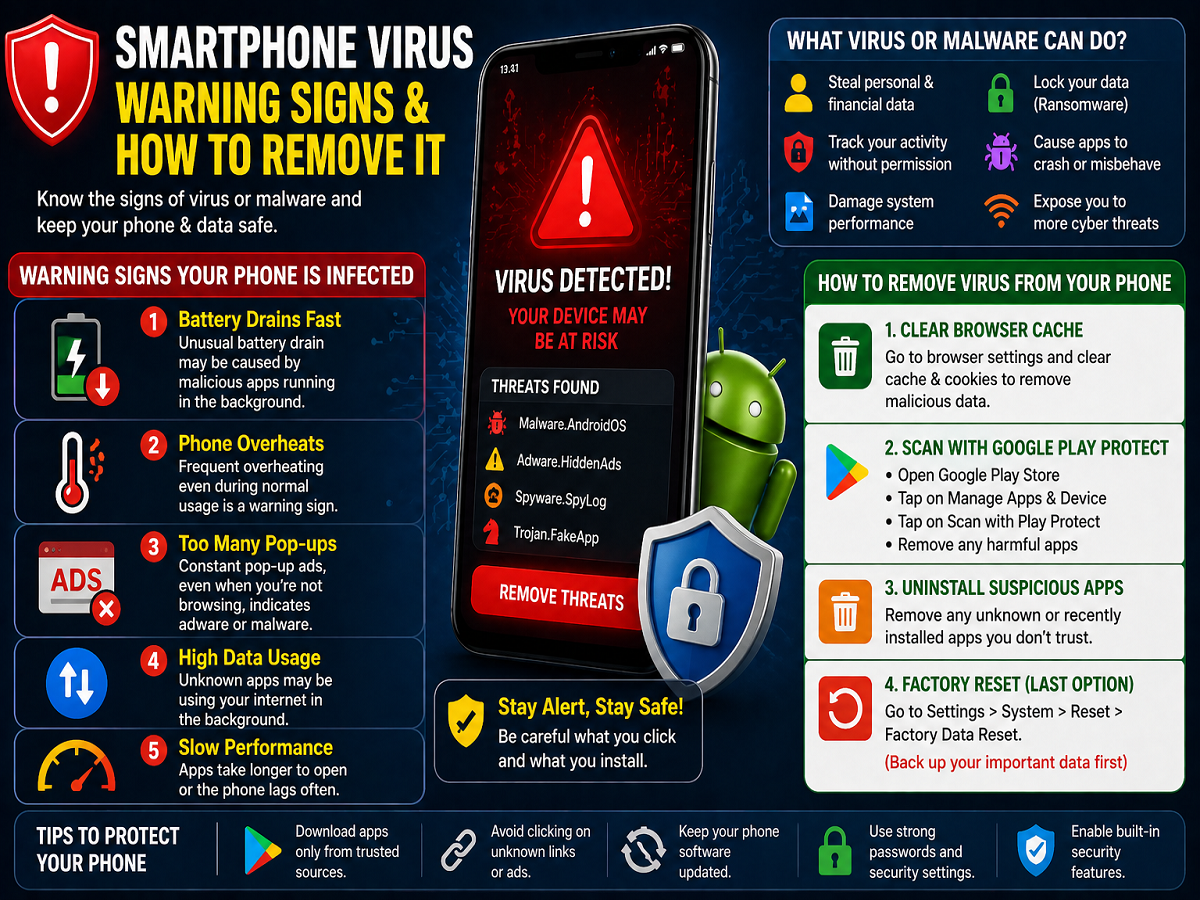
With smartphones becoming an essential part of daily life, they now store everything from personal photos to banking details. This makes them a prime target for cybercriminals. As technology evolves, hackers are also becoming more sophisticated—using viruses and malware to gain access to devices and steal sensitive information.
If you use a smartphone regularly, it’s important to recognize the warning signs of a virus and know how to remove it before it causes serious damage.
How Do Smartphone Viruses Work?
Unlike traditional computer viruses that spread across systems, mobile malware targets specific vulnerabilities in your device. Once installed—often through unsafe apps or malicious websites—it can run silently in the background.
These threats may include:
- Adware: Displays unwanted ads
- Spyware: Tracks your activity and steals data
- Ransomware: Locks your device or data until payment is made
- Trojans and worms: Gain unauthorized access to your system
Such malware can compromise your privacy, slow down your device, and even lead to financial loss.
Common Signs Your Phone May Be Infected
Here are some key warning signs that indicate your smartphone might have a virus:
1. Rapid Battery Drain
If your phone’s battery suddenly starts draining faster than usual, it could be due to malicious apps running in the background.
2. Overheating Issues
Frequent overheating, even during normal usage, may indicate hidden malware activity.
3. Excessive Pop-Up Ads
While occasional ads are normal, constant pop-ups—even when you’re not browsing—can be a sign of adware infection.
4. High Data Usage
If your mobile data is being consumed unusually fast, malware could be using your internet connection without your knowledge.
5. Slow Performance
Apps taking longer to open or frequent lag can also signal that your phone is compromised.
What Can a Virus Do to Your Phone?
A virus or malware can cause serious harm, including:
- Stealing personal and financial data
- Tracking your activity without permission
- Damaging system performance
- Causing apps to crash or malfunction
- Exposing your device to further cyber threats
This is why early detection is crucial.
How to Remove Virus from Your Smartphone
If you suspect your phone is infected, follow these steps to clean it:
1. Clear Browser Cache
Malicious websites can store harmful data in your browser. Go to your browser settings and clear cache and cookies to remove suspicious data.
2. Use Google Play Protect
Google Play Protect is built into Android devices to scan apps for harmful behavior.
Steps to use it:
- Open Google Play Store
- Go to Manage Apps & Device
- Tap on Scan with Play Protect
- Remove any flagged apps
3. Uninstall Suspicious Apps
Check recently installed apps and remove any unknown or suspicious ones immediately.
4. Perform a Factory Reset (Last Option)
If the problem persists, a factory reset can completely remove malware.
- Go to Settings > System > Reset
- Select Factory Data Reset
⚠️ Note: This will erase all data, so back up important files before proceeding.
Tips to Protect Your Phone from Viruses
Prevention is always better than cure. Follow these safety tips:
- Download apps only from trusted sources like Google Play Store
- Avoid clicking on unknown links or ads
- Keep your phone’s software updated
- Use strong passwords and security settings
- Enable built-in security tools
Final Thoughts
Smartphone viruses are becoming more common, but they can be managed with awareness and the right tools. By recognizing early warning signs and taking quick action, you can protect your device and personal data.
A little caution today can save you from major problems tomorrow—so stay alert and keep your smartphone secure.




