
NEWS
UIDAI Aadhaar App Registration Guide: How to Sign Up and Start Using the New Aadhaar Mobile App
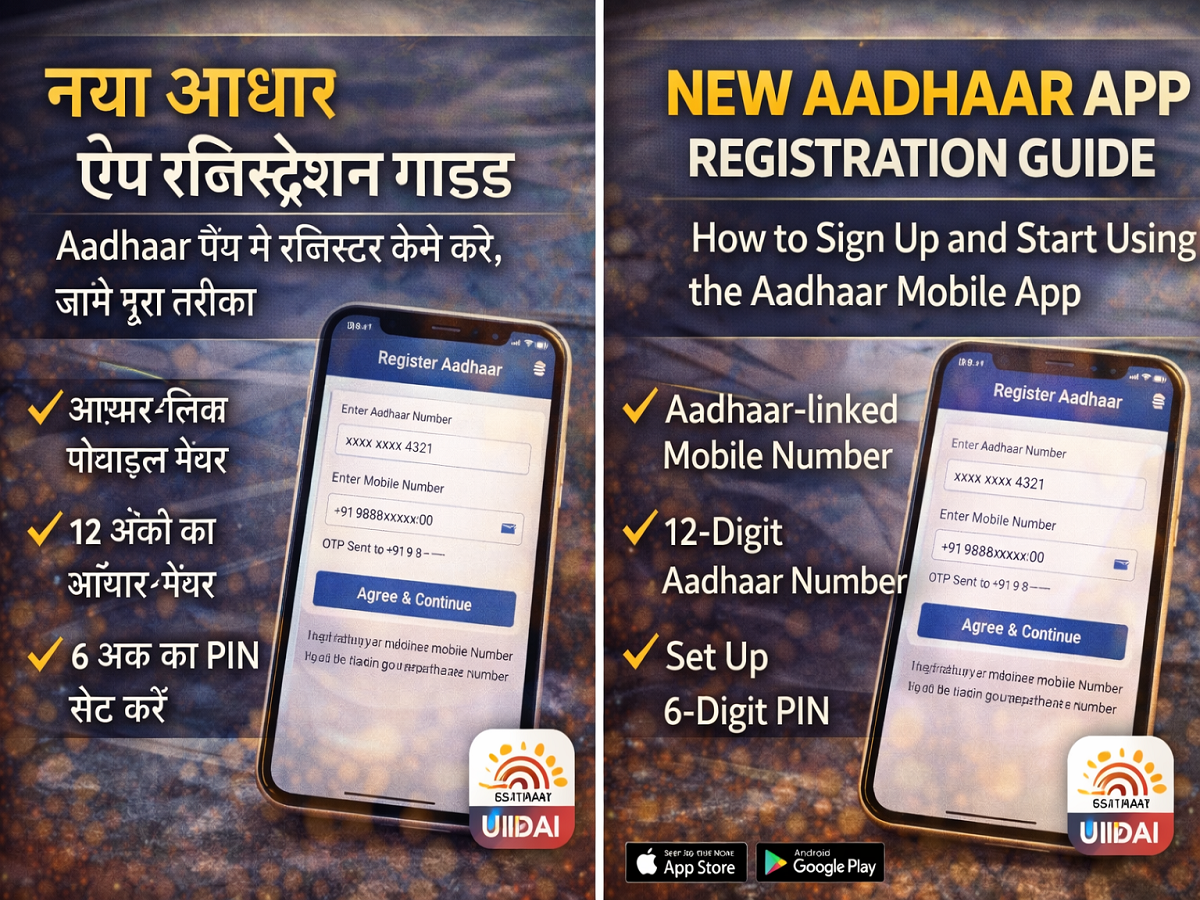
The Unique Identification Authority of India (UIDAI) has officially introduced a new Aadhaar mobile application designed to provide a fully digital platform for Aadhaar card holders. The updated app allows users to store their Aadhaar details securely, share identity information when required, and access multiple Aadhaar-related services directly from their smartphones.
Available on both Android and iOS devices, the new Aadhaar app focuses on improving convenience while strengthening security features. With this application, users can manage their digital identity without relying on physical documents.
However, before accessing its features, users must first register their Aadhaar number within the app. The registration process is quick and requires only a few steps, including mobile verification and biometric authentication.
Below is a detailed guide explaining how to register on the new Aadhaar app and begin using its features.
Overview of the New Aadhaar App
The updated Aadhaar mobile application is designed to support a paperless digital identity system. It allows Aadhaar holders to store their identity details digitally and securely share information whenever necessary.
Some key features of the new Aadhaar app include:
- Secure digital storage of Aadhaar details
- Ability to add up to five family Aadhaar profiles in one device
- Option to share masked Aadhaar information for privacy
- QR code scanning for instant Aadhaar verification
- Address and mobile number update services
- Offline identity verification without sharing Aadhaar number
Another important feature is Selective Sharing, which allows users to decide which personal details they want to reveal—such as name, address, or photo—while keeping other information private.
Additionally, the app offers biometric lock functionality, helping users protect their Aadhaar-linked fingerprint, face, or iris authentication from unauthorised access.
Things to Keep Ready Before Registration
Before starting the Aadhaar app registration process, users should ensure a few basic requirements are met.
Important Requirements
- A smartphone with internet connectivity
- The mobile number linked with Aadhaar
- Your 12-digit Aadhaar number
- A working front camera for face authentication
Using the Aadhaar-linked mobile number is recommended because some services inside the app may not work properly with an unregistered number.
Step-by-Step Guide to Register on the New Aadhaar App
Follow these steps to complete the Aadhaar app registration process.
Step 1: Download the App
Download the Aadhaar app from the Google Play Store or Apple App Store. Ensure that the developer listed is UIDAI to avoid installing unofficial apps.
Step 2: Launch the Application
After installation, open the app and choose your preferred language.
Step 3: Accept Terms and Conditions
Read the terms and conditions carefully and tap Agree to proceed.
Step 4: Select “Register Aadhaar”
On the main dashboard, tap the Register Aadhaar option to begin the registration process.
Step 5: Enter Aadhaar Number
Type your 12-digit Aadhaar number in the required field.
Step 6: Verify Mobile Number
Enter the mobile number linked with your Aadhaar. You will receive a One-Time Password (OTP) to verify your device.
Step 7: Complete Face Authentication
Follow the instructions on your screen and position your face within the camera frame. You may be asked to blink your eyes to complete the verification.
Step 8: Create a Secure PIN
Set a six-digit security PIN, which will be required every time you open the Aadhaar app.
Once these steps are completed, the registration process will finish successfully, and the app will display your Aadhaar details on the home screen.
Why the New Aadhaar App Is Important
The launch of the new Aadhaar app reflects the government’s push toward digital identity management and paperless services. By enabling Aadhaar holders to manage their identity digitally, the platform reduces dependency on physical documents and improves accessibility.
With growing use of Aadhaar in banking, government schemes, and identity verification, having quick access to Aadhaar services through a secure mobile app can significantly simplify everyday processes.




