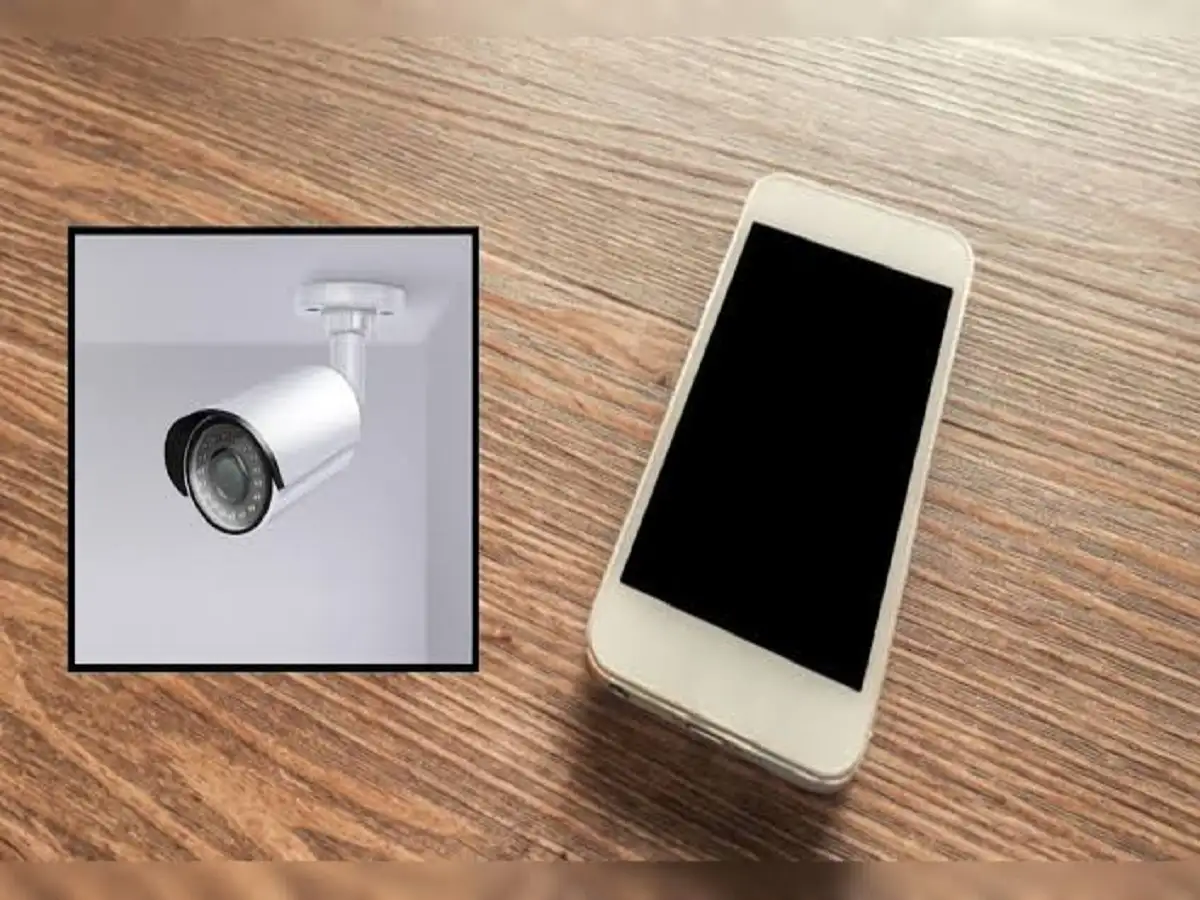
Have an old smartphone sitting unused in a drawer? Instead of throwing it away or leaving it to gather dust, you may be able to repurpose it as a basic home monitoring camera.
An old phone with a working camera, stable Wi-Fi connection and compatible security-camera app can potentially provide a live view of a selected area of your home. Depending on the app you choose, additional functions such as motion detection and recording may also be available.
The setup does not necessarily require expensive equipment, but users should pay close attention to app security, battery safety and privacy.
Here's how the process described in the source works.
1. Install a Trusted Security Camera App
The first step is to install a suitable security camera or home monitoring app on the old smartphone.
Don't download an unknown application simply because it promises free CCTV functionality. Before installing an app, check its user ratings, permissions and privacy policy.
This is especially important because a surveillance application may require access to the phone's camera and other functions. Users should understand what permissions they are granting and how the app handles video or account information.
Once the app is installed, follow its instructions to configure the old smartphone as the camera device.
2. Connect the Old Phone to Stable Wi-Fi
A reliable internet connection is important if you want to view the old smartphone's camera feed from another device.
Connect the old phone to a stable Wi-Fi network and make sure the connection remains reliable at the location where you intend to place the device.
An unstable connection could interrupt the live feed or affect other monitoring features provided by the app.
3. Position the Smartphone Carefully
Next, choose where you want the old smartphone to be placed.
Position it so that the camera provides a clear view of the area you want to monitor. Before permanently securing the device, open the camera feed and check the angle.
The phone should not be placed where furniture, curtains or other objects obstruct the camera.
You should also consider lighting. A smartphone camera may not perform as well in very dark conditions as a dedicated security camera designed specifically for low-light monitoring.
4. Turn Your Current Smartphone Into the Viewer
After setting up the old phone as the camera, configure your current smartphone as the viewing device.
According to the source, this can generally be done by installing or opening the same monitoring application and selecting its Viewer or Receiver mode, where available.
The two devices can then be linked through the same account or through the connection method provided by the particular app.
The exact steps can differ between applications, so follow the instructions provided by the app you choose.
5. Check the Live Camera Feed
Once both devices are successfully connected, you should be able to view the old smartphone's camera feed on your current device.
Some security-camera applications may provide additional features such as motion detection or video recording.
The availability of these features will depend on the app, device compatibility and the service plan being used.
Test the setup before relying on it for monitoring. Make sure the camera angle, Wi-Fi connection and video feed are working as expected.
6. Be Careful When Keeping the Phone Plugged In
Using a smartphone continuously as a camera can drain its battery quickly. Keeping the device connected to a suitable charger may therefore be necessary for longer monitoring periods.
However, heat management is important.
Avoid covering the phone or placing it in enclosed spaces where heat can build up. In particular, don't keep a continuously operating and charging smartphone underneath a pillow, blanket or other material that restricts ventilation.
If the old phone becomes unusually hot, the battery appears swollen or the charging equipment is damaged, stop using the setup until the issue is addressed.
7. Use a Secure Stand and Keep the Camera Clean
The phone should be mounted on a stable stand or another secure support so that it cannot easily fall.
Check that the charging cable does not pull the device out of position.
Also clean the camera lens before setting up the phone. Dust, fingerprints and dirt on the lens can reduce image clarity and make the live video less useful.
Don't Forget Privacy
Privacy is one of the most important considerations when converting an old smartphone into a monitoring camera.
People who may be recorded should be treated with appropriate consideration for their privacy and consent. Avoid placing cameras in highly private areas such as bathrooms or bedrooms, and comply with applicable local rules governing surveillance and recording.
A smartphone can provide a practical second life as a basic home-monitoring device, but it is not necessarily a complete replacement for a dedicated CCTV security system. For simple monitoring needs, however, a working old phone, stable Wi-Fi and a trustworthy camera app can offer an inexpensive way to reuse hardware that might otherwise remain unused.