
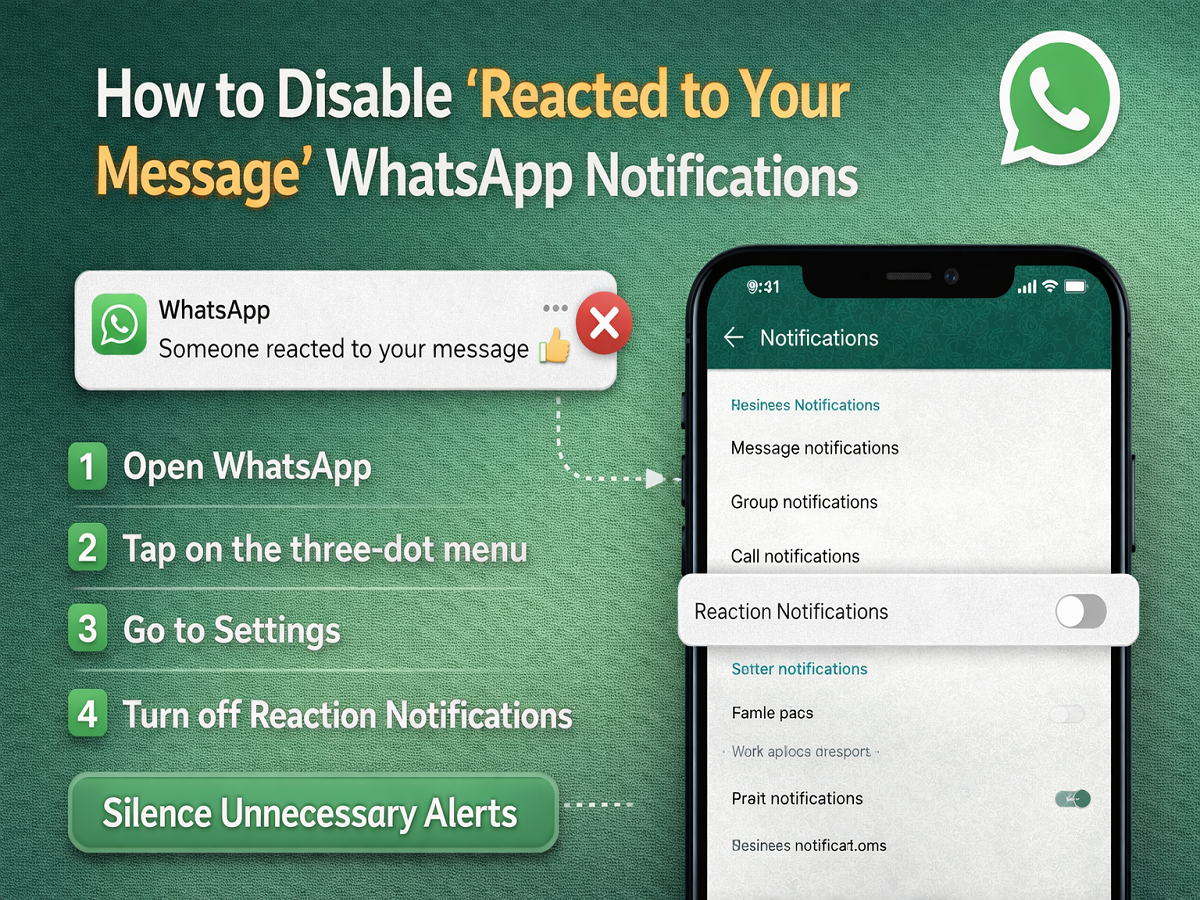
Constant notification pings can quickly become overwhelming, especially when they are triggered by minor updates like emoji reactions. To address this, WhatsApp offers users the option to disable “reacted to your message” alerts, helping create a more focused and distraction-free messaging experience.
The reaction feature, introduced as part of WhatsApp’s ongoing updates, allows users to respond to messages with emojis—similar to features seen on other Meta platforms. While this adds convenience and expressiveness to chats, it also generates additional notifications that some users may find unnecessary.
What Are WhatsApp Message Reactions?
Message reactions let users respond to individual messages using emojis such as 👍, ❤️, 😂, 😮, 😢, or 🙏. These reactions can be added in both personal and group chats, offering a quick way to acknowledge messages without typing a reply.
Users can also tap on a reaction icon below a message to view who reacted. However, each user can add only one reaction per message, and the total number of reactions remains visible to all participants.
Why You Might Want to Disable Reaction Notifications
Although useful, reaction alerts can sometimes feel intrusive. Since they appear similar to regular message notifications, users may check their phone expecting a new message—only to find it’s just a reaction.
This can be particularly distracting in active group chats where multiple people frequently react to messages. Disabling these alerts can help reduce unnecessary interruptions and improve productivity.
Step-by-Step Guide to Turn Off Reaction Notifications
Follow these simple steps to stop receiving reaction alerts on WhatsApp:
Step 1: Open WhatsApp
Launch the app on your smartphone.
Step 2: Access the Menu
Tap on the three-dot menu located in the top-right corner of the screen (on Android).
Step 3: Go to Settings
From the dropdown menu, select “Settings.”
Step 4: Navigate to Notifications
Tap on the “Notifications” option.
Step 5: Disable Reaction Notifications
Look for the “Reaction Notifications” toggle and turn it off.
Once disabled, you will no longer receive alerts when someone reacts to your messages, though you can still see reactions within chats.
Other WhatsApp Features Enhancing User Experience
WhatsApp continues to roll out new features aimed at improving usability and engagement. Some of the recent additions include:
- Polls: Users can create polls in both personal and group chats to gather opinions quickly.
- Communities: A feature designed to organize multiple groups under a single umbrella for better communication.
- Message Yourself: Allows users to send notes, reminders, and files to their own chat for easy access.
Additionally, the platform is reportedly working on an auto-mute feature for large group chats, which could further reduce notification overload. This feature is currently being tested in beta versions and may be released more widely in the future.
Final Thoughts
Managing notifications effectively is key to maintaining a smooth digital experience. While WhatsApp’s reaction feature adds convenience, not every alert needs your attention. By turning off reaction notifications, users can enjoy a cleaner, less distracting interface without missing important messages.
As WhatsApp continues to evolve, features like these ensure users have greater control over how they interact with the app—making communication smarter, quieter, and more personalized.




