
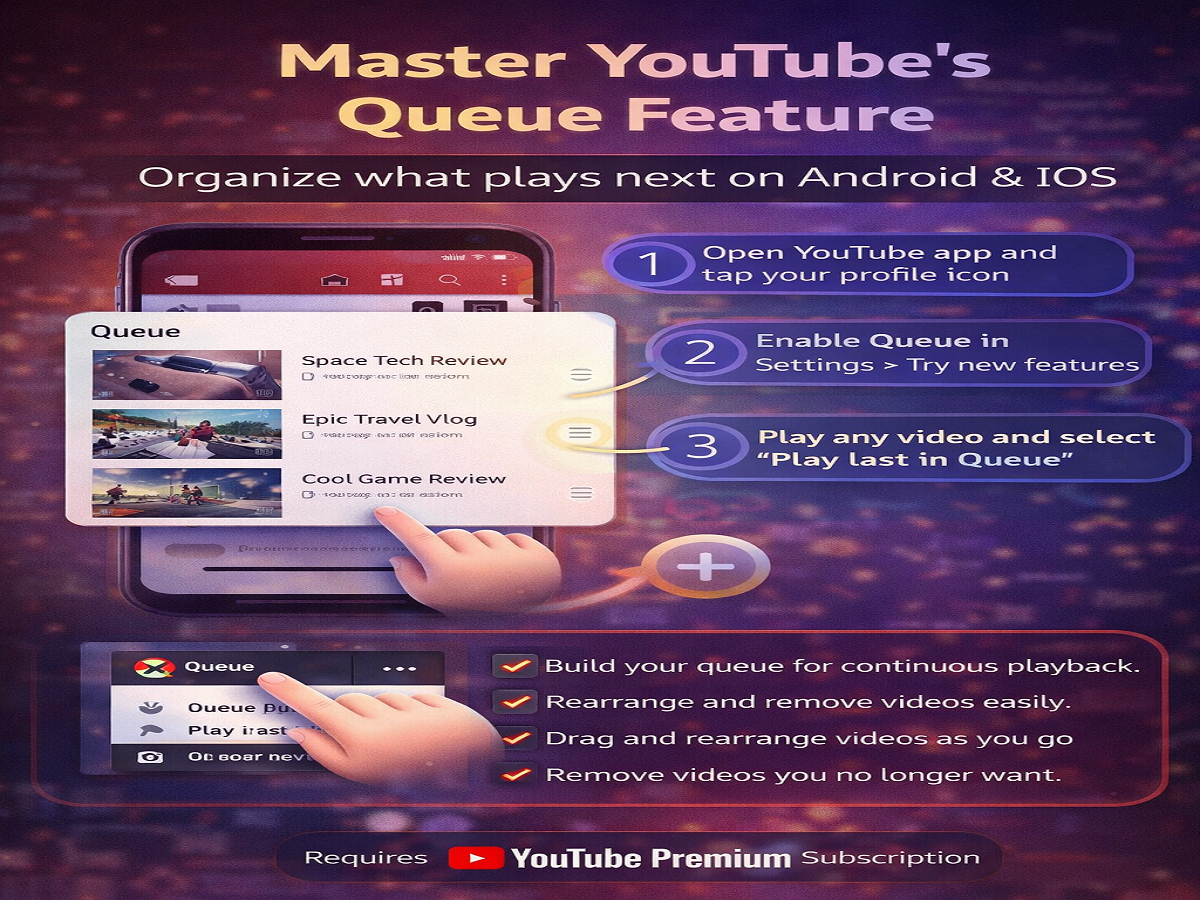
Watching videos on YouTube just got smarter and more flexible. The platform has introduced a new Queue feature that allows users to line up videos and control what plays next—similar to how playlists work, but without permanently saving content.
If you often switch between videos or want a smoother viewing experience, this feature can be a game-changer.
What Is the YouTube Queue Feature?
The Queue feature lets you temporarily organize videos in the order you want them to play. Instead of manually selecting each video after one ends, you can create a continuous stream of content.
What You Can Do with Queue:
- Add multiple videos to play next
- Rearrange video order anytime
- Remove videos from the list easily
- Enjoy uninterrupted viewing
Unlike “Watch Later” or playlists, the Queue is temporary and designed for instant use.
Availability of the Feature
Currently, this feature is being tested as an experimental rollout. It is available on:
- Android smartphones
- iPhones
- Web version (already fully available)
To access it on mobile devices, users need a YouTube Premium subscription, which unlocks early access to such experimental features.
How to Enable YouTube Queue Feature (Android & iPhone)
Follow these steps to activate the Queue feature:
- Open the YouTube app on your device
- Tap on your profile icon (top-right corner)
- Go to Settings
- Select “Try new features”
- Find the Queue feature and enable it
Once activated, you’re ready to start building your video queue.
How to Use the Queue Feature
After enabling it, here’s how you can create and manage your Queue:
- Open any video on YouTube
- Tap on the three-dot menu next to the video
- Select “Play last in Queue”
- The video will be added to your queue list
Managing Your Queue:
- Access the Queue panel at the bottom of the screen
- Drag and drop videos to reorder them
- Remove videos you no longer want
- Keep adding more videos as you browse
Queue vs Playlist: What’s the Difference?
| Feature | Queue | Playlist |
|---|---|---|
| Duration | Temporary | Permanent |
| Editing | Quick & flexible | Requires saving |
| Purpose | Instant playback control | Long-term organization |
Important Things to Know
- The Queue feature is still under testing, so it may not be available to all users
- Requires an active YouTube Premium subscription
- Feature availability may vary by region
Final Thoughts
The Queue feature brings a much-needed upgrade to how users consume videos on YouTube. It combines the flexibility of playlists with the convenience of instant playback control.
If you’re someone who enjoys binge-watching or curating videos on the go, this feature can significantly enhance your experience. Try it out and take full control of what plays next—without interruptions.




