
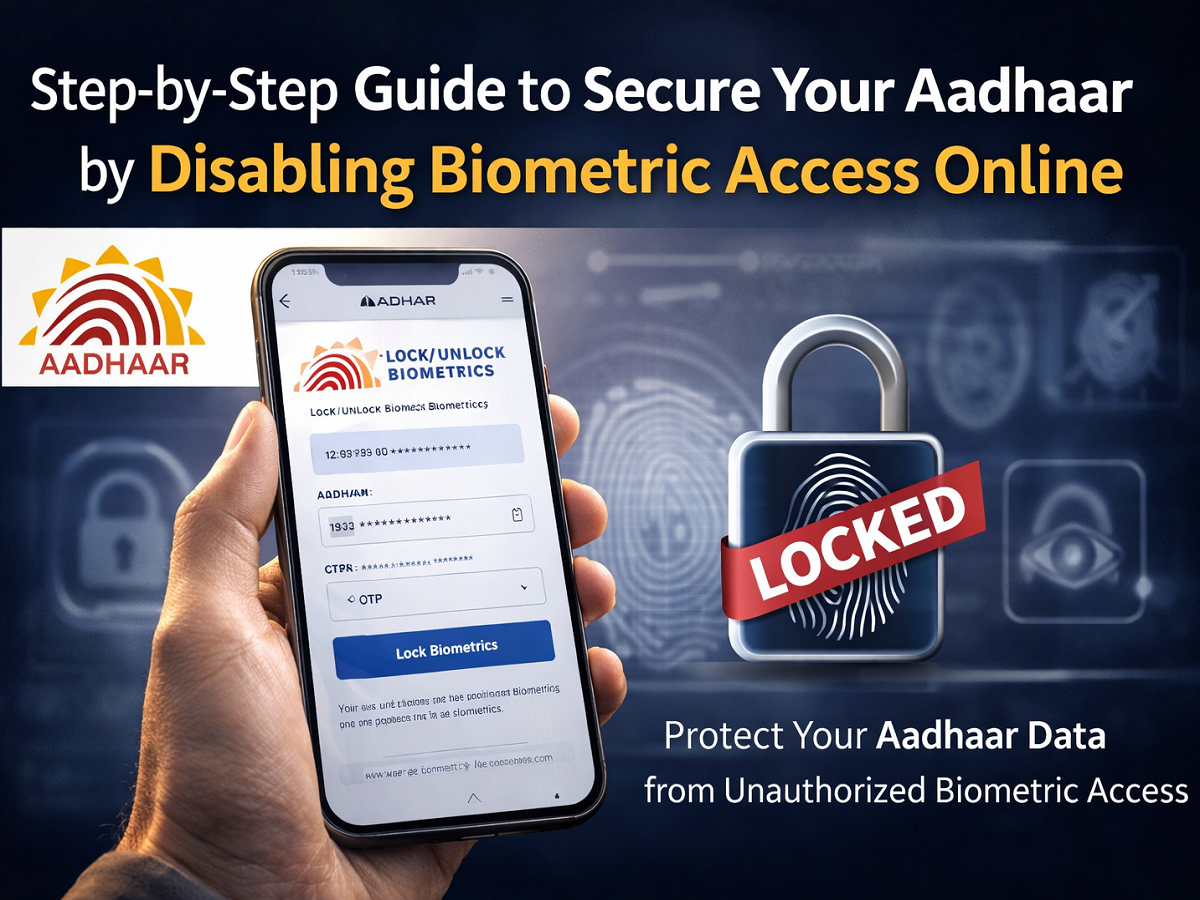
Aadhaar has become an essential identity document for accessing banking services, telecom connections, government schemes, and financial platforms. To enhance privacy and security, many individuals choose to temporarily disable biometric authentication linked to their Aadhaar. However, there are times when you may need to enable it again to complete verification processes.
If you have previously locked your biometric details, here’s a complete and easy-to-follow guide on how to reactivate them securely.
The biometric lock and unlock facility is provided by the Unique Identification Authority of India (UIDAI), the official body responsible for managing Aadhaar services across the country. The process is simple, secure, and can be completed online within minutes.
What Does Unlocking Aadhaar Biometrics Mean?
When your Aadhaar biometrics are locked, fingerprint and iris-based authentication cannot be used for identity verification. Unlocking them restores the ability to use biometric authentication at banks, telecom outlets, and other service centers that require Aadhaar verification.
You may need to unlock your biometrics if:
- You temporarily locked them for security reasons
- You need to complete Aadhaar-based authentication
- A service provider requires fingerprint or iris verification
- You are enrolling in or updating Aadhaar-linked services
It is important to remember that unlocking should be done only when necessary, and you can lock the biometrics again afterward for enhanced protection.
How to Unlock Aadhaar Biometric Data Online
You can unlock your biometrics either by visiting an Aadhaar Enrollment Center or by using the official UIDAI portal. The online method is faster and more convenient.
Follow these steps carefully:
Step 1: Visit the Official UIDAI Website
Open your web browser and type https://uidai.gov.in in the address bar. Ensure you are accessing the official government portal.
Step 2: Navigate to Aadhaar Services
On the homepage, look for the “Aadhaar Services” section. Click on it to view the available options.
Step 3: Select “Lock/Unlock Biometrics”
From the dropdown menu, choose the “Lock/Unlock Biometrics” option. This will redirect you to the biometric management page.
Step 4: Enter Your Aadhaar Number
On the new page, type your 12-digit Aadhaar number in the designated field. Double-check for accuracy before proceeding.
Step 5: Complete the Security Verification
Enter the captcha code displayed on the screen to confirm that the request is genuine.
Step 6: Generate and Receive OTP
Click on the “Send OTP” or “Generate OTP” button. A One-Time Password (OTP) will be sent to your registered mobile number.
Step 7: Enter the OTP
Check your mobile phone for the OTP message and enter the code in the required field on the website.
Step 8: Confirm Unlock Request
After entering the OTP, click on the “Submit” or “Unlock” button to initiate the unlocking process.
Step 9: Receive Confirmation
If all details are correct, your biometric data will be successfully unlocked. A confirmation message will appear on the screen.
Step 10: SMS Notification
You may also receive an SMS on your registered mobile number confirming that your Aadhaar biometrics have been unlocked.
Important Points to Keep in Mind
- Your mobile number must be linked with Aadhaar to receive the OTP.
- Always use the official UIDAI website to avoid fraudulent portals.
- Unlock biometrics only when required for authentication.
- Consider locking your biometrics again after completing the verification process.
If your mobile number is not registered with Aadhaar or needs updating, you will need to visit an Aadhaar Enrollment Center to make the necessary changes.
Why It’s Important to Use This Feature Carefully
While unlocking biometrics allows seamless authentication, it also re-enables fingerprint and iris access. For better security, experts recommend keeping biometrics locked when not in use and unlocking them only temporarily for verification purposes.
The process is designed to give users full control over their identity data. By managing your biometric settings wisely, you can strike a balance between convenience and security.
Reactivating Aadhaar biometric authentication is quick, secure, and entirely user-controlled—ensuring that your identity remains protected while still accessible whenever needed.




