Interactive messaging has become a key part of social media, and Instagram continues to enhance user engagement with features like polls in Direct Messages (DMs). This feature allows users to quickly gather opinions, make group decisions, or simply have fun conversations—all within private chats.
If you’re looking to use polls inside Instagram chats, here’s a complete and easy-to-follow guide with everything you need to know.
What is Instagram Polls in DMs?
The poll feature in DMs works similarly to the poll sticker available in Stories. It allows users to ask questions and provide multiple answer options that participants can vote on.
Whether you’re chatting with friends or managing a group conversation, polls make it easier to collect feedback instantly. The best part is that results are updated in real time, making conversations more dynamic and interactive.
Key Features of Instagram DM Polls
Here are some highlights of the feature on Instagram:
- Create polls directly within personal or group chats
- View live voting results as participants respond
- Allow users to change their votes anytime
- Let participants add new answer options in group chats
This flexibility makes polls a useful tool for both casual and practical use.
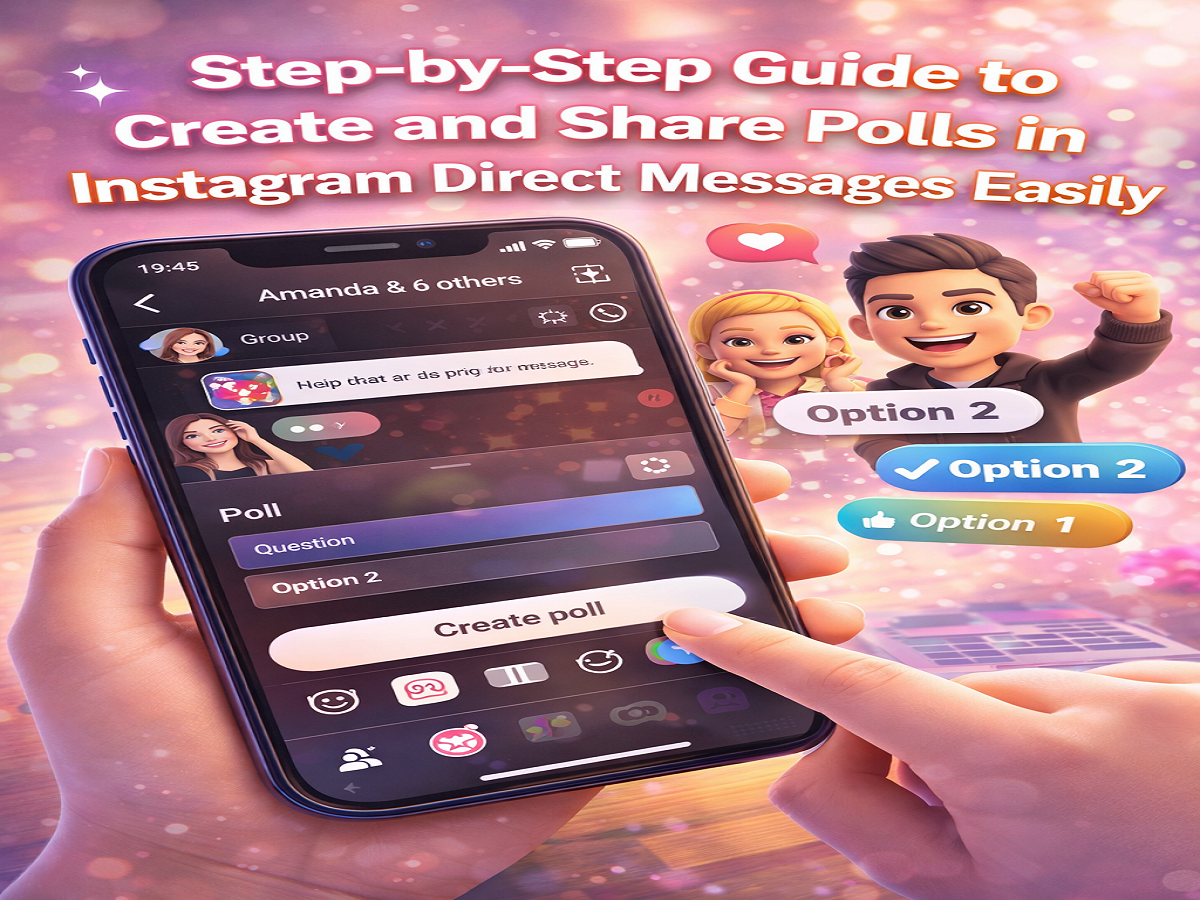
How to Create a Poll in Instagram DMs
Follow these steps to create and share a poll in your chat:
Step 1: Open Instagram
Launch the Instagram app on your smartphone.
Step 2: Go to Direct Messages
Tap on the DM icon and open the conversation or group where you want to create a poll.
Step 3: Access Stickers
Tap on the Stickers icon available in the chat interface.
Step 4: Select Poll Option
Choose the Poll feature from the available options.
Step 5: Add Question and Options
Enter your question and provide the answer choices.
Step 6: Create Poll
Tap on the Create Poll button to share it in the chat.
Once posted, participants can vote instantly, and results will update in real time.
Can You Edit or Change Poll Responses?
Yes, Instagram allows flexibility in polls:
- Users can change their votes anytime while the poll is active
- In group chats, participants can add new answer options
- You can view detailed responses by tapping on the poll
This makes the feature more interactive and adaptable to ongoing conversations.
How to Add Polls to Photos and Videos in DMs
Instagram also allows you to include poll stickers on media shared in chats. Here’s how:
- Open Instagram and go to your DM section
- Select a chat (individual or group)
- Open the camera and capture a photo or video
- Tap on the Stickers icon
- Choose the Poll option
- Enter your question and answers, then tap Done
- Adjust the sticker’s position or size if needed
- Tap Send
Important Things to Know
While adding polls to photos and videos is a creative feature, there’s a small limitation:
- Users cannot vote directly by tapping the sticker on media
- Instead, they need to respond in the chat by selecting an option
Understanding this difference helps avoid confusion when using polls in media messages.
Final Thoughts
The polls feature in DMs on Instagram is a simple yet powerful way to boost interaction and make conversations more engaging. Whether you’re planning an event, making decisions, or just having fun with friends, polls offer a quick and effective solution.
Try using this feature in your next chat and see how it transforms your conversations into a more interactive experience.